

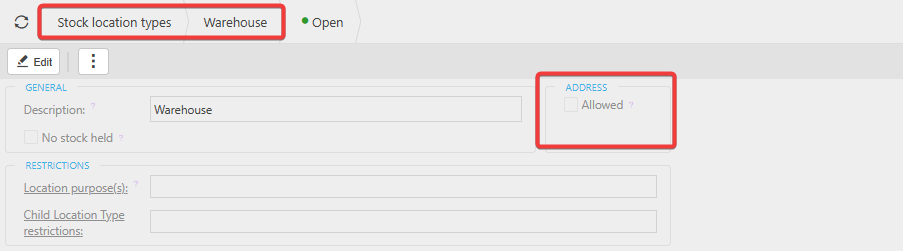
To allow stock locations to hold default address information, you must first enable the Address setting on the Stock Location Type.
1. Enable Address on the Stock Location Type
- Navigate to Stock Location Types.
- Edit the relevant location type.
- Tick the Address option.
- Save your changes.
Once this setting is enabled, stock locations assigned to this type will support address fields
2. Add the Address to the Stock Location
After enabling the Address setting:
- Open the Stock Location record.
- You will now see the address fields available.
- Enter the required address details and save.
3. Address Appears in the Finder
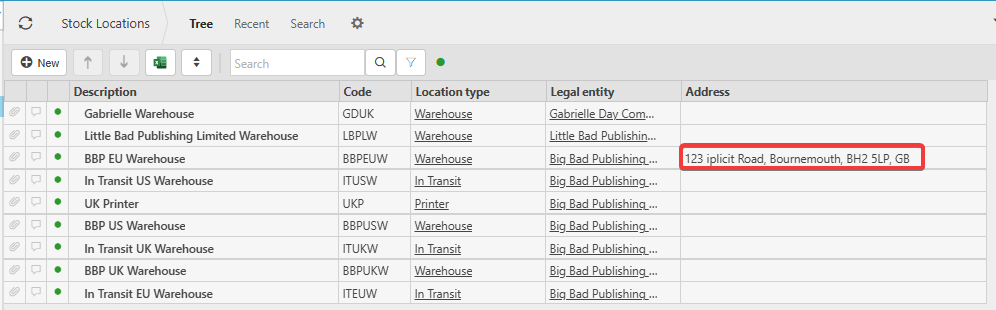
Once an address has been added to the location, it will automatically populate in the Finder, making it easier to identify and select the correct stock location.
Customer search terms
Address on Stock Location
Stock addresses
Enabling addresses for stock
_______________________________________________________________________________________