

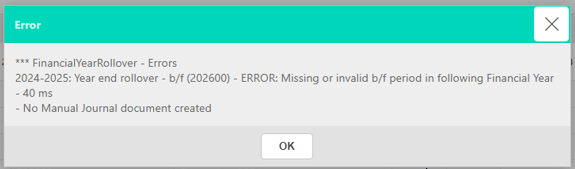
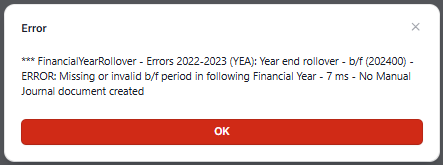
This article covers a specific error that occurs during the year-end rollover process in iplicit. The error appears when the brought-forward period – for example, b/f 202600 (brought forward 202600) – is locked or has not yet been created. iplicit requires an open brought-forward period to post balances into during the rollover.
Why this error occurs
During the year-end rollover, iplicit needs to post brought-forward balances into an open period. If the brought-forward period is locked or does not exist, the rollover cannot complete and the error is displayed.
Resolving the brought-forward period error
- Navigate to the Financial Year screen
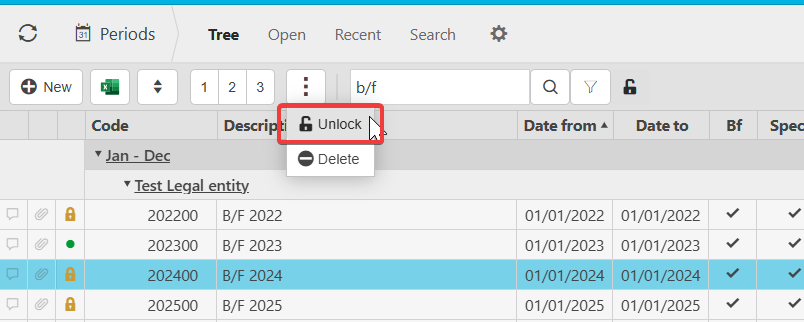
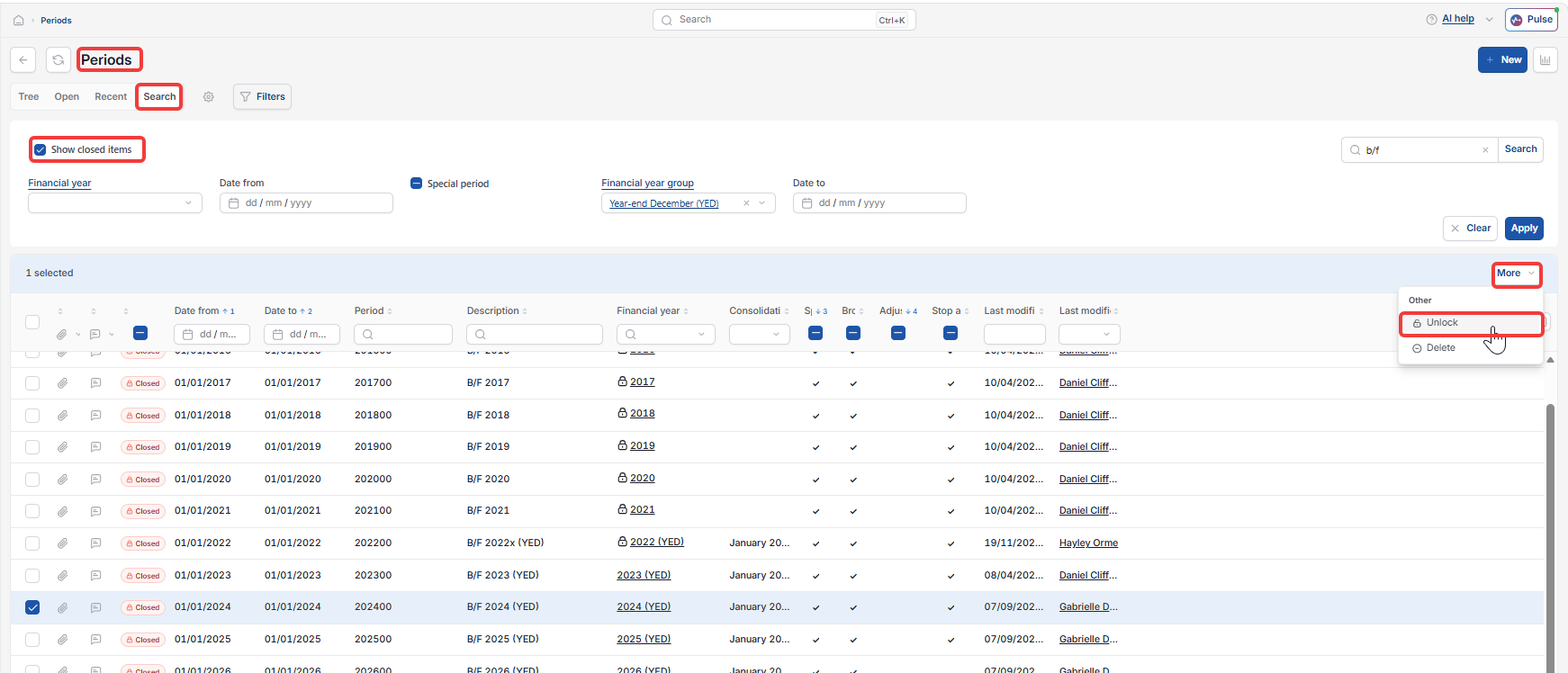
- Select 'Show Closed items' to expose locked periods
- Locate the relevant brought-forward period
- Select the period, click the three-dot menu (⋮) and choose 'Unlock'
- Click 'Save'
- Return to the year-end rollover and proceed.
For full steps on unlocking periods, see 'How to unlock a period in iplicit'.
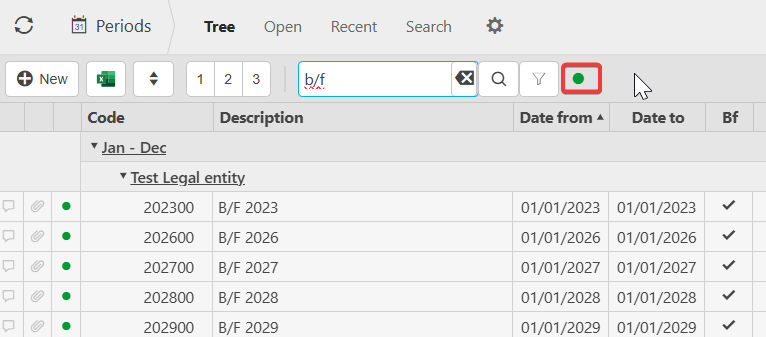
If the brought-forward period does not exist
If the brought-forward period has not been created, contact support before proceeding. Do not attempt to create it manually without guidance.
B/f error
Year end rollover error
B/f period locked
Year end rollover cannot complete
Brought forward period missing