

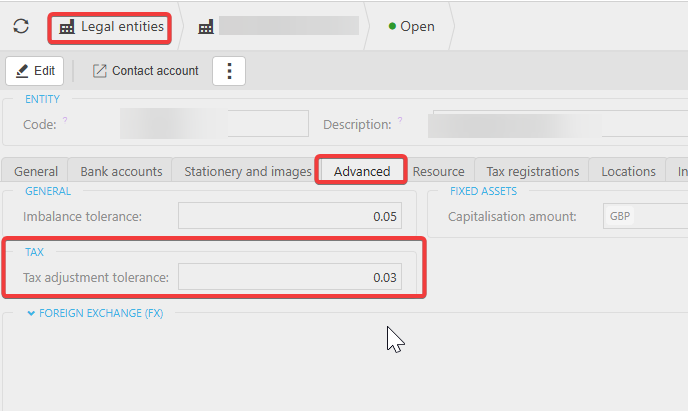
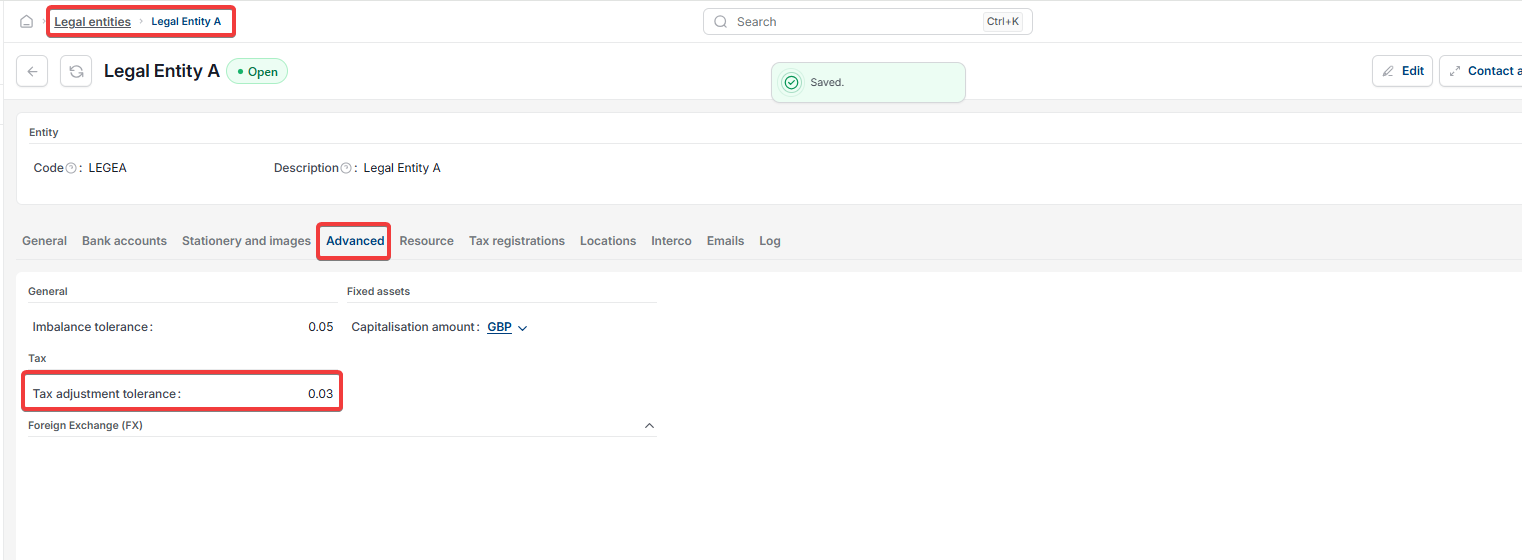
This article covers changing the Tax Adjustment Tolerance for a legal entity in iplicit. This setting is separate from the amount and days tolerance used in Bank Reconciliation – it controls VAT rounding, not bank matching. You'll find it on the 'Advanced' tab of the legal entity's settings.
What the tax adjustment tolerance does
The Tax Adjustment Tolerance sets how large a VAT rounding difference iplicit will accept on a legal entity's documents. Increasing this value lets iplicit accommodate larger VAT rounding differences without flagging or blocking them.
How to amend the tax adjustment tolerance for a legal entity
- Go to 'Legal Entity Settings'
- Select the relevant legal entity from the list. Each legal entity has its own tolerance setting, so check you have the correct one selected
- Open the 'Advanced' tab
- Adjust the 'Tax Adjustment Tolerance' field to the value you need
- Save the legal entity record.
Once saved, the new tolerance applies to that legal entity's VAT rounding checks going forward.
Change tax tolerance
VAT rounding difference settings
Update LEGE tolerance
Tax adjustment defaulting
Where do I edit VAT