

Navigate to Financial Year Groups
Click "Auto populate"
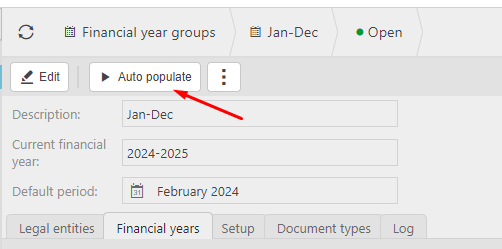
This auto population criteria is then driven by the "Set-up" tab.
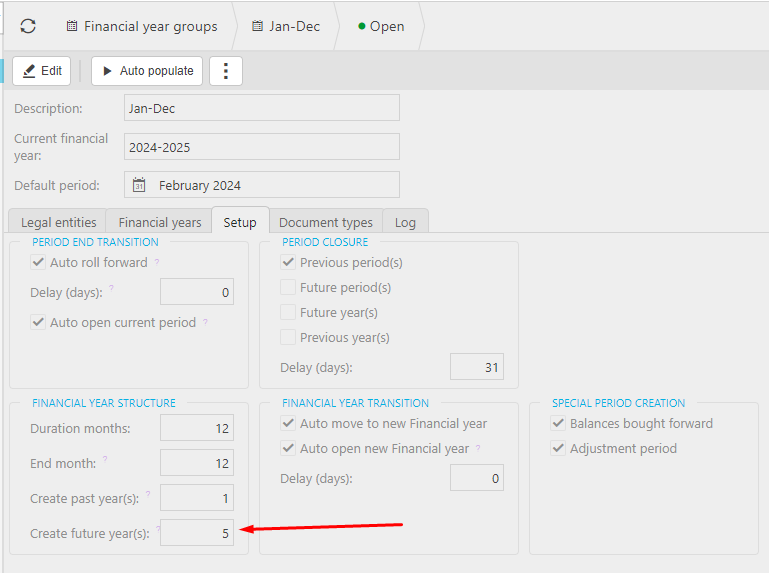
This can be run automatically by the run period end scheduler which will also run the other criteria found on the financial year group set up tab.
Customer search terms
Financial Year structure
Auto populate button
FYG populate
Future financial years
Future period creation
_______________________________________________________________________________________