

If you have set up up a new bank account on the system, you will need to ensure that the bank statements are set up for this account to reconcile your bank transactions.
If there is no bank statement then no transactions will pull through to the bank reconciliation screen.
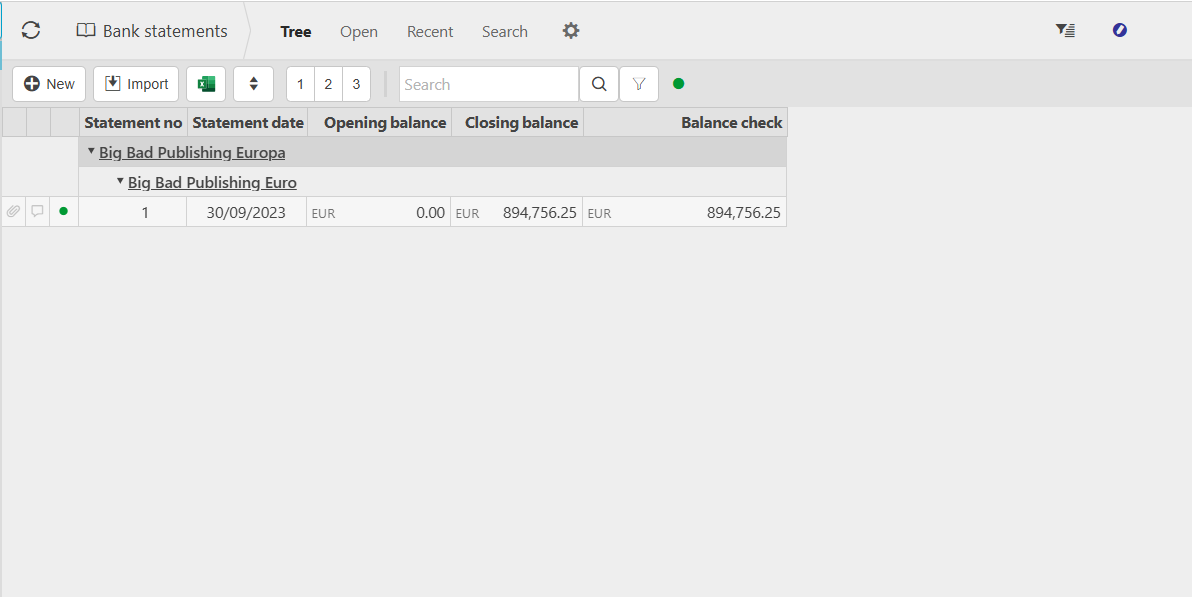
On the bank statements screen, you can click the 'New' button and create a new statement manually. Typically this would need to be done for an opening balance on the bank account if one already exists.
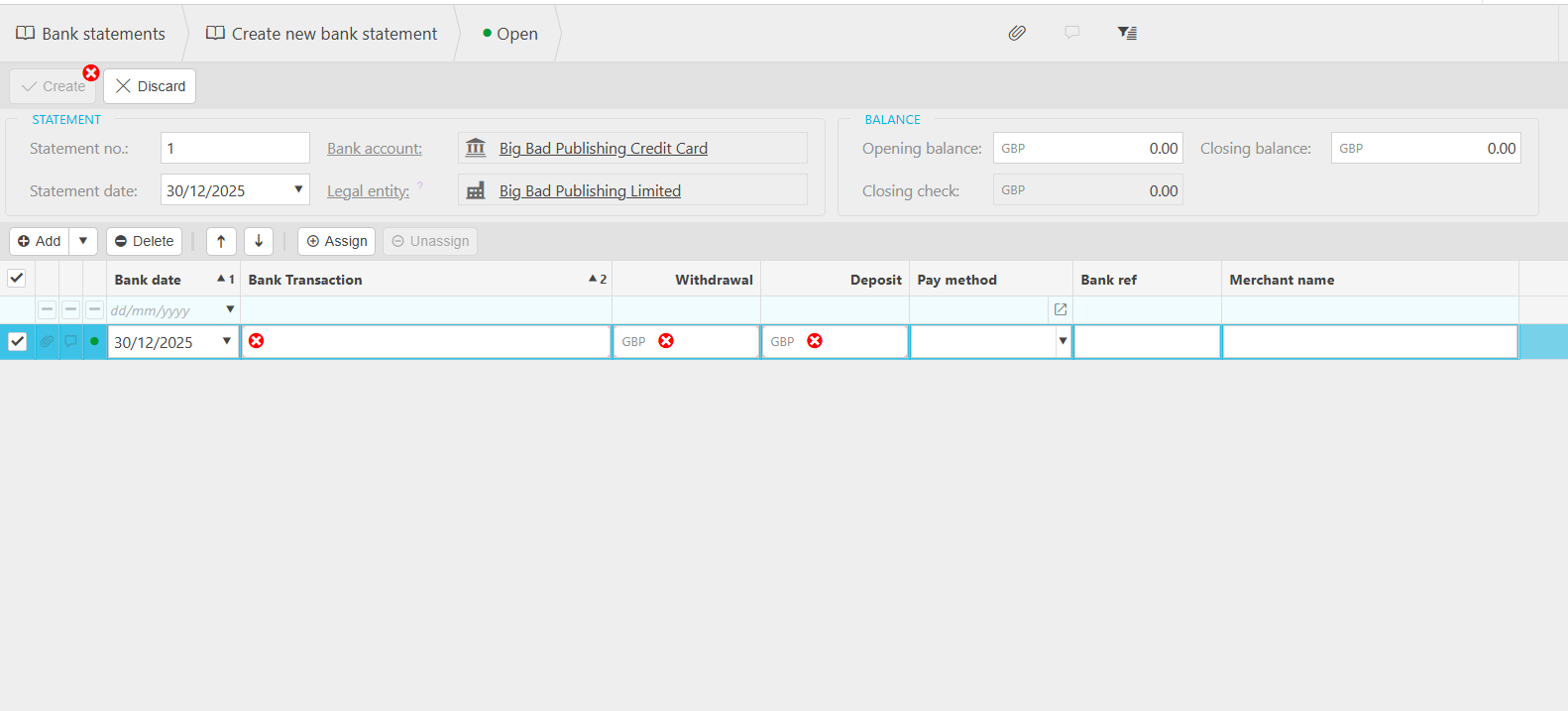
Below are links to our user guide pages which detail further what can be done to use bank feeds to populate your bank statements.
- Bank feeds - bringing the transactions from your bank to within iplicit
- Populate bank statement- this will populate the transactions downloaded via the bank feed onto a bank statement ready for selection on the bank reconciliation. It will also give you the option to ignore lines if required if they've already been included or manually added
- This can be automated using the scheduler to automatically populate the statement - schedule bank statements
- Bank reconciliations - matching the populated bank statement items to the cashbook items