

- SSO Account configured within the third part provider (e.g., Microsoft AzureAD) to allow for this account to be linked to iplicit for SSO
- New starter created in iplicit
- System admin/manager directs them to login via Username and Password as a one-time thing
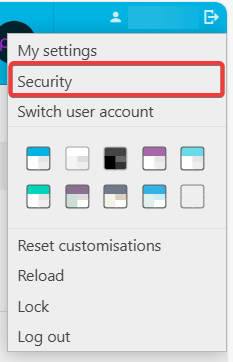
- When in their User Account, they need to click on their name in the top right-hand corner and go to Security - example below
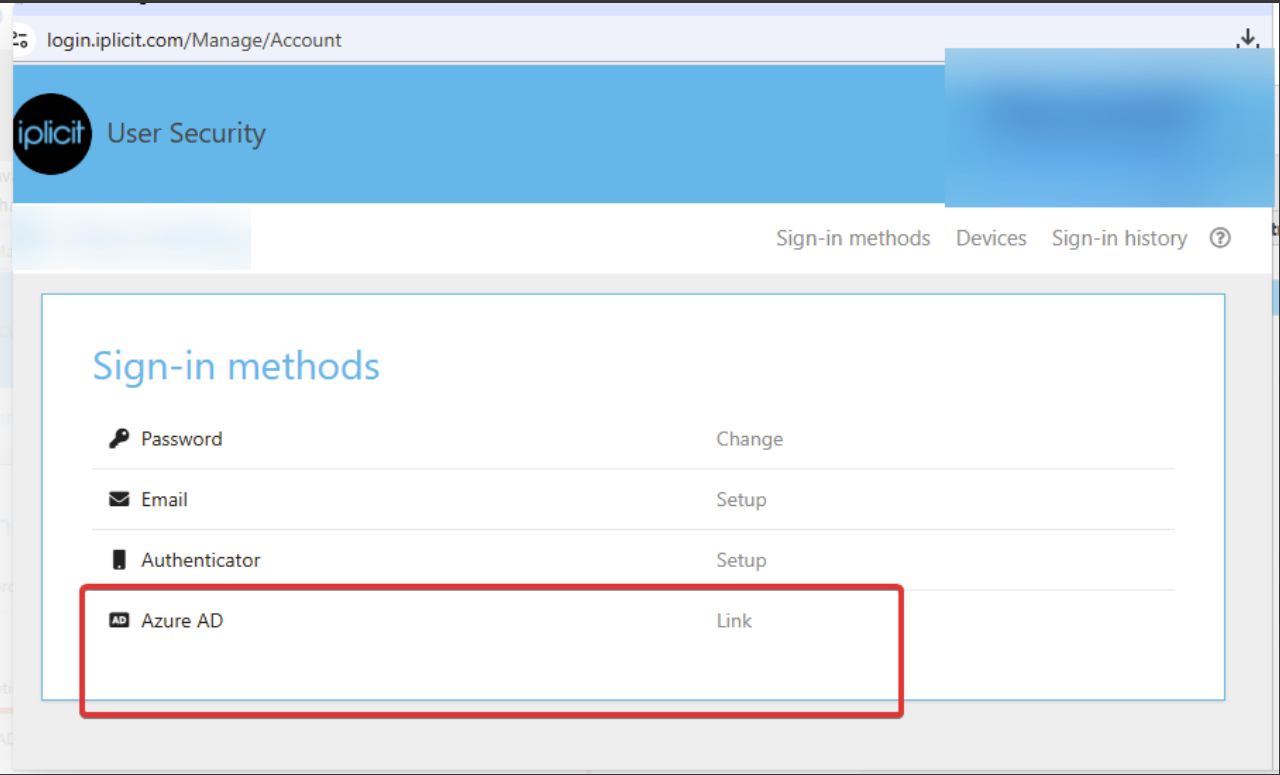
- In the below screen they need to click 'Link' against their available SSO provider - example below:
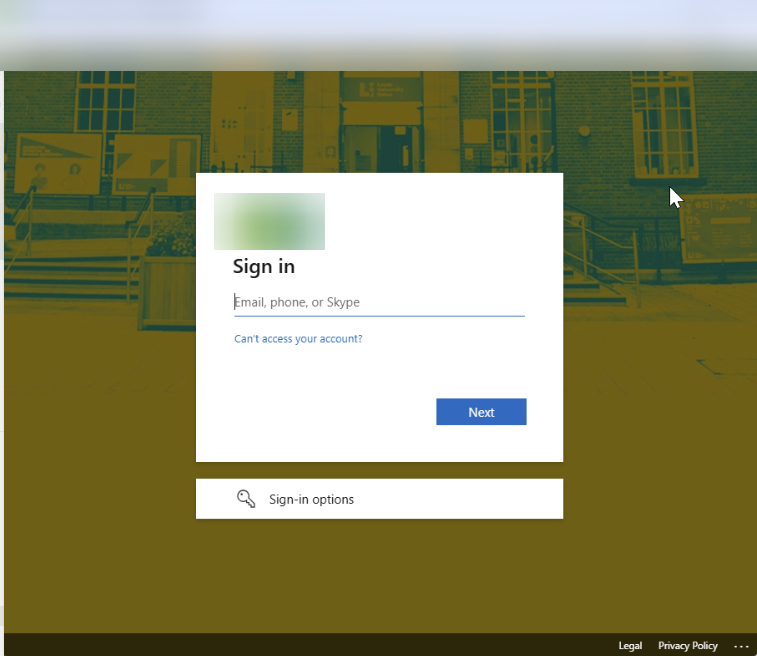
- This will then direct them to the below sign-in screen, for them to enter their correctly configured email address and password - once all steps completed they are presented with, the link will be complete.
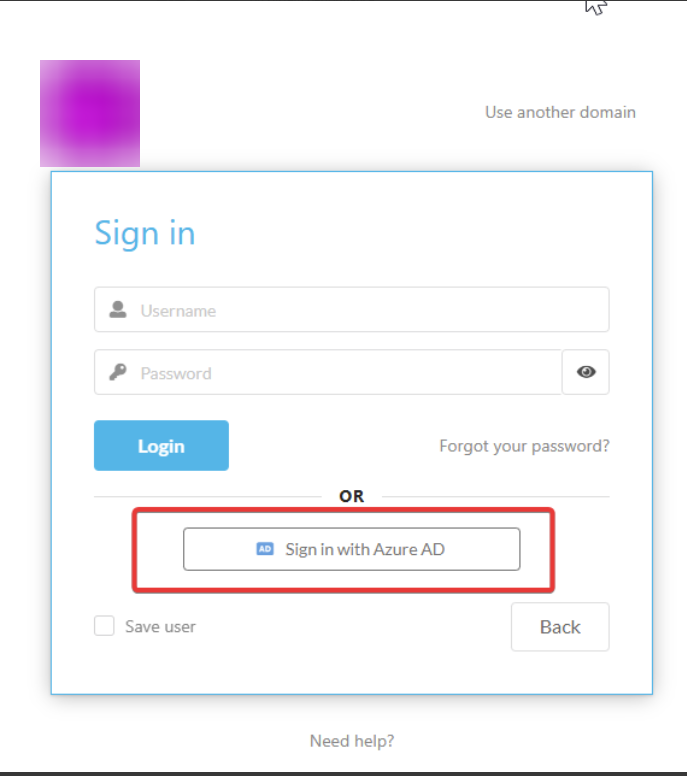
- After a User logs out of their current session, when they next attempt to login to iplicit they will be able to select the SSO sign-in button and will not need to use their Username and Password to access:
End of process.