

This article covers a stock product showing an incorrect level in Stock Tracking. This is commonly caused by an incorrect SKU or stock location on a sales or purchase document, or a missing 'Stock' tab on the document itself.
Checking the SKU on the document
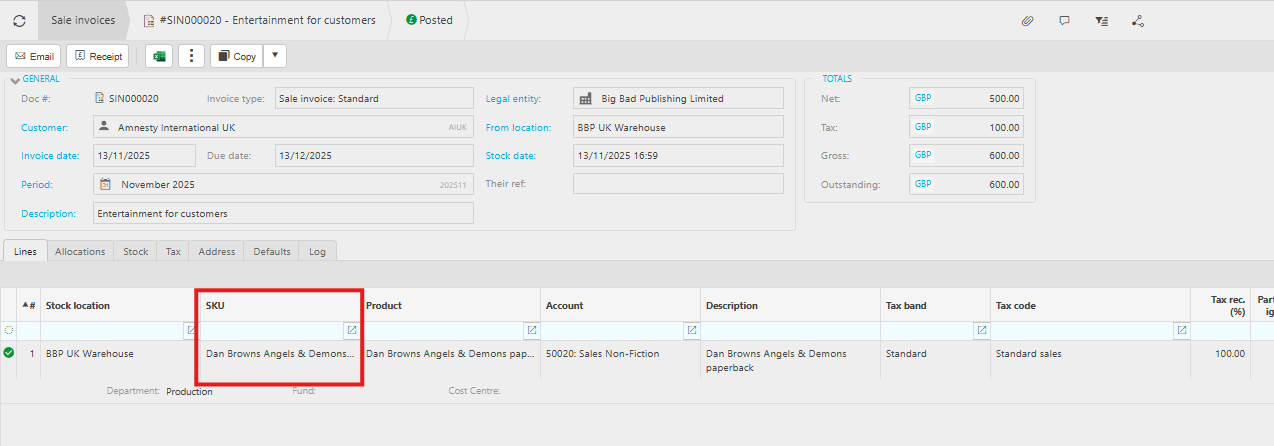
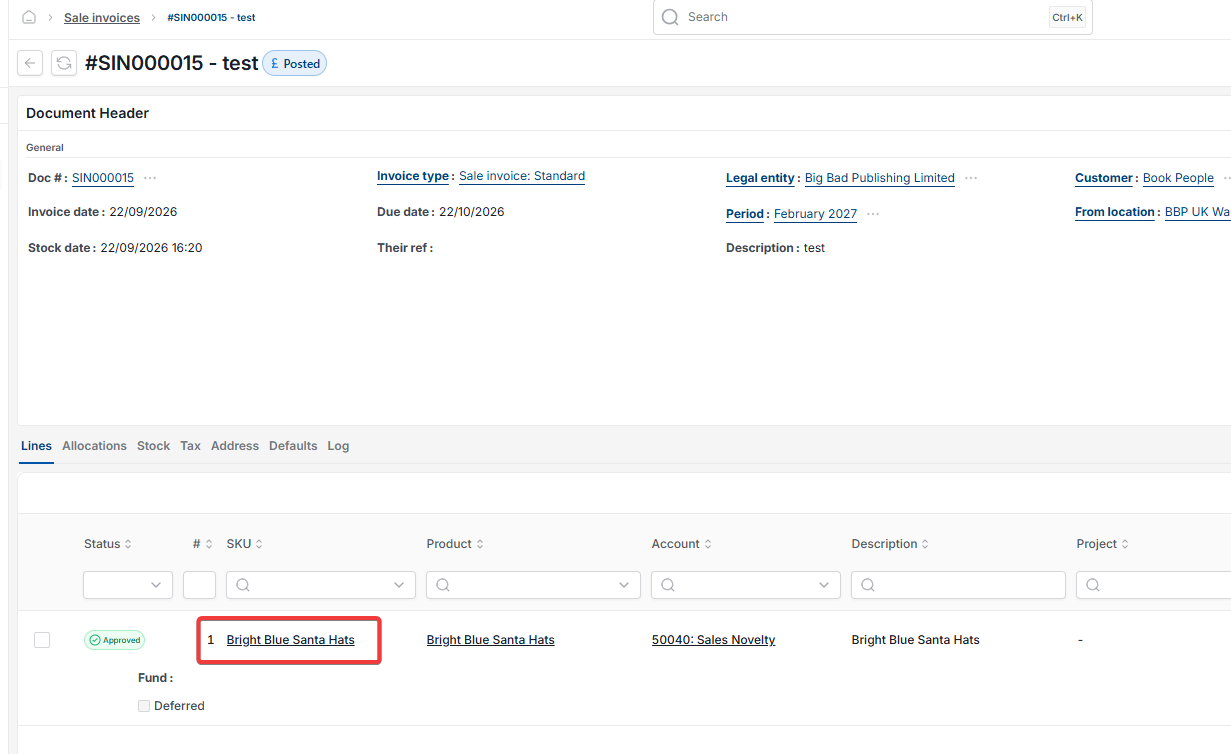
Confirm the correct SKU code is entered on the relevant sales or purchase document, in the 'SKU' column on the 'Lines' tab.
Checking the stock location on the document
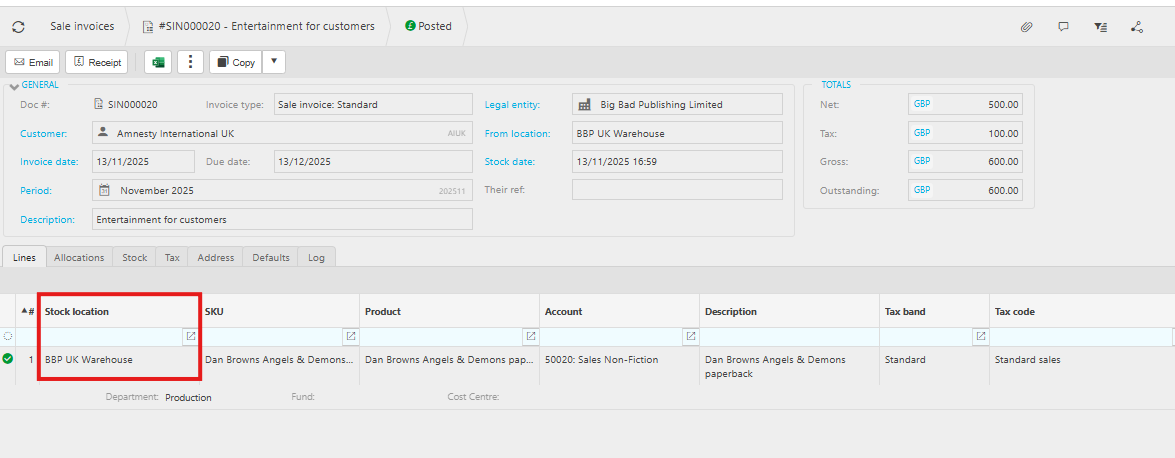
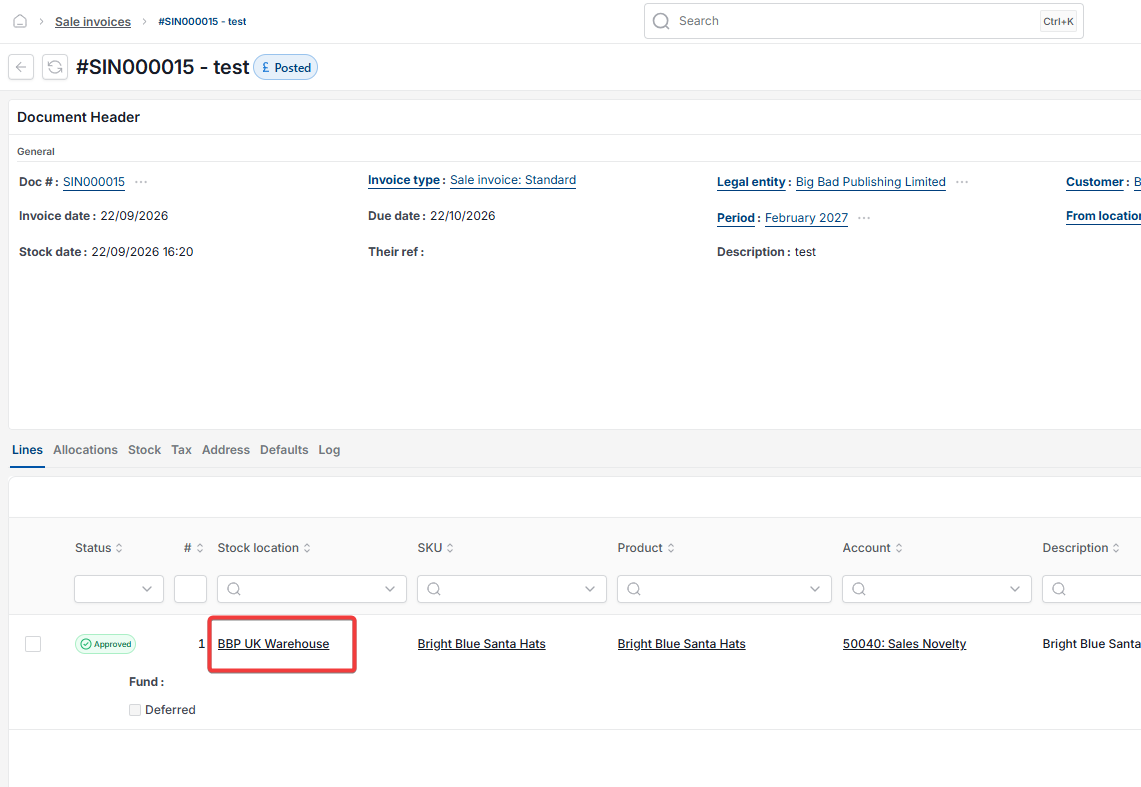
If you're using stock locations, confirm the sales or purchase document has the correct location entered in the 'Stock location' column on the 'Lines' tab.
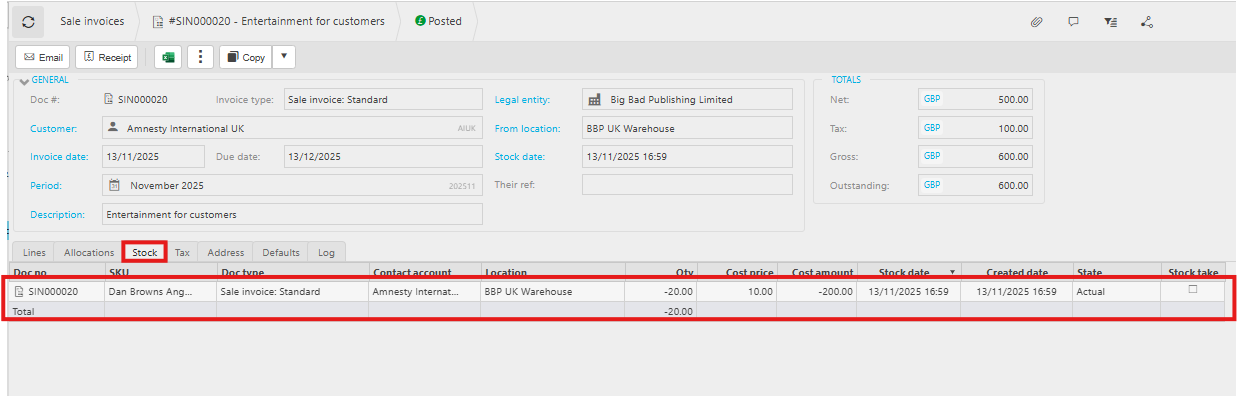
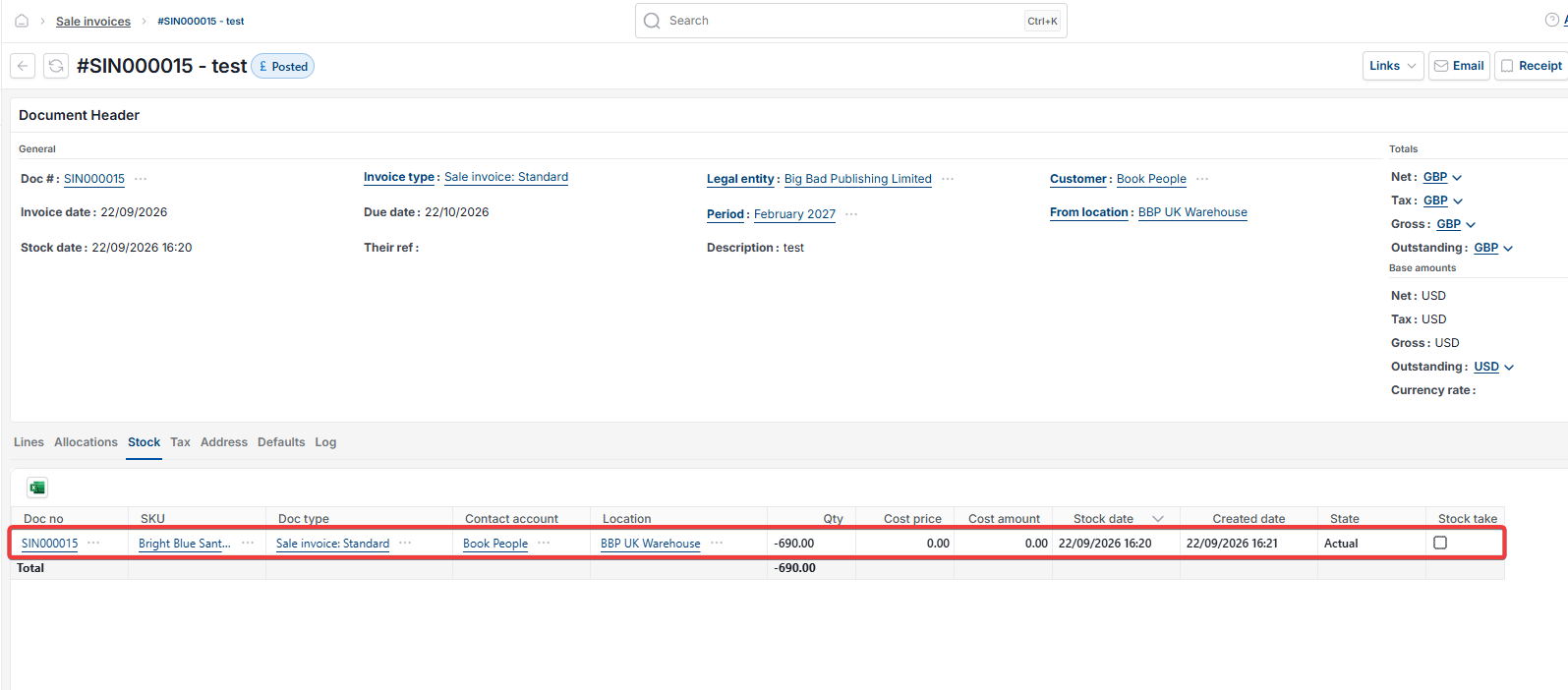
Checking for a missing Stock tab on the document
Open the document and check whether it has a 'Stock' tab. If the 'Stock' tab is missing, this may be caused by a network interruption during posting.
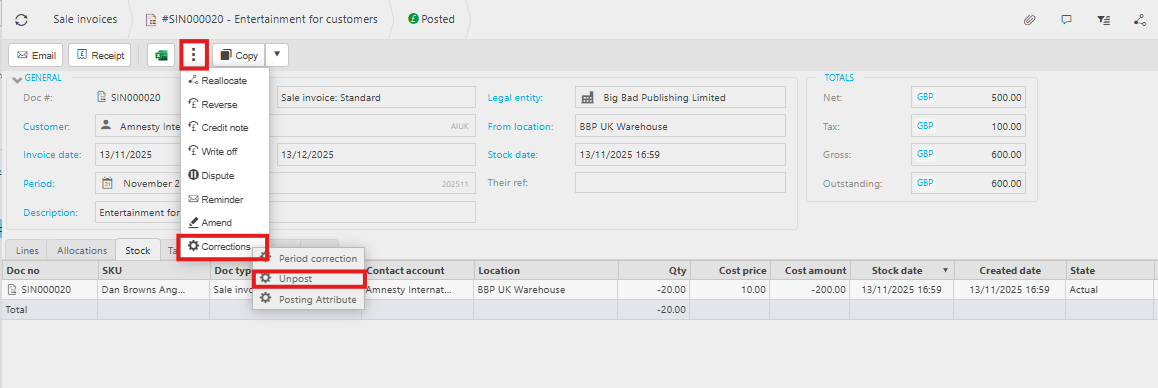
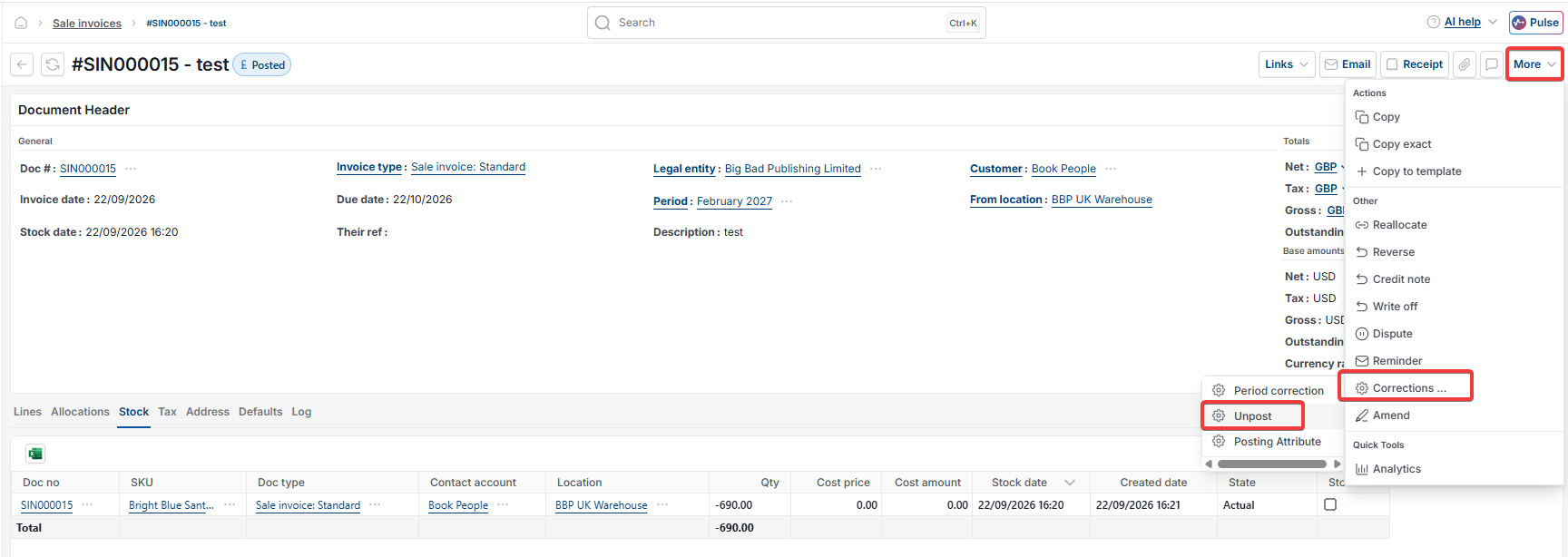
To resolve this, unpost the document, amend it, and resubmit it:
- Open the additional actions menu – shown as a three-dot icon or as the 'More' dropdown, depending on your version of iplicit
- Select 'Corrections', then 'Unpost'
- Amend the document as needed
- Resubmit the document.
Stock product level wrong
Stock quantity incorrect
Missing stock tab on invoice
SKU wrong on document
Stock location incorrect
Unpost sale invoice stock