

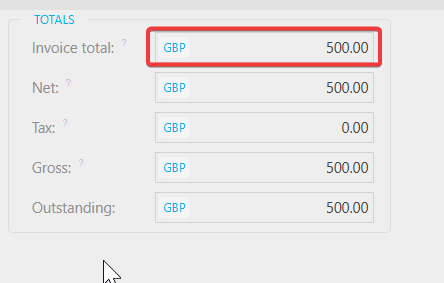
You may want to enable a total amount check on a document, or you might already have this feature enabled and wish to remove it. This setting can be adjusted at document‑type level.
How to update this setting
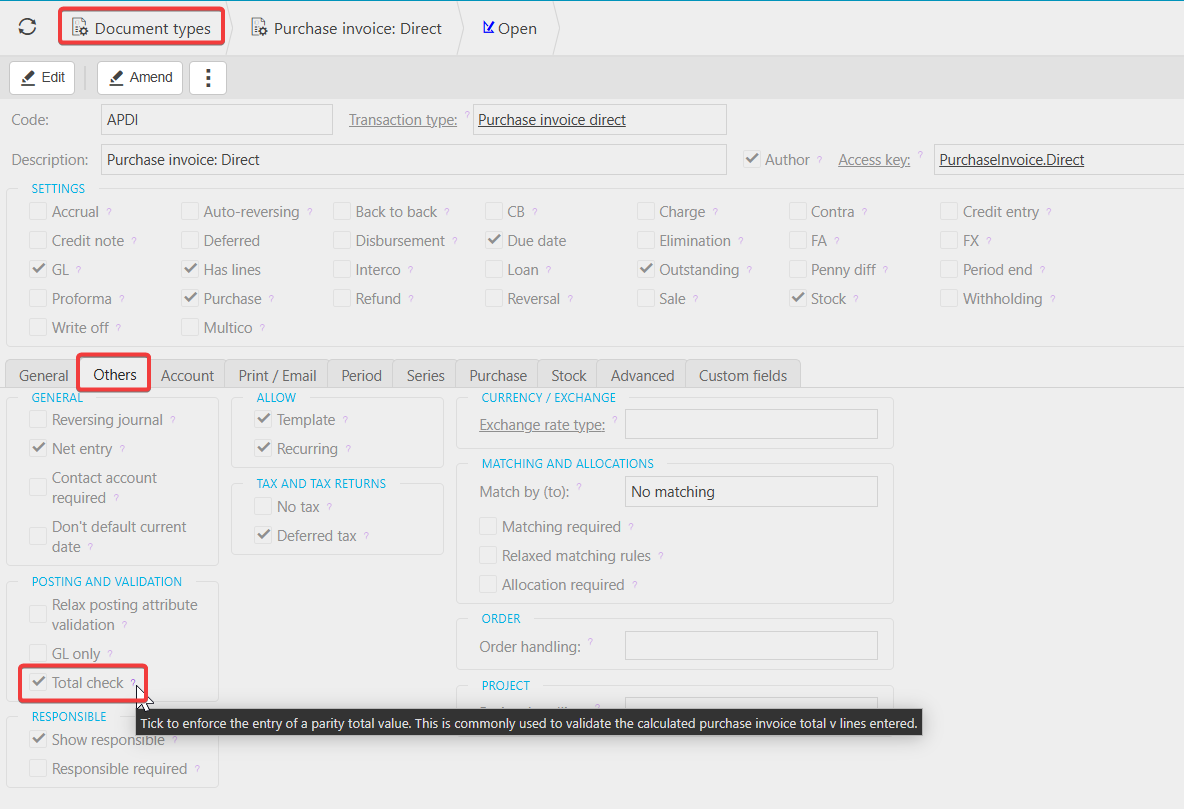
- Open the Document Type you want to amend.
- Select Edit.
- Go to the Others tab.
- Tick or untick the Total Check option, depending on whether you want the check enabled or removed.
- Save your changes.
Customer search terms
Total check on transaction
Total setting for documents
_______________________________________________________________________________________