

This article covers setting the default report used when sending customer statements, within the 'Customer statement' interface on the 'Interfaces' screen. This determines which report layout is used automatically each time a customer statement is sent, unless a different report is chosen at the point of sending.
Setting the default report on the Customer statement interface
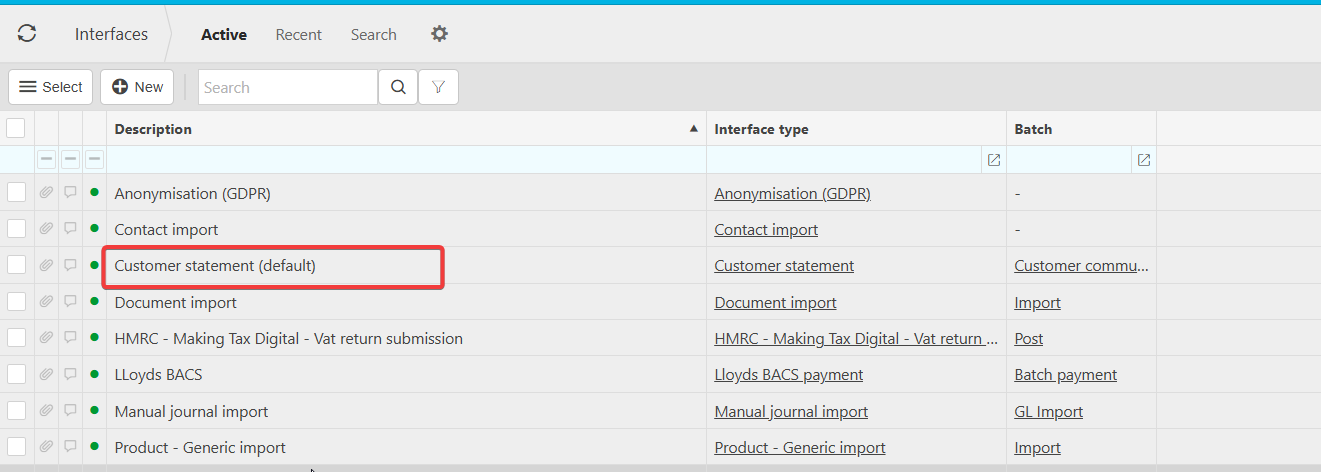
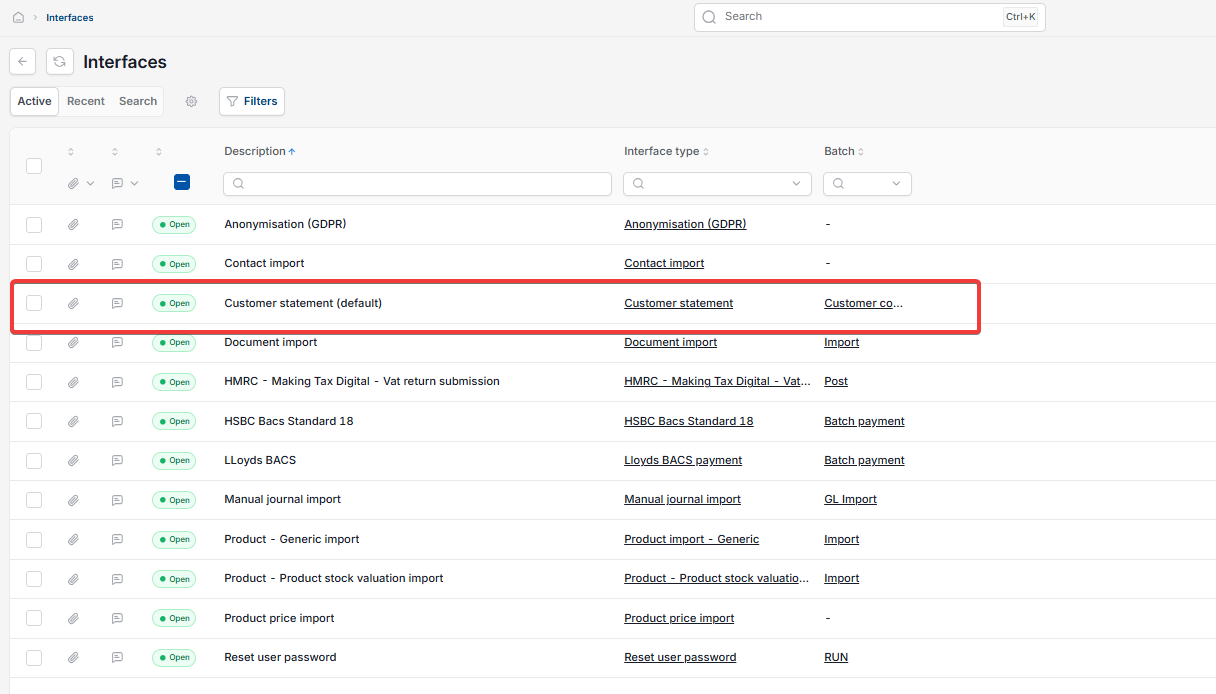
- Navigate to 'Interfaces'
- Find and select 'Customer statement (default)' from the list
- On the interface record, select the 'Configuration' tab
- Under 'Configuration', select the 'Report' sub-tab
- From the 'Report' dropdown, select the report you want to use as the default – for example, 'Customer Statement: UK1'
- Select 'Save'.
Only choose a report designed for customer statements from this dropdown. The list shown here includes every report available in iplicit, including reports for other areas such as absence statements and aged debt, so it's easy to select the wrong one if you're not looking for the exact name.
Default customer statement report
Change report on customer statement
Customer statement interface setup
Set report for customer statement