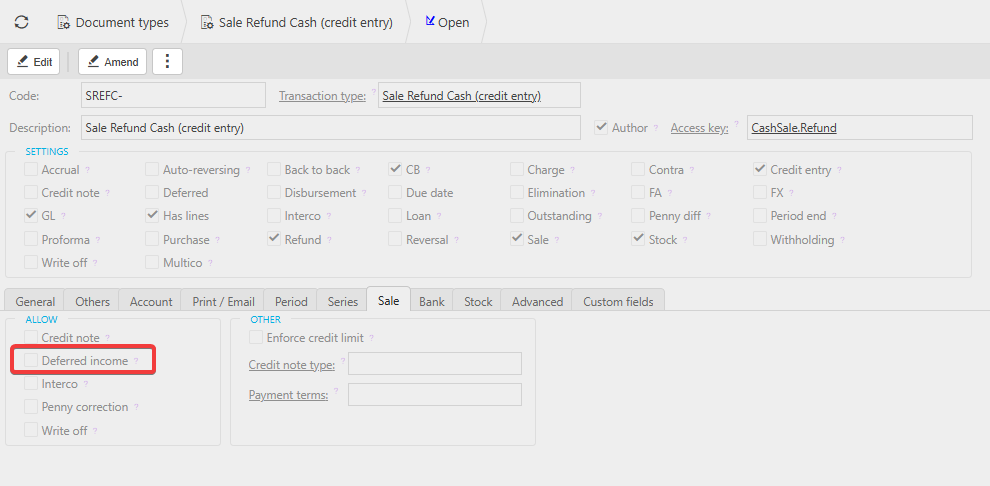
The deferral date option is not enabled by default for Sale Refund Cash documents. To activate it:
- Go to Document Type Settings.
- Select the Sales tab.
- Enable the Deferred Income setting for the relevant document type.
Once enabled, the deferral option will appear when using a GL code that has deferred enabled.