.png)
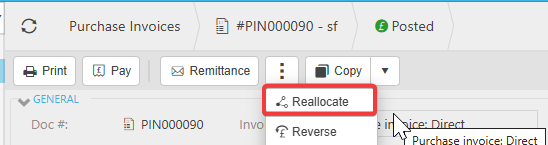
Posted documents cannot be edited directly, but there are several options depending on the document’s status.
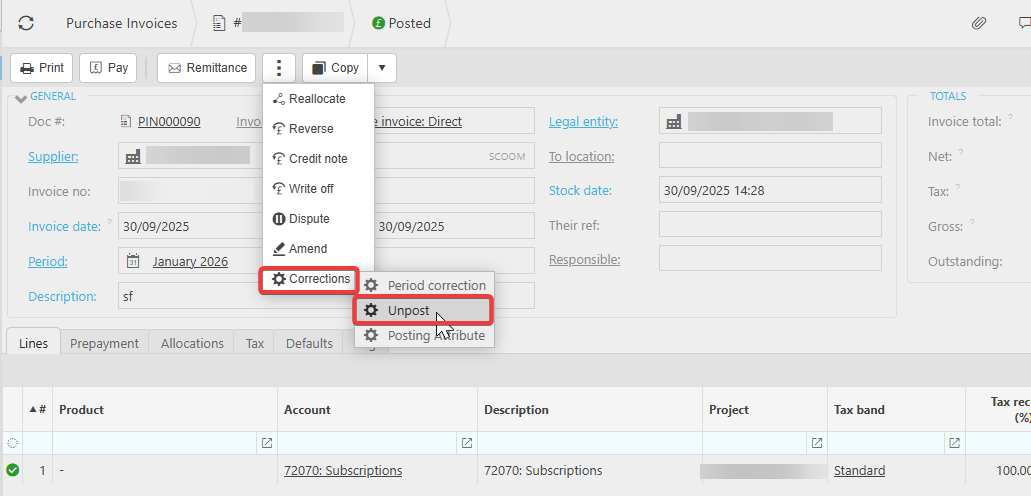
If the document has not been included in a bank reconciliation or VAT return, you can unpost it. Once unposted, you can edit it or abandon it entirely if it is no longer required. Please note that the accounting period must be unlocked before a document can be unposted.
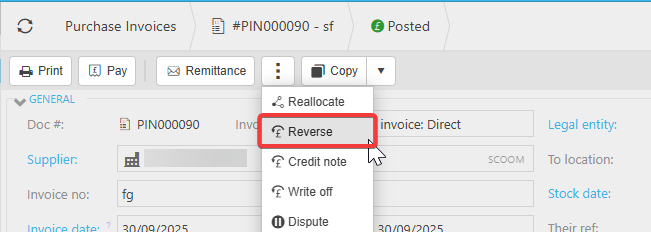
If the document has already been included in a bank reconciliation or VAT return, unposting is no longer available. In this case, the correct approach is to reverse the document. After reversing, you can copy the original, apply the necessary changes, and repost it.
Please be aware that if you reverse a document there will be a corresponding reversal entry in either the VAT return or bank reconciliation depending on the type of original posting.
It’s also important to note that if the document includes allocated payments, these must be unallocated before you can reverse or unpost the document.