

This article outlines the steps and key considerations when preparing and submitting a VAT return in iplicit.
Creating the VAT Return
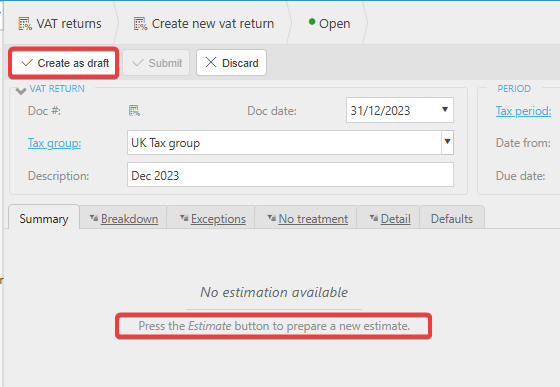
When creating a VAT return, it must first be created in Draft status.
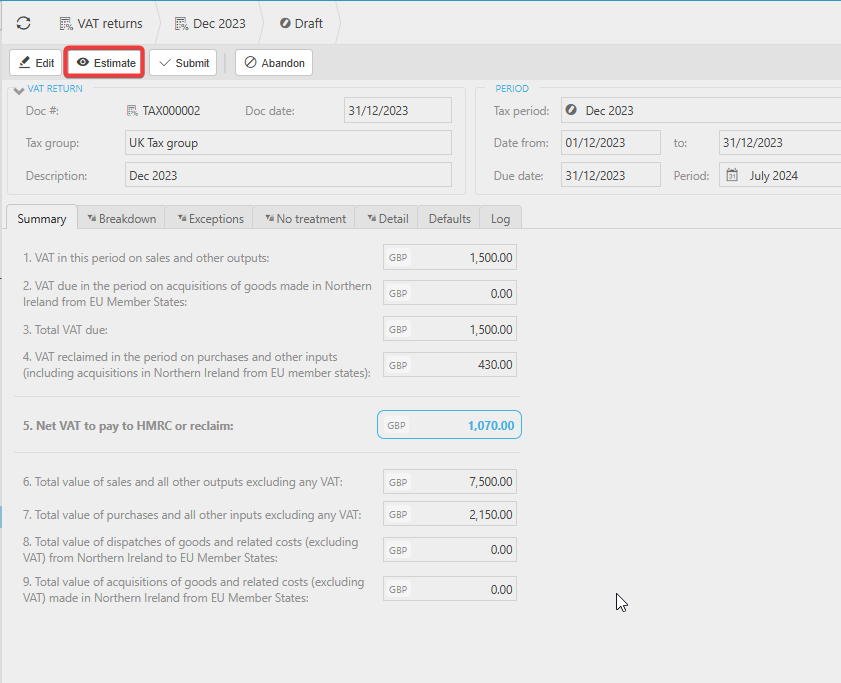
Once in Draft, you can run the Estimate process to populate the figures on the Summary page. You can repeat the Estimate as many times as needed before submitting the return.
Understanding what the VAT Return Includes
A VAT return will include:
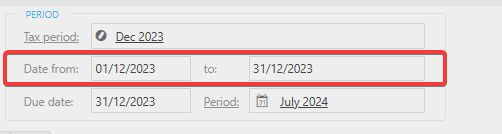
• All documents dated within the VAT period, and
• Any documents dated before the VAT period that have not been included in a previous VAT return.
This ensures that any late‑posted or previously unsubmitted transactions are captured.
Submitting the VAT Return
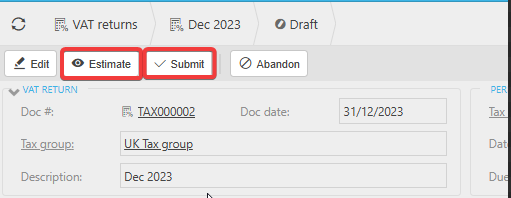
Once you are satisfied that the VAT return is correct, run a final Estimate to ensure the figures on the Summary page are fully up to date. After this, select Submit.
If an approval workflow is in place, the VAT return will follow the workflow steps until it reaches an Approved status.
Once approved, the return can be Processed.
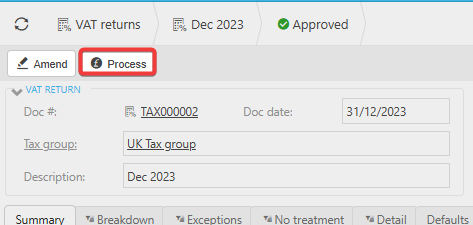
Processing the VAT return will submit it to HMRC if:
- Making Tax Digital (MTD) has been set up, and
- The MTD interface is linked to the Tax Group used on the return.
After the return has been processed, it can then be Posted to finalise the VAT return within iplicit.
Submitting VAT return
Tax return
Processing VAT return
_______________________________________________________________________________________