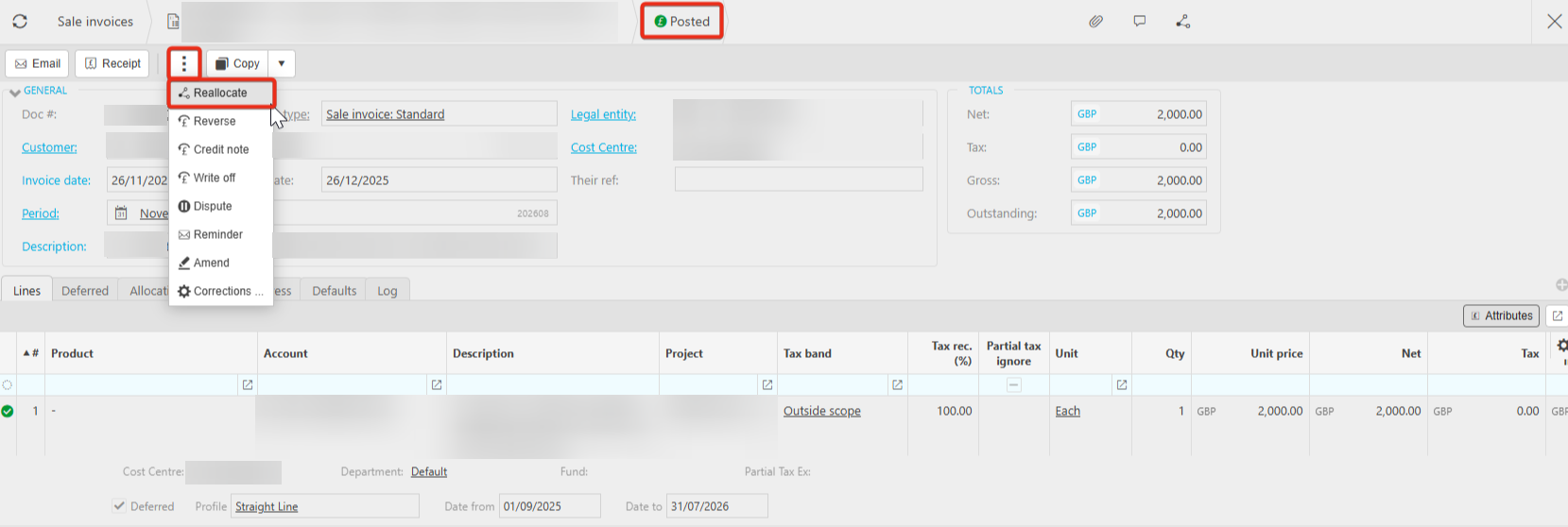
Once an invoice with deferred income has been posted, it cannot be unposted and amended, it will need to be reversed.
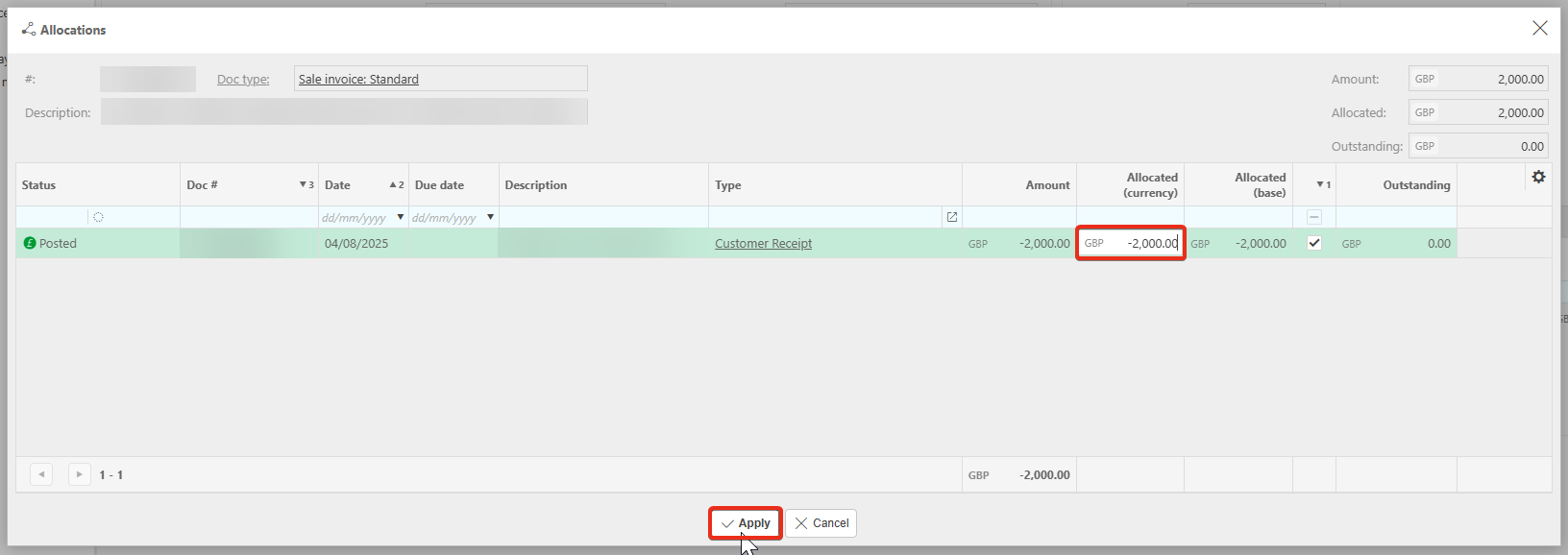
1 Navigate to the Sale document. Select the ellipsis and Reallocate.
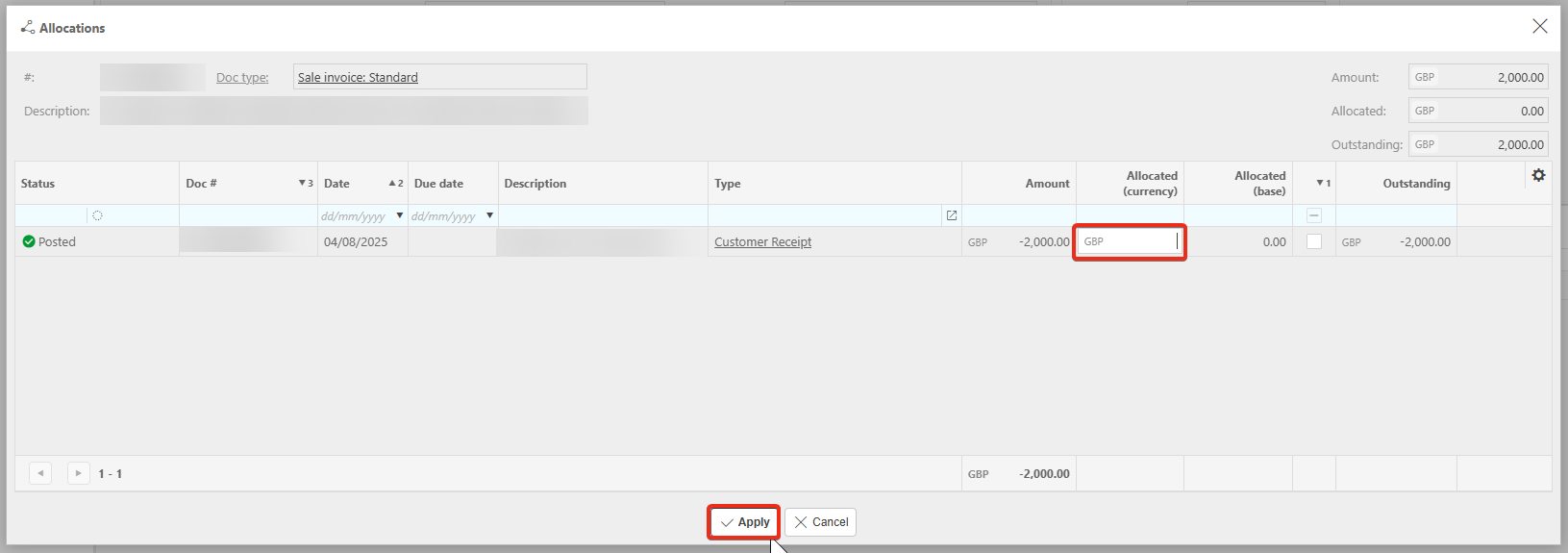
2. Remove the allocation. Apply.
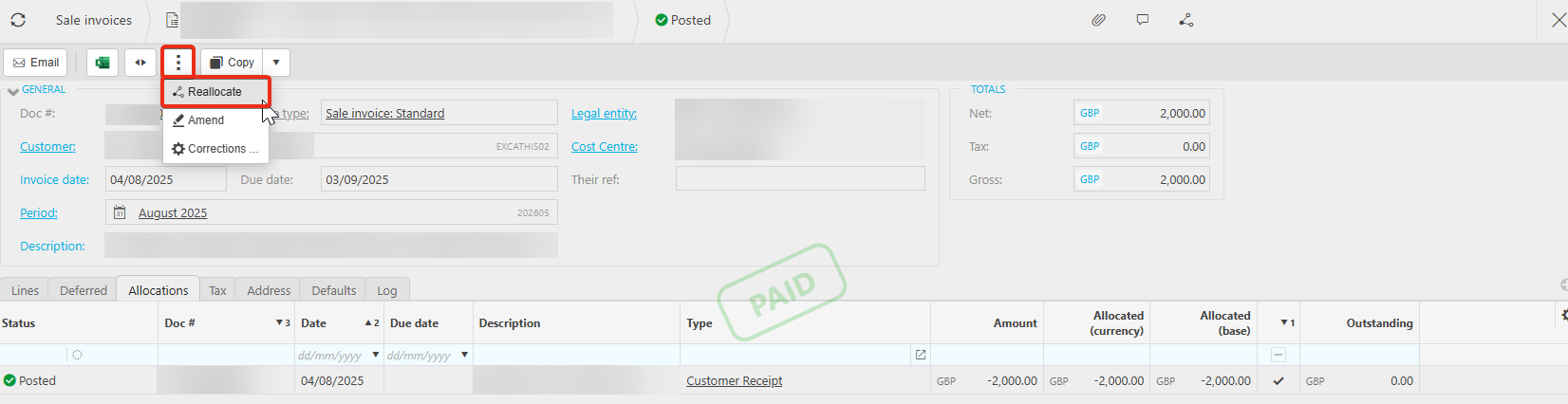
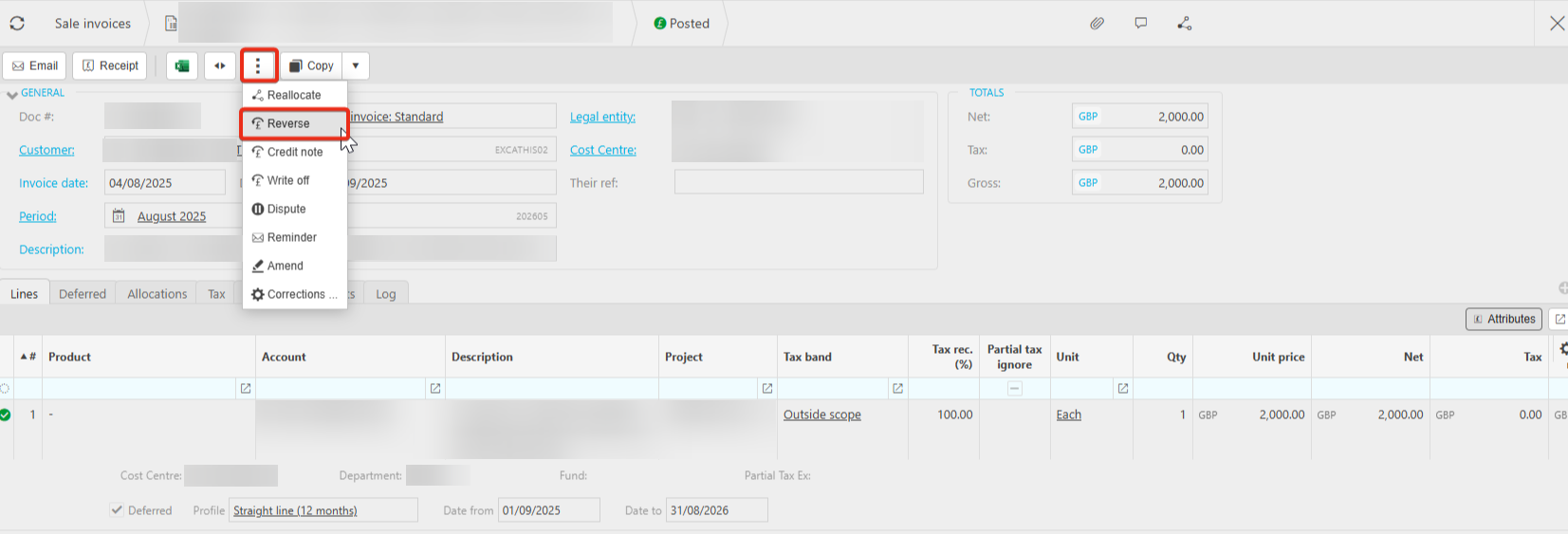
3. Select the ellipsis again and Reverse.
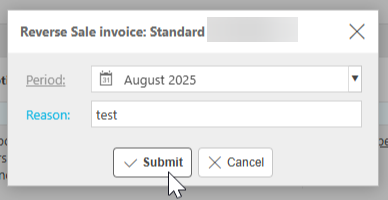
4. Add the reason and Submit.
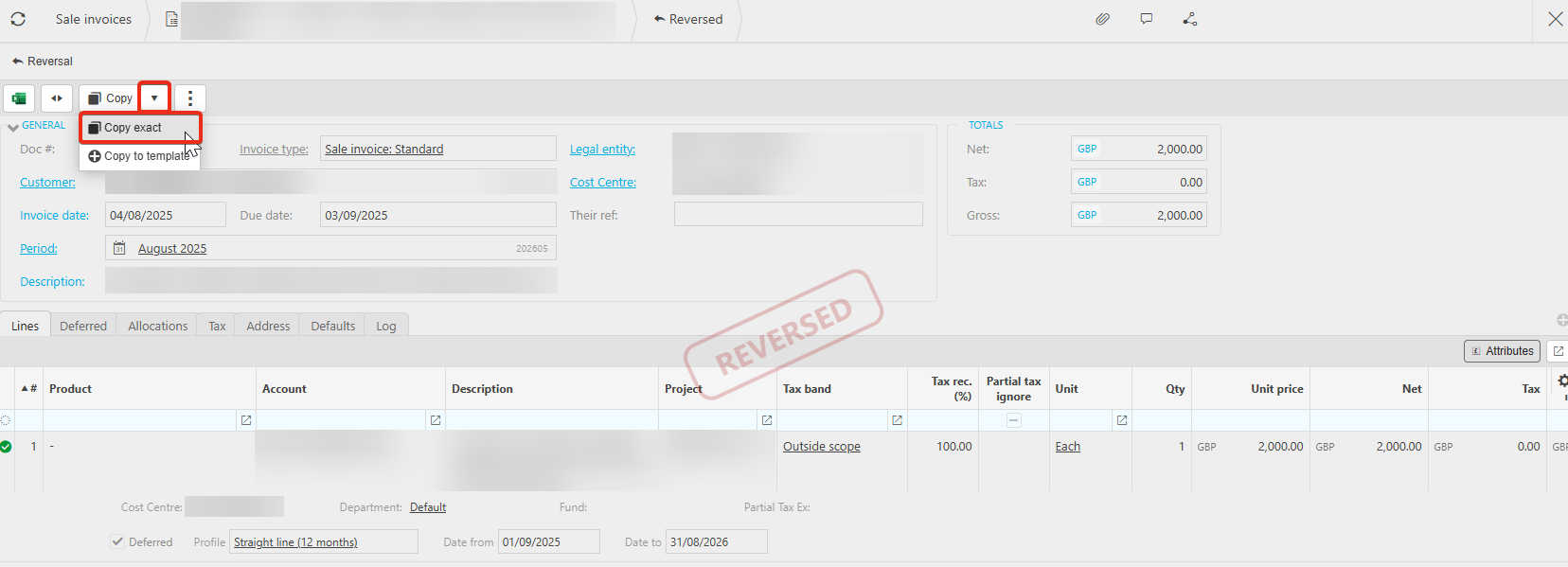
5. Once reversed, Copy exact.
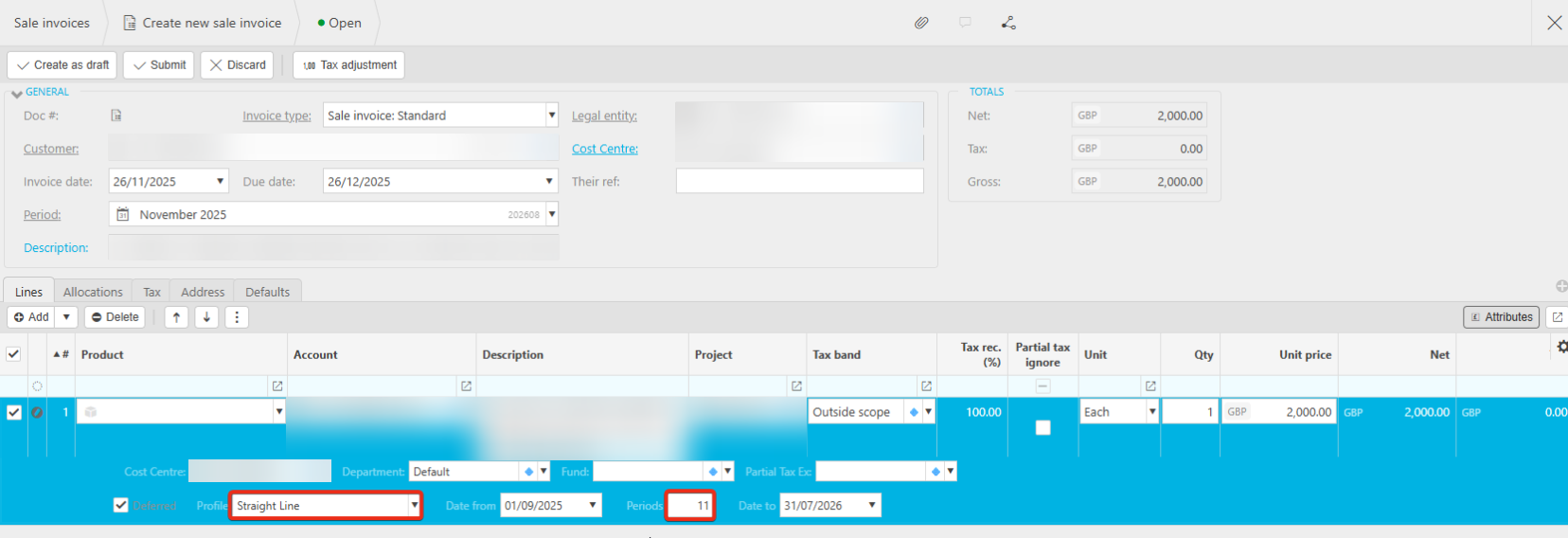
6. Amend the deferred income and Submit.
7. Once the document is posted, Reallocate the payment.