To view the general ledger postings created when an invoice is posted please proceed as follows:
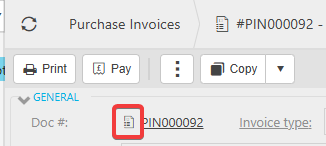
Click on the document icon next to the document number on the invoice to access the options:
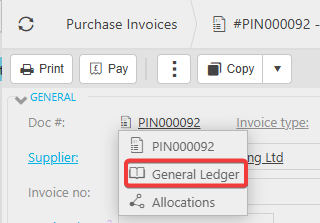
Click on the General Ledger option from the list shown below:
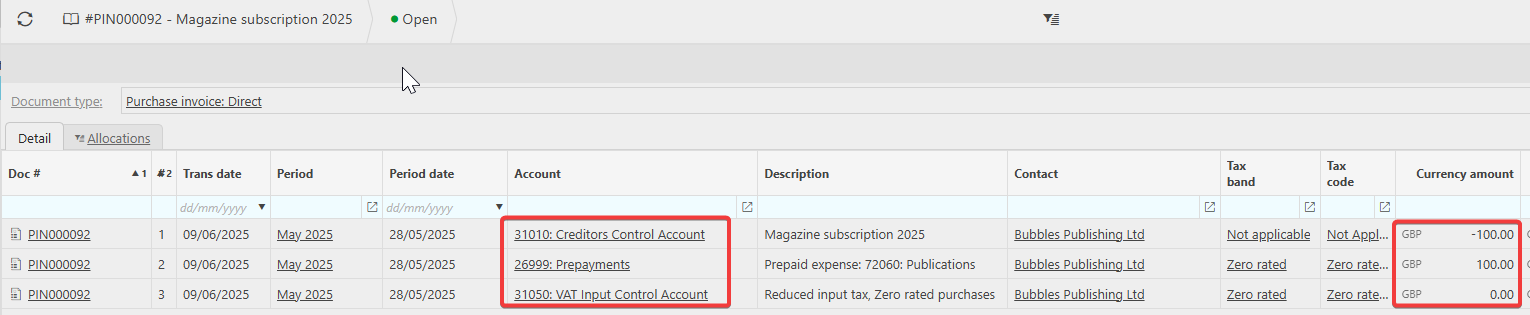
The next screen will show the postings to the general ledger accounts:
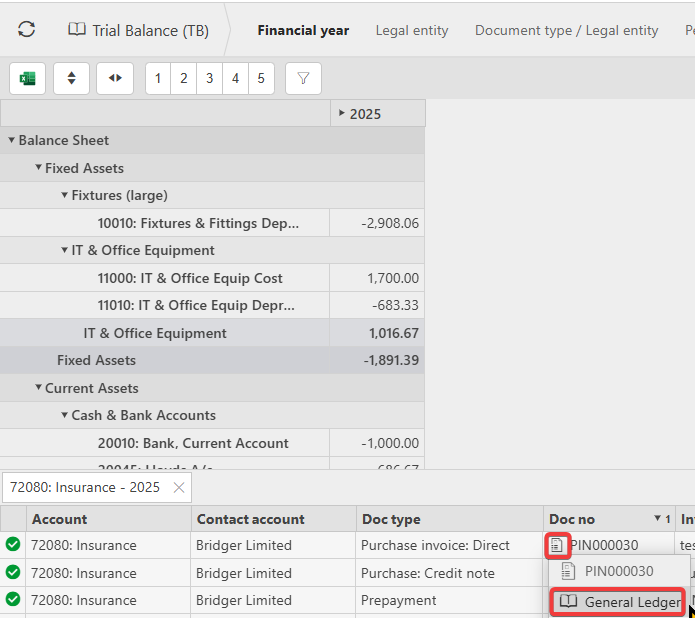
Please Note: You do not need to do this from the invoice itself. You can access this document icon from views and enquiries where it is shown.