

This article covers setting up a summary email in iplicit, so you receive one reminder of your pending workflow approvals instead of an individual email each time a new item needs approving.
Setting up the approval workflow without individual notification emails
When setting up the workflow, leave the communication box empty. iplicit then doesn't send an email for each new item to approve.
Setting up a pending authorisations reminder in the Scheduler
Instead of individual emails, set up an automatic reminder in the iplicit Scheduler. For example, a 'Send pending authorisations reminder' item can run on a weekly pattern, such as every Monday at 08:00.
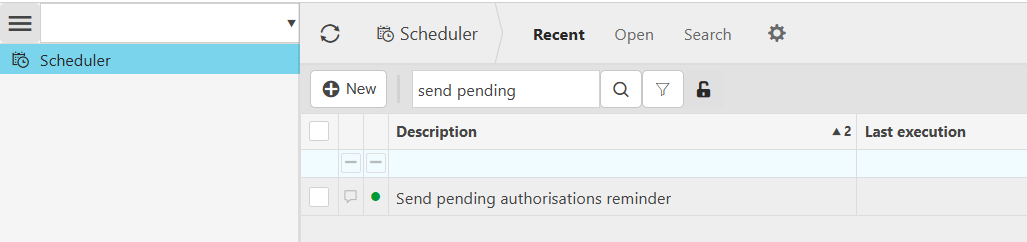

Watch the pending authorisations reminder setup
Watch the video below for a quick demonstration.
Workflow approval notifications
Summary email pending approvals
Stop individual approval emails
Pending authorisations reminder
Scheduler approval reminder