

If the P/L Balance Sheet, etc. is not pulling through data for the Current F/Y, this may need updating against the Financial Year Group.
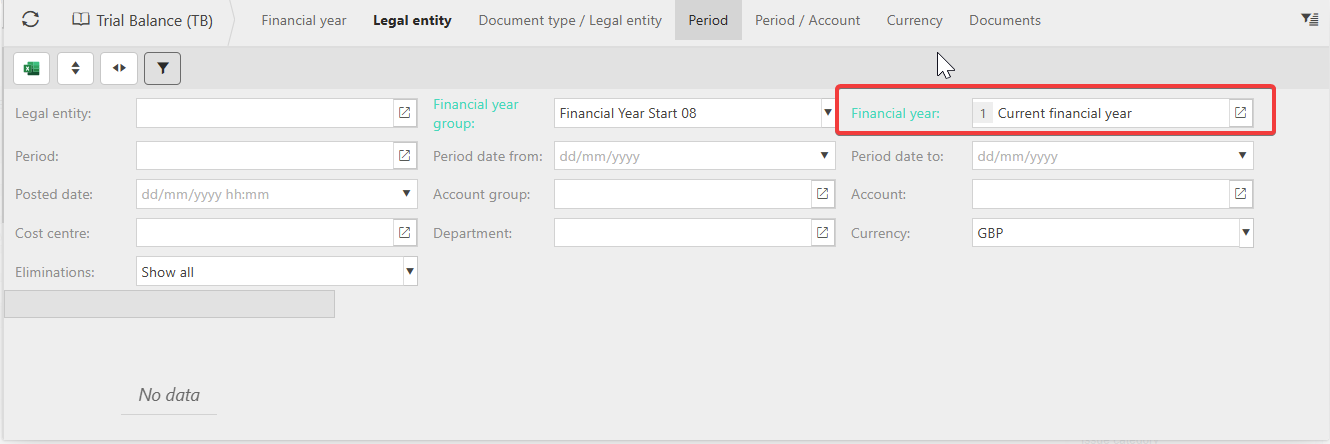
- Filtering on 'Current Financial Year' produces no data:
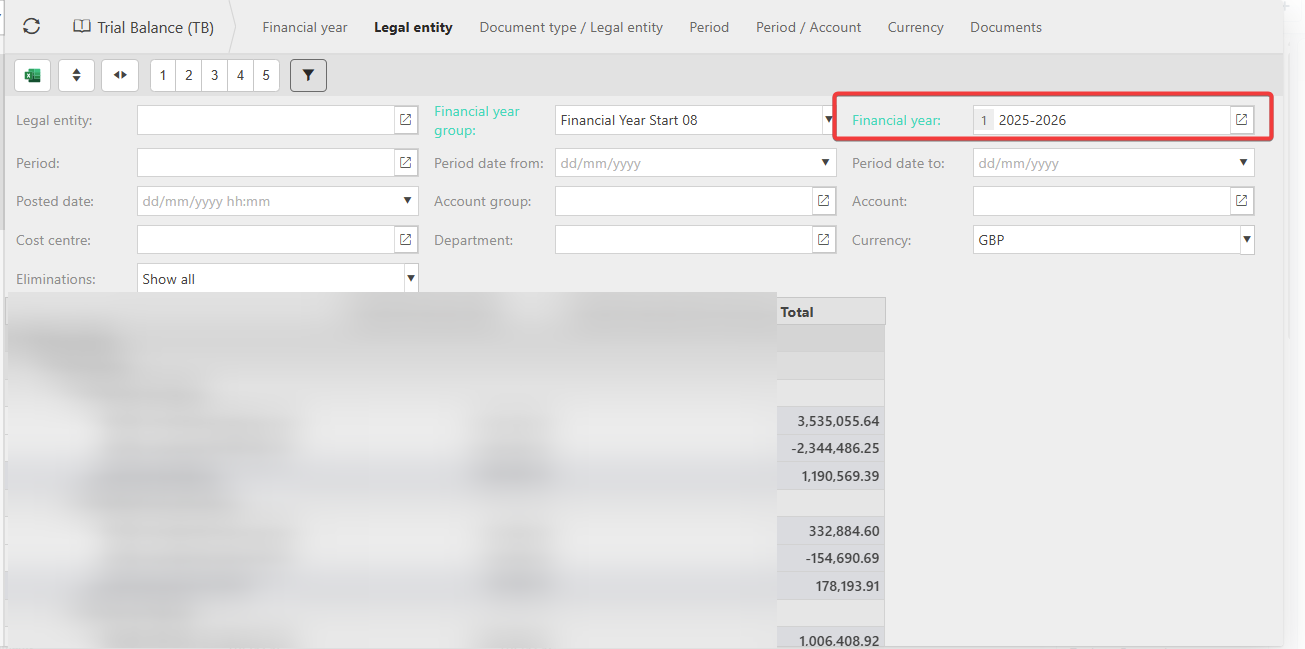
- But selecting a physical F/Y does:
To check the correct F/Y is configured accordingly, go to:
- Financial Year Group.
- Select the relevant Group.
- Check the Current Financial Year field - if this is a previous year, this will be stopping the current financial data to show:

- Edit and amend the field as required, and Save.
- This then produces data when 'Current Financial Year' is selected in the filter as shown below.
