

This article covers a specific sign-in error in iplicit, where the browser displays 'This page isn't working right now', with the message 'app.iplicit.com can't currently handle this request' and 'HTTP Error 530'. This is not a fault with your iplicit account or data.
Why this sign-in error happens
This error is usually caused by signing in through a saved or shared bookmark, rather than the standard iplicit sign-in link. Bookmarks saved this way can be tied to the specific device, browser, or login session that created them. If that bookmark is then shared with someone else – often a new starter given a colleague's saved link – the link no longer works for them, because it was never meant for their device or login.
How to fix the sign-in error
- Do not use a saved or shared bookmark to sign in
- Go to the standard iplicit sign-in page instead: https://login.iplicit.com/login/domain
- Sign in with your own username and password.
If this link also displays the same error, or you don't have your own sign-in details, contact support rather than continuing to retry the bookmark – repeated attempts on an invalid link will not resolve it.
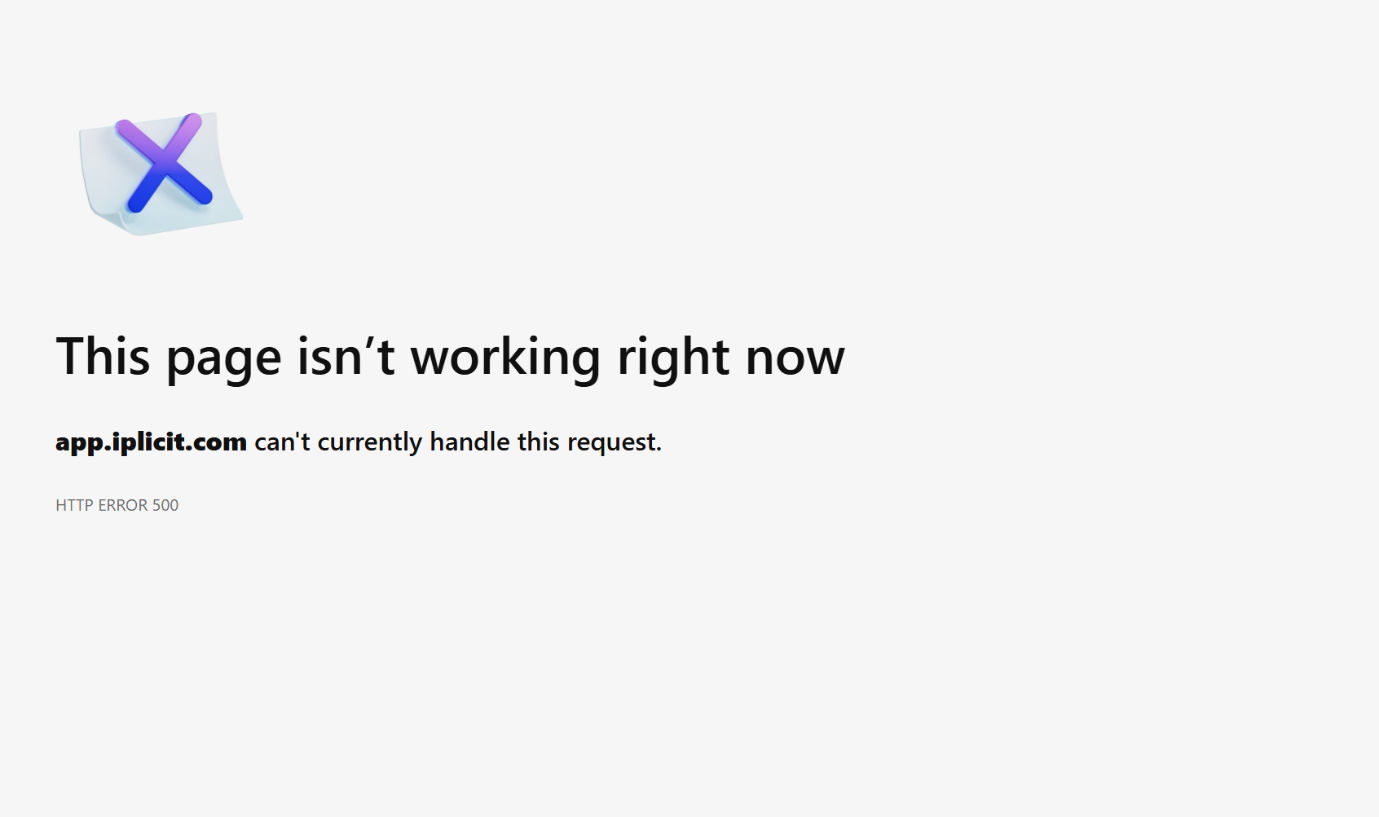
This page isn't working right now
App iplicit com can't currently handle this request
HTTP Error 530
Sign in error
Login error
Loading error
Can't log into iplicit