

This article covers being locked out of iplicit after too many failed login attempts, within User Management. If you're locked out, you can't fix this yourself – your System Administrator needs to unlock your account first.
Getting your account unlocked
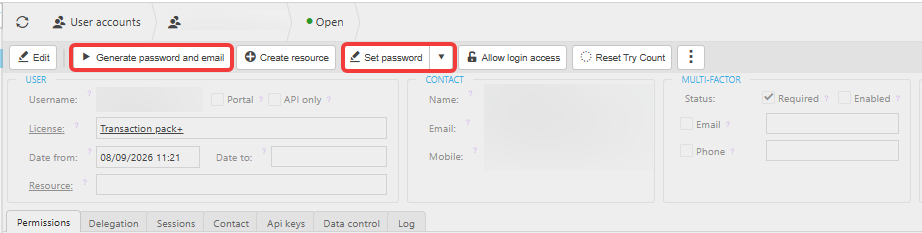
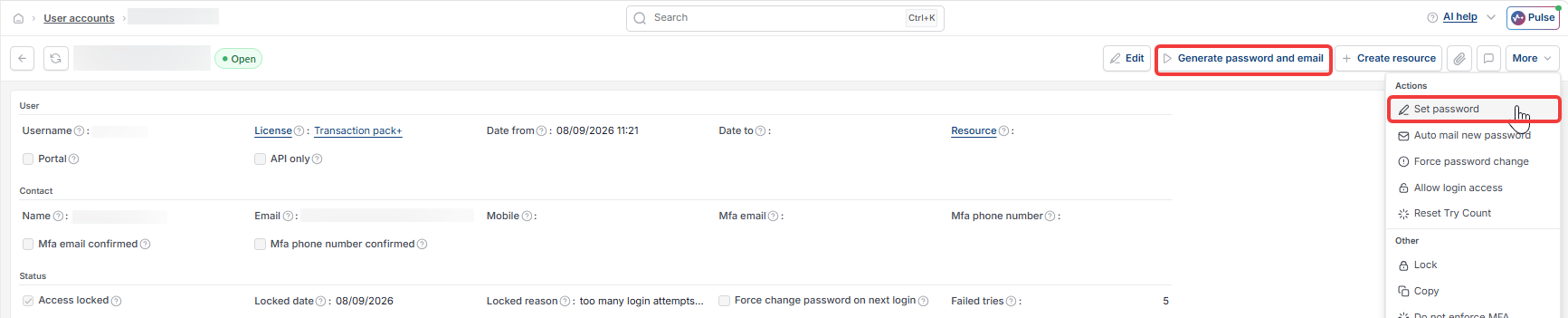
Ask your System Administrator to unlock your account. If you were locked out after entering the wrong password too many times, they'll need to reset your try count and unlock the account before you can log in again. If you see a 'Reset try count' option and an 'Allow Login Access' option on your account record, both need actioning – resetting the try count clears the failed attempts, unlocking restores access.


Getting a working password
Once your account is unlocked, your System Administrator can set you a new password themselves, or trigger an automatic password reset that sends you a new one directly. Either way, once you're unlocked, you can also use the 'Forgot password' link on the login page to set your own password without waiting on the admin to do it for you.
Locked out
Account locked
Can't log in
Reset password
Unlock account
Too many attempts