

This article covers transactions missing from a bank reconciliation in iplicit because of the Bank end date or Cash book end date set when the reconciliation was created.
Why transactions can be missing from a bank reconciliation
When you create a new bank reconciliation, the Bank end date and Cash book end date default to the date you created it, not the end of the month. If you expect to see every transaction for the full month but the reconciliation was created partway through, transactions dated after the end date will not appear.
How to fix missing transactions in a bank reconciliation
- Open the bank reconciliation
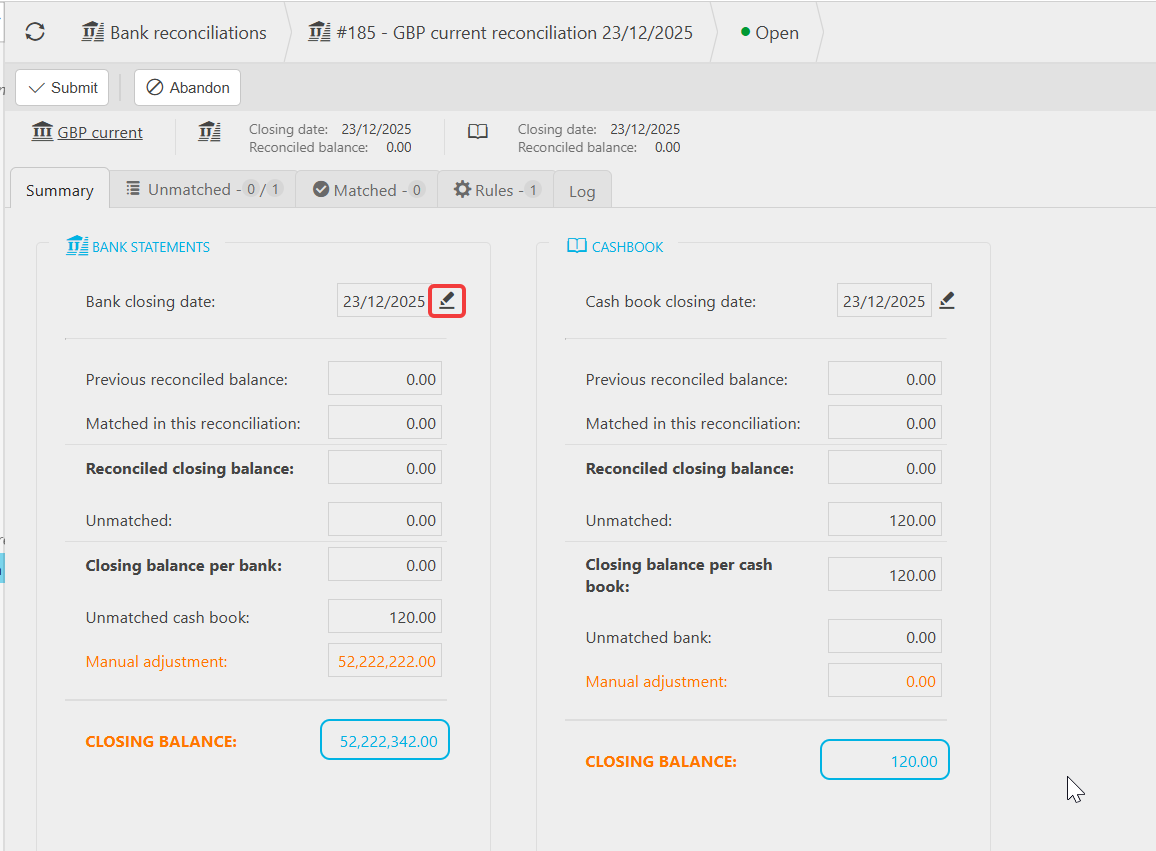
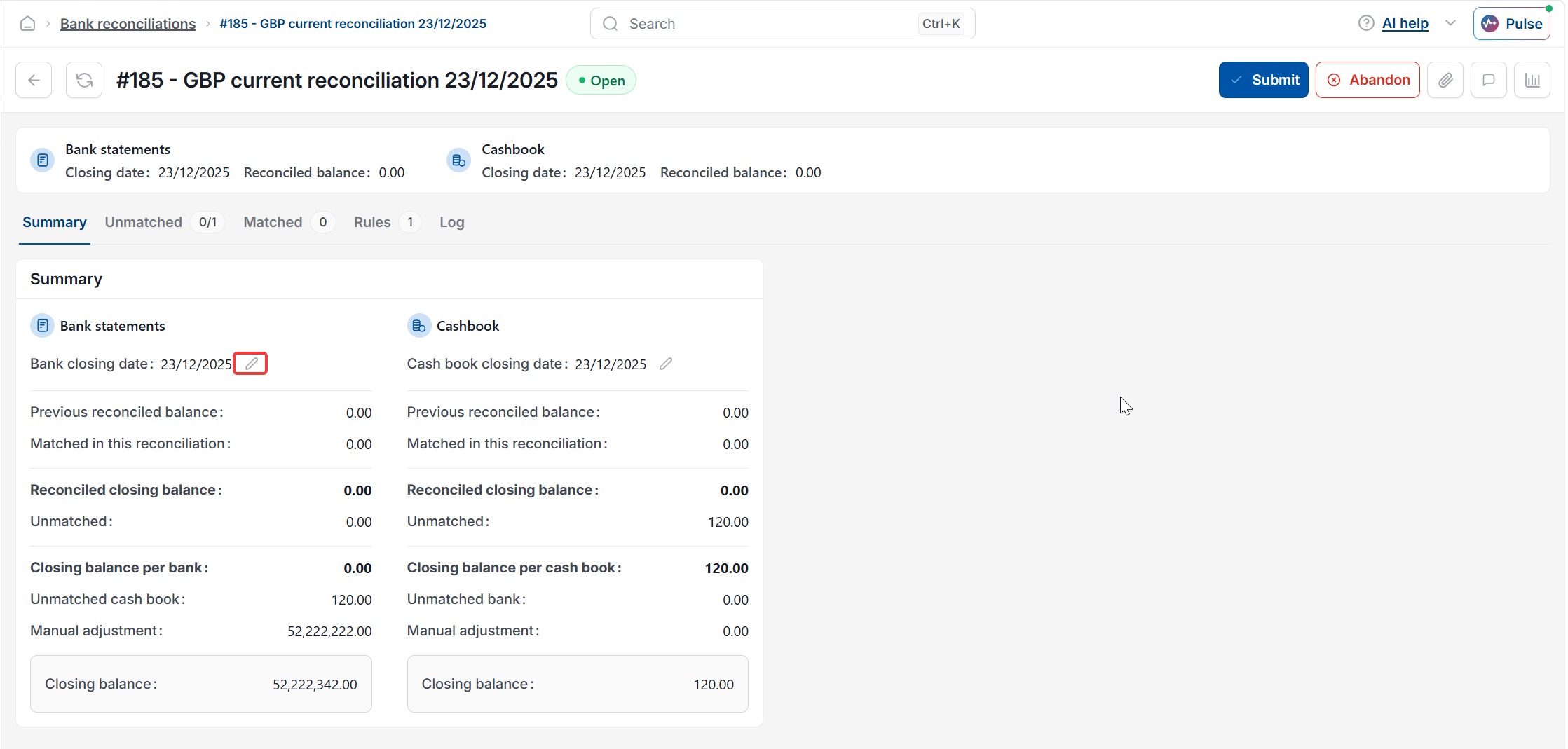
- Go to the 'Summary' tab
- Select the pencil icon next to 'Bank closing date' or 'Cash book closing date'
- In the 'Amend reconciliation' dialog, update the 'Bank end date' and 'Cash book end date' to cover the full period you need
- Select 'Apply'.
Widening the end dates brings transactions dated up to the new end date into the bank reconciliation.
If your reconciliation's date range already covers the full period you need and transactions are still missing, the summary may not have refreshed – see 'How can I update the summary page in Bank Reconciliation'.
Missing transactions bank rec
Bank reconciliation end date
Transactions not showing in bank rec
Change bank reconciliation dates
Amend reconciliation end date