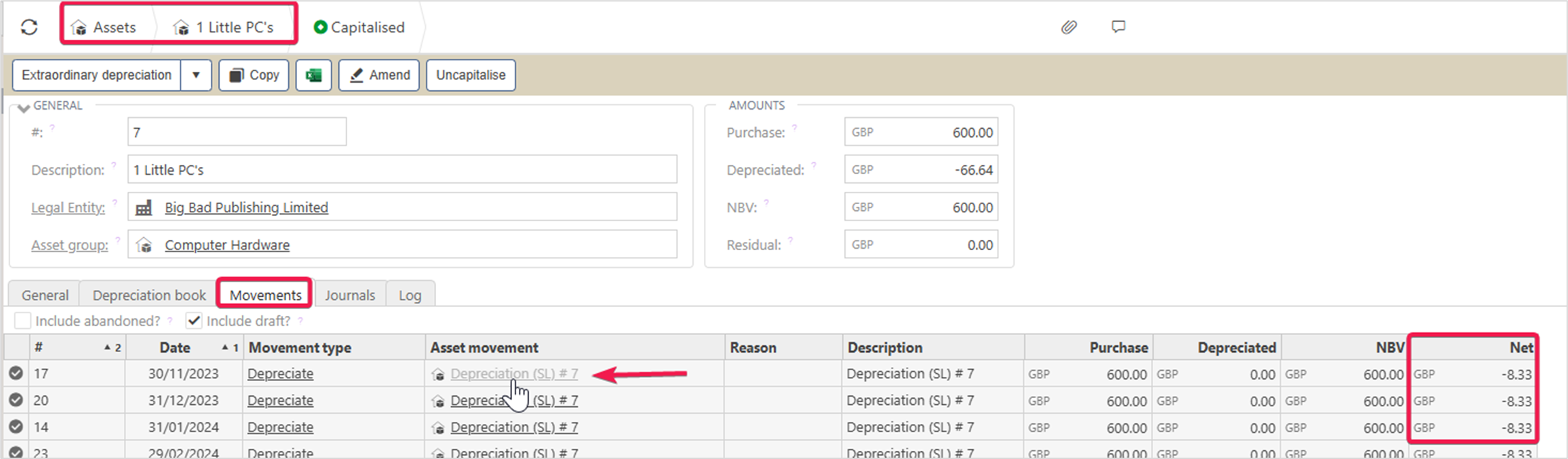
In the Assets module, when you drill down into an asset and select the Movement tab, the Net column displays the value of the transaction associated with each movement type.
For example, in the case of a Depreciation movement, the Net column reflects the value of the depreciation journal.
You can view the details of this journal by holding Control and clicking on the document link in the Asset Movement column, as highlighted below.
This will allow you to view the journal linked to that transaction value as shown in the example below.
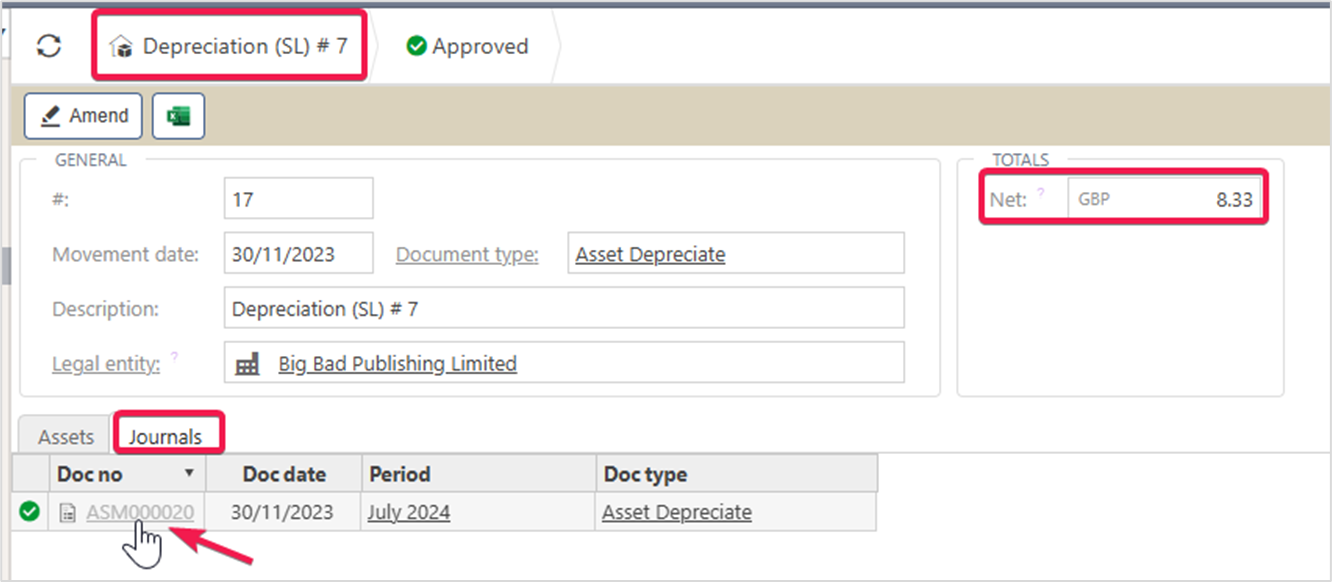
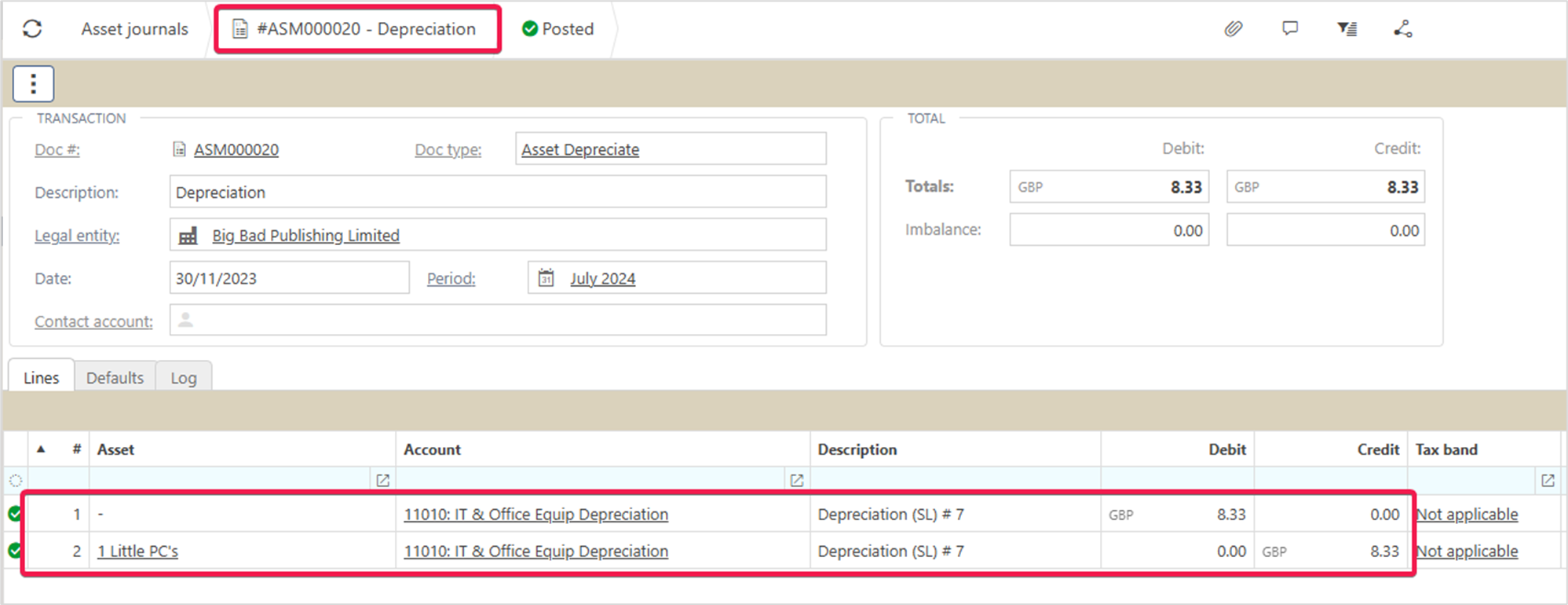
Viewing the individual journal lines can be achieved by holding Control and clicking on the document link in the journals tab as highlighted above.