.png)
There is an option to do a correction on a bank transfer that is posted. Providing you have the relevant user permissions. This can only be done if the transactions within the transfer have not been matched in a submitted bank reconciliation.
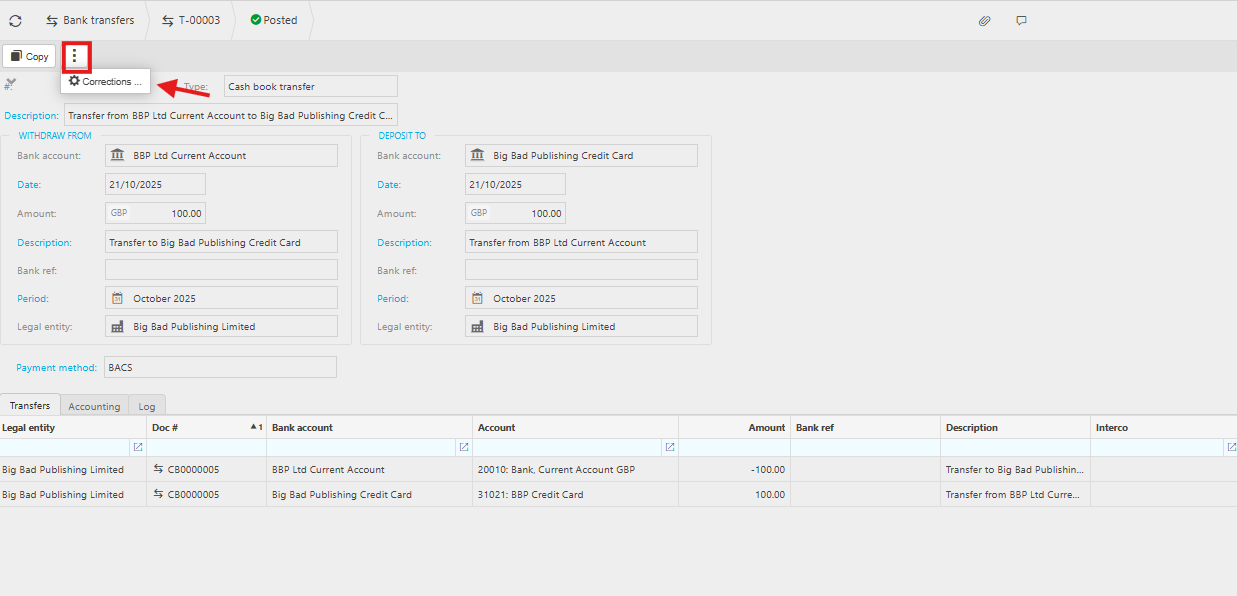
- Click on the ellipse button and select the Corrections button.
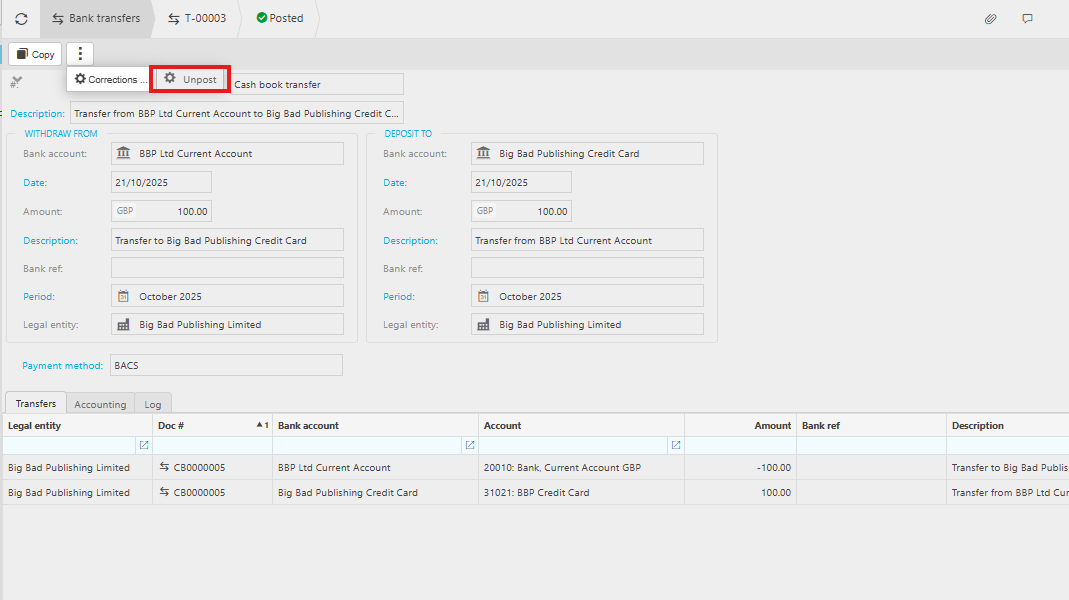
- Select the Unpost button
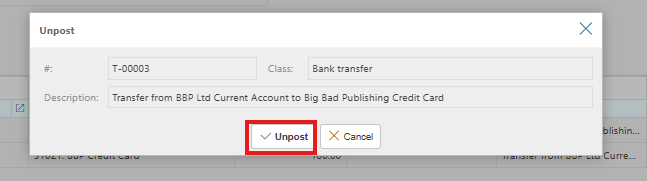
- Then click the Unpost button
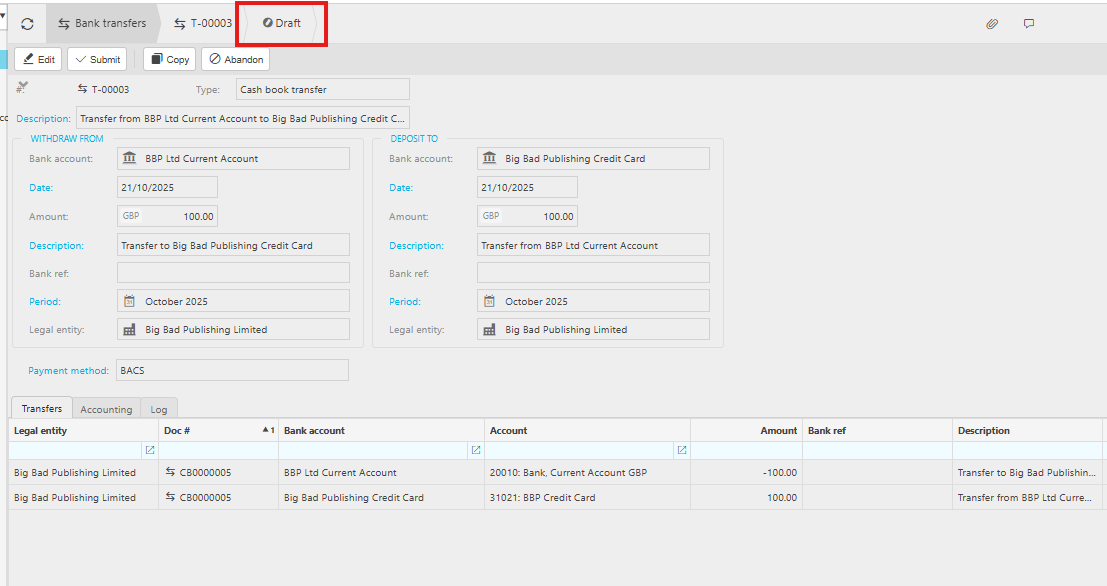
- Now the bank transfer is back in a draft status, and you can either Edit or Abandoned the document accordingly.