

This article covers the AI help button in iplicit, and whether it can be moved or hidden. The button's position and behaviour differ depending on your screen.
Moving or hiding the AI help button
You cannot move the AI help button on any screen. What you can do depends on your screen:
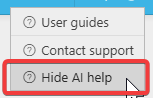
- On some screens, the AI help button floats on screen and can be hidden. Select the '?' icon in the top-right corner, then select 'Hide AI help'
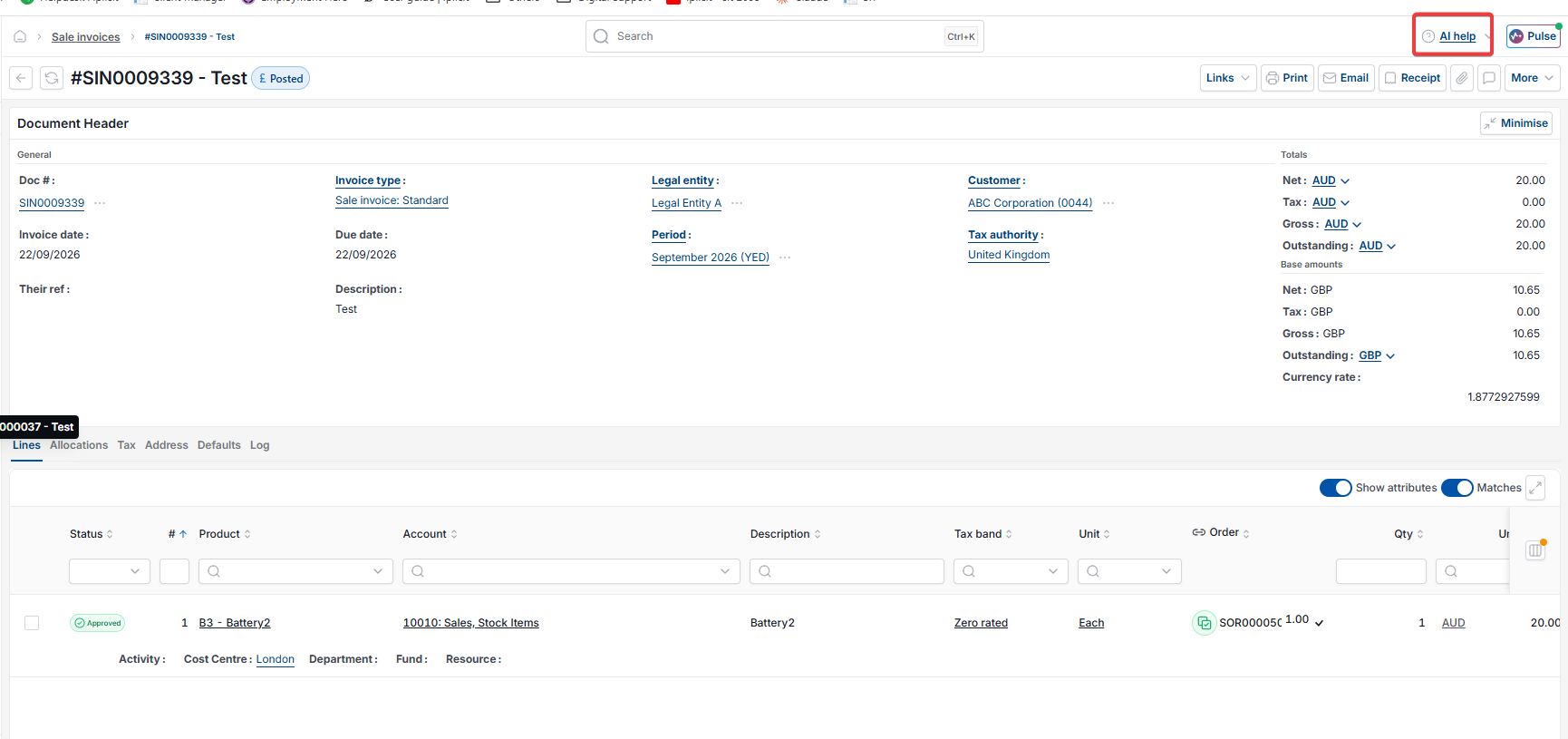
- On other screens, 'AI help' is a fixed button in the top-right corner of the screen. It does not float over the page, and it only opens the AI help assistant when selected – there is no separate option to hide it.
Screenshots for Legacy UI (before October 2026)
Screenshots for New UI (post October 2026)
Note for screens where the AI help button can be hidden
If you log out of iplicit or reload the page, the AI help button reappears. You'll need to hide it again if you don't want it visible in your current view.
Customer search terms
Move the AI button
Hide AI help
Hide AI Assistant
Remove AI help
AI help button location