

This article covers how often to run a stock valuation in Stock Tracking, and why it's needed. The stock module works on an end-of-period basis, so General Ledger movements from purchase, sales or stock adjustment documents only post once a stock valuation is run.
How often to run a stock valuation
You can create purchase, sales and stock adjustment documents throughout the period as normal. However, the resulting General Ledger movements only post once you run the stock valuation process. We recommend running this once a month.
Running a stock valuation
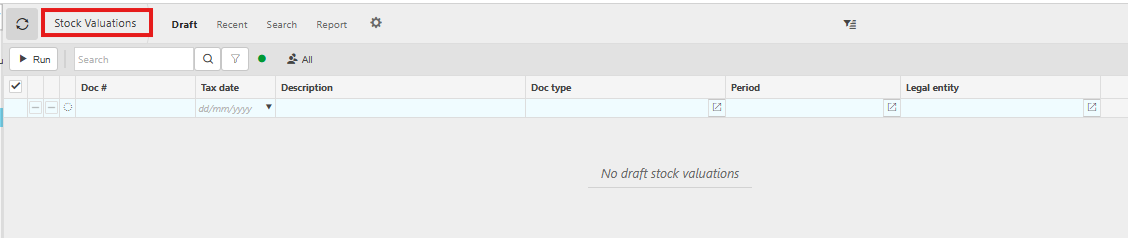
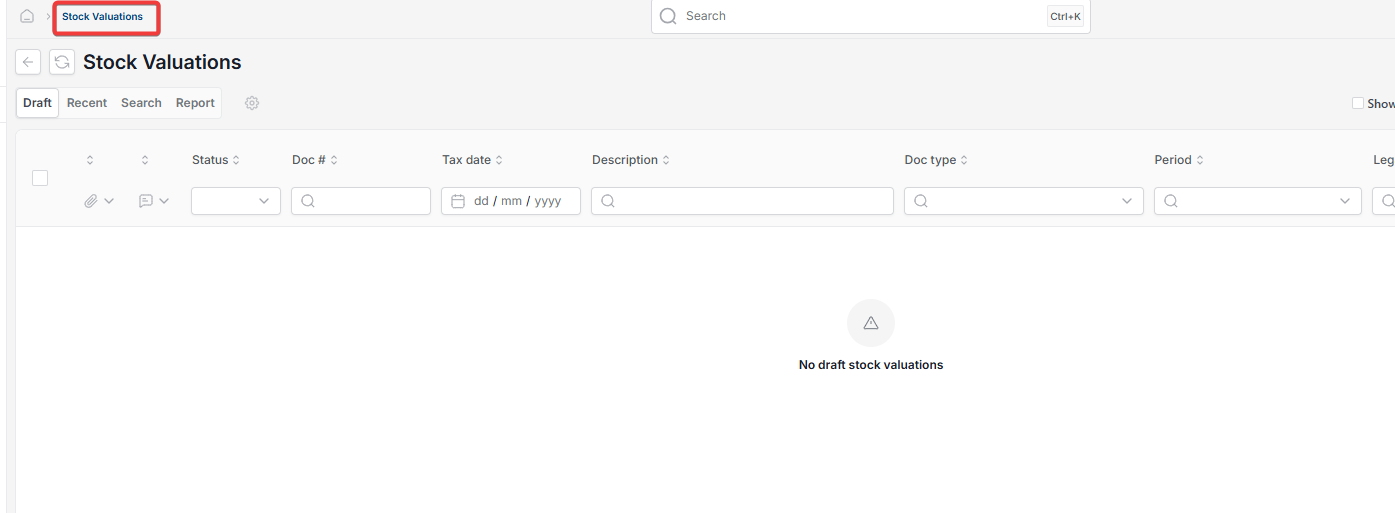
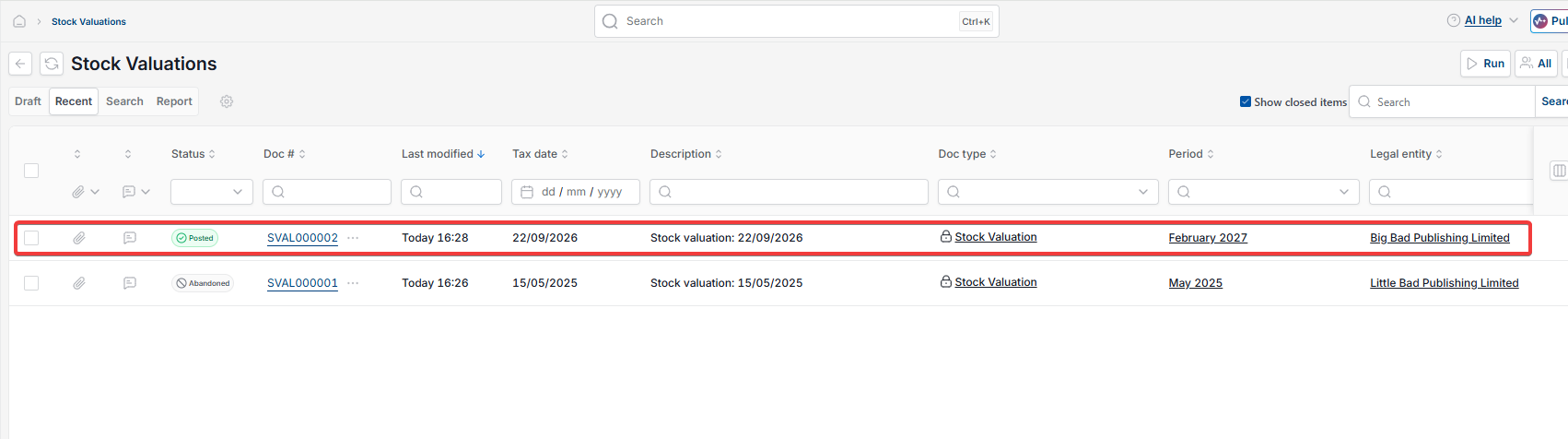
- Navigate to 'Stock valuations'
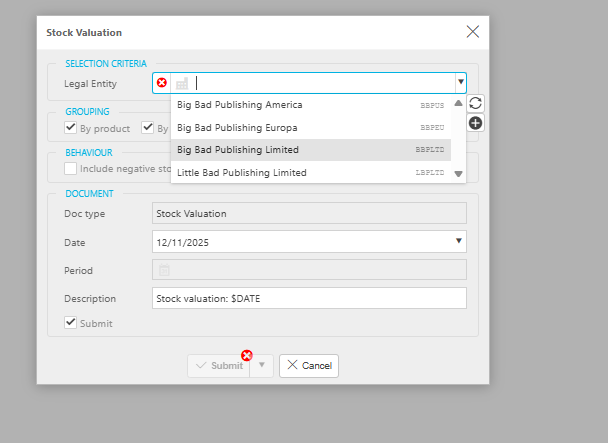
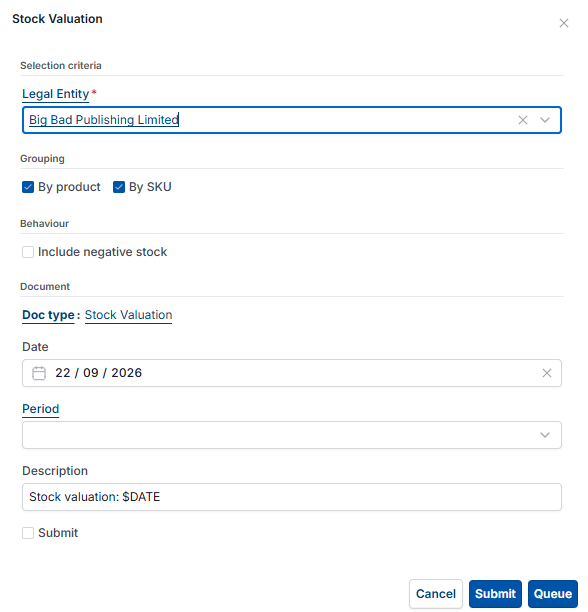
- Select 'Run'
- Select the 'Legal Entity' if you have more than one – the 'Date' field defaults to today
- Tick 'Submit', then select 'Submit'.
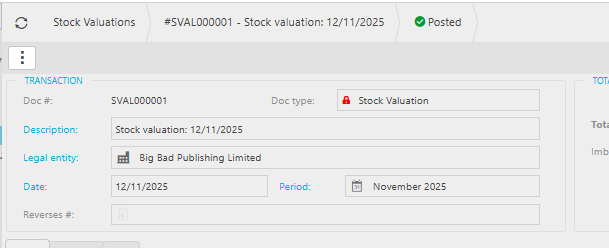
This generates a stock valuation document showing the period's stock movements.
Stock valuation frequency
How often run stock valuation
Run stock valuation
Stock valuation not updating GL
Monthly stock valuation
End of period stock