.png)
Depending on what permissions you have added to your user, you may need to add the permission Document Type: Admin to have the ability to add a document series.
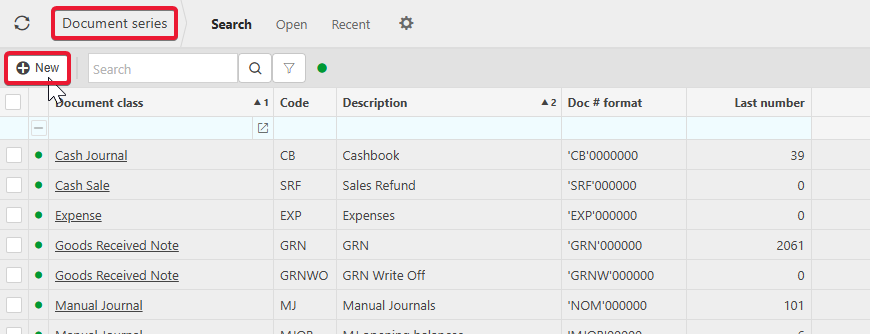
1. Navigate to Document Series, and select New.
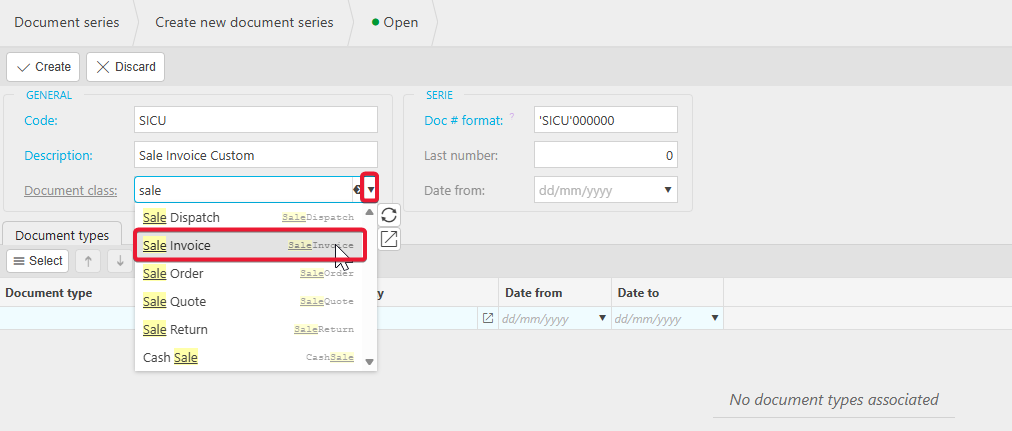
2. Enter the fields as shown below. For the example, the series is named Sale Invoice Custom, however you will name this whatever you would like to help differentiate the documents. Select the relevant document class from the dropdown. The prefix on the Doc # format can be whatever you would like it to be depending on your requirements.
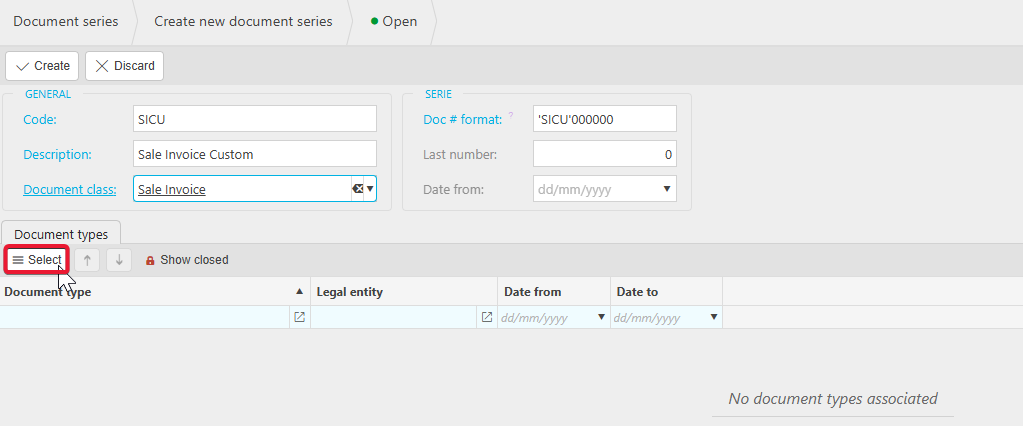
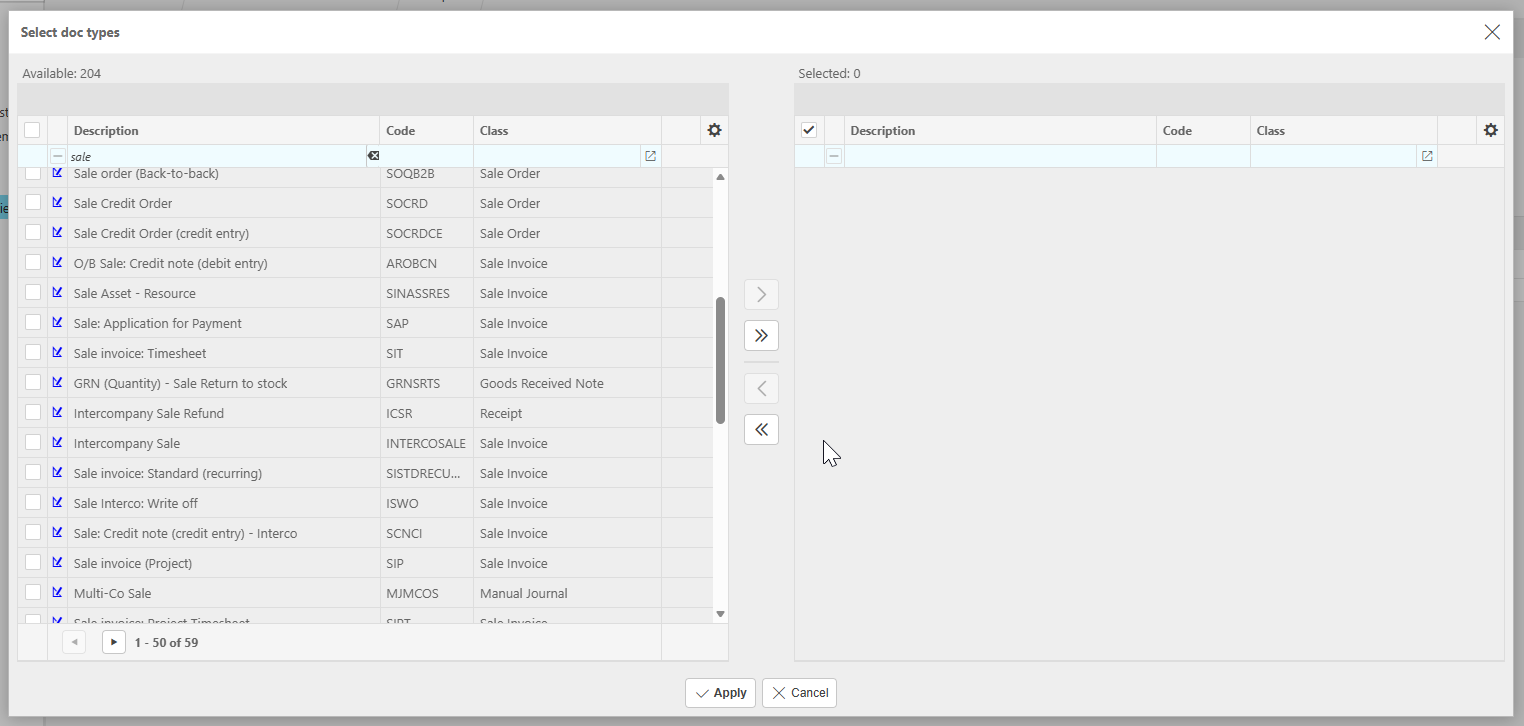
3. To add document types to be available with this document type, drill into the selector. This can also be done later in the document type if you are adding a custom document type as well.
4. Add the document types and Apply.
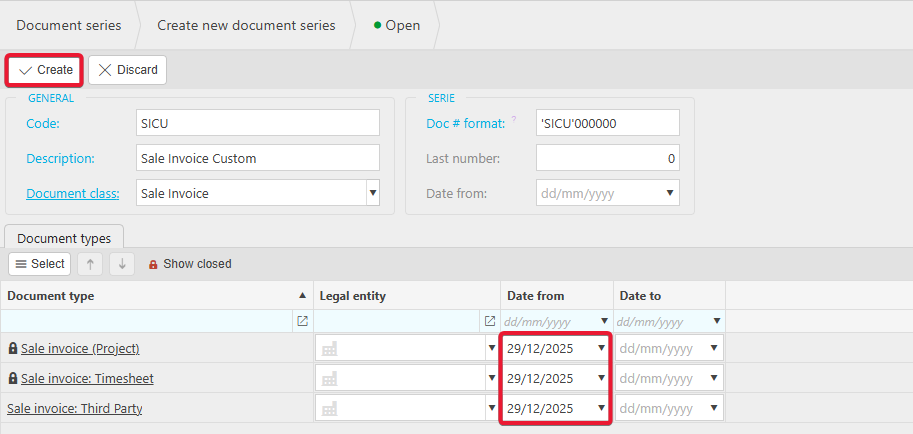
5. Ensure the Date from is dated before any document dates you will be creating. Click create to finalise.