

This article covers printing credit control notes from within the Enquiries area of iplicit. iplicit does not have a direct print button for this enquiry – you export the notes to Excel first, then print from there.
Finding the credit control notes enquiry
Credit control notes (sometimes called customer notes or collection notes) are stored against each customer in iplicit. To view them together, use the 'Credit control notes' enquiry rather than opening each customer record individually.
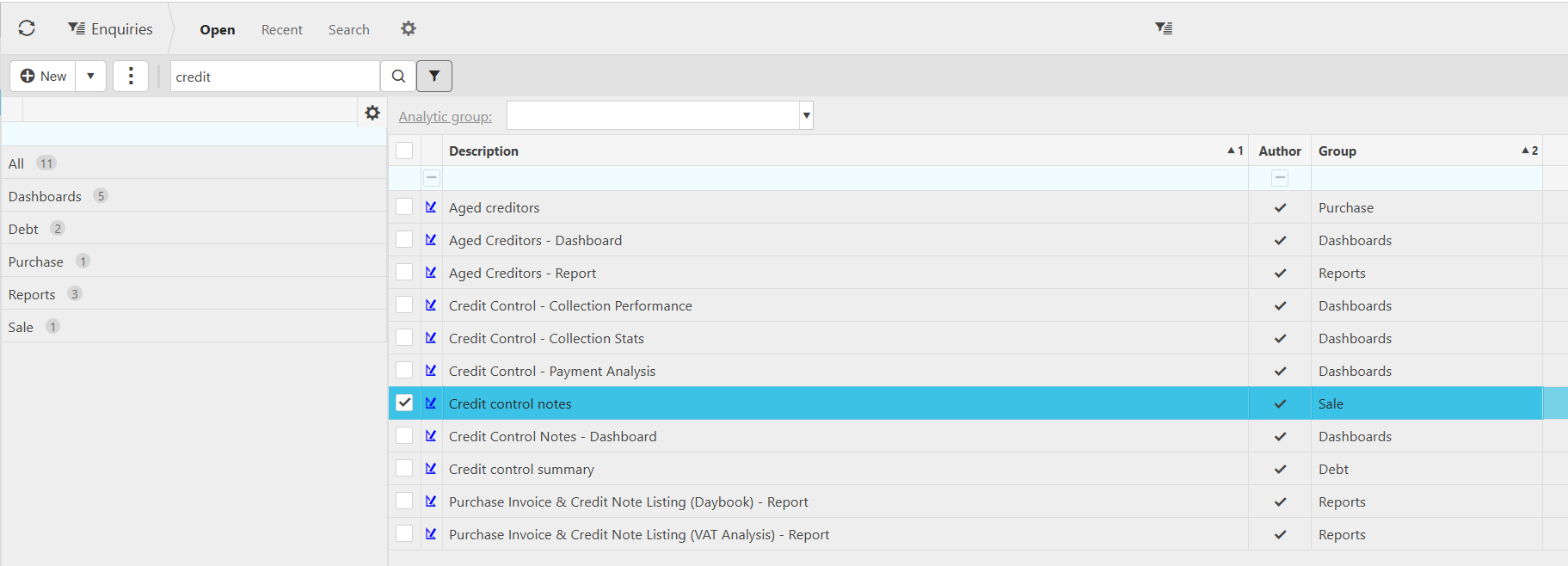
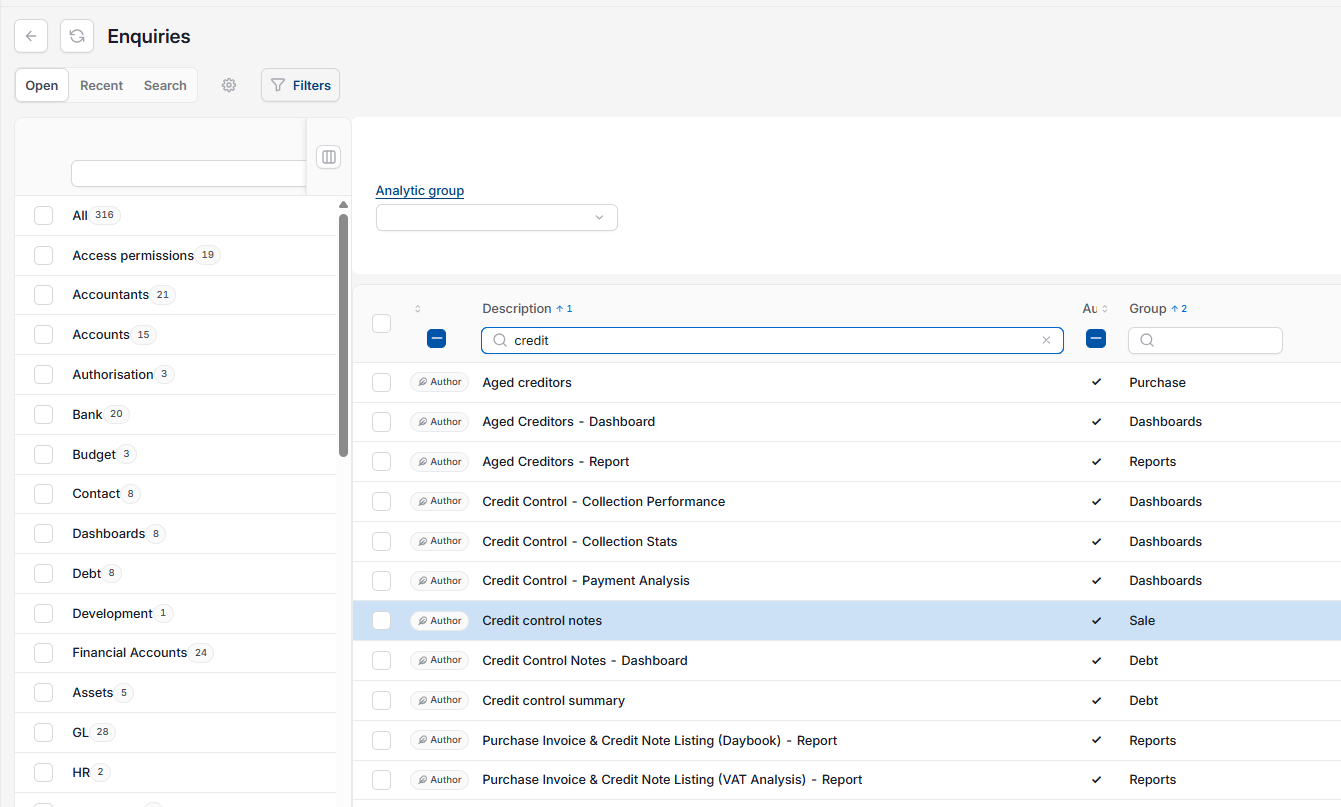
- Go to 'Enquiries'
- Select 'Credit control notes' from the list of enquiries.
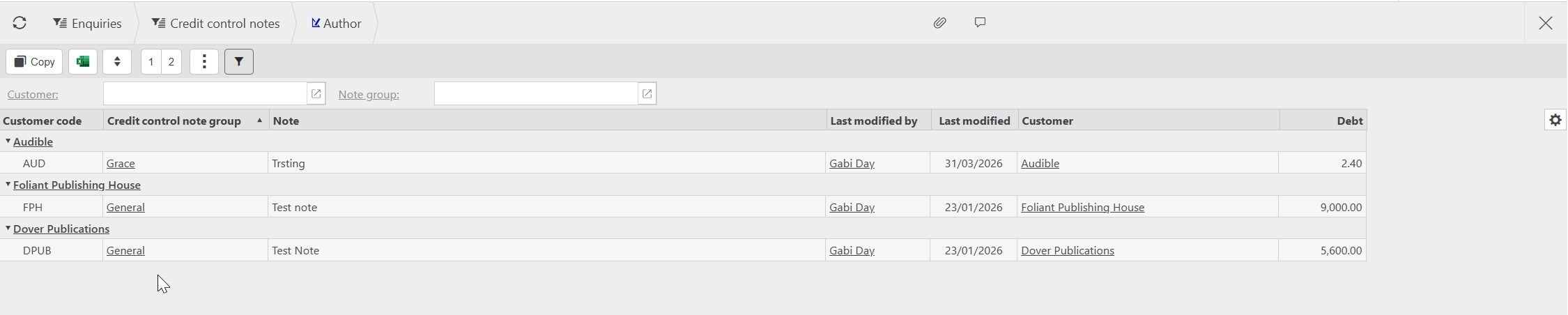
The enquiry displays every note recorded, grouped by customer, along with the note group, who last modified it, customer and the debt.
Filtering credit control notes before exporting
You can narrow the list before exporting so you only print what you need. This is useful if you want notes for one customer, or notes from a specific note group, rather than the full list.
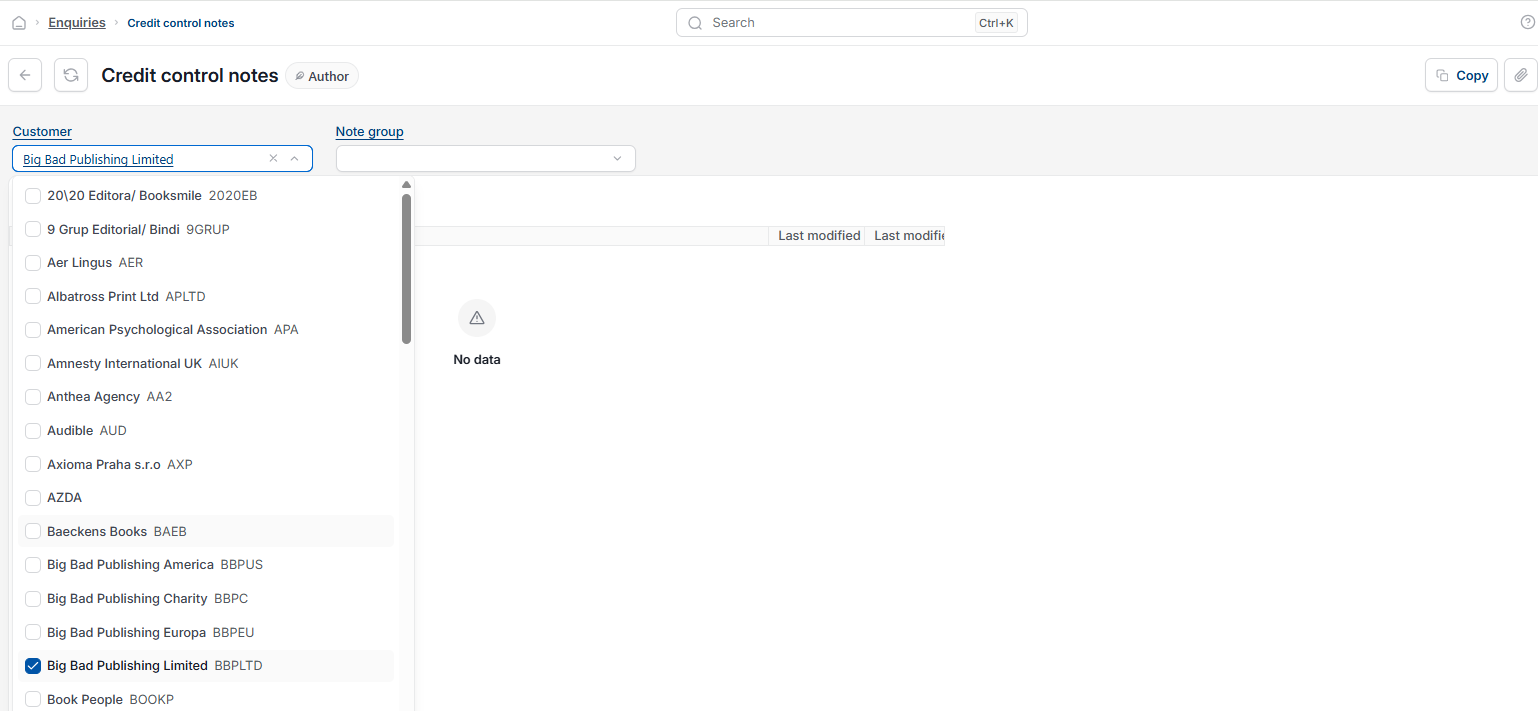
- In the 'Credit control notes' enquiry, use the 'Customer' field to filter to a single customer
- Use the 'Note group' field to filter to a specific group, such as General or a named category
- Leave both fields blank to see notes for all customers.
Exporting and printing credit control notes
iplicit does not provide a direct print option for this enquiry. Instead, you export the notes to Excel and print from there.
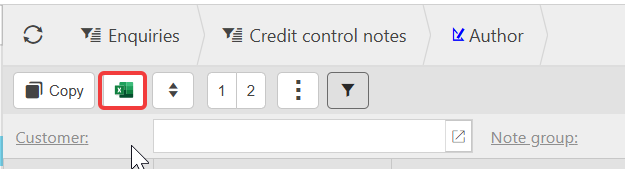
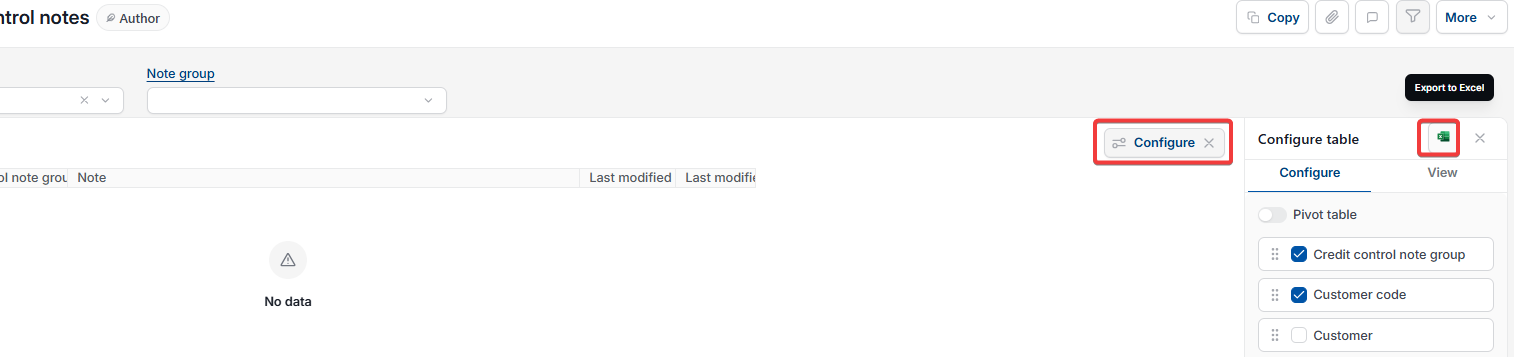
- With your filters applied (or left blank for all customers), select the Excel export icon in the toolbar above the enquiry, or select 'Configure'
- Open the downloaded Excel file
- Print the file from Excel using your usual print settings.
Print credit control notes
Export credit control notes
Credit control notes enquiry
Print customer notes
Credit control report