

This article covers customer statement generation in the Sales Ledger. If the statement preview shows 'No communications produced', there are two possible causes – a setting on the customer record, or a communication template that has not been configured. Work through the checks below in order.
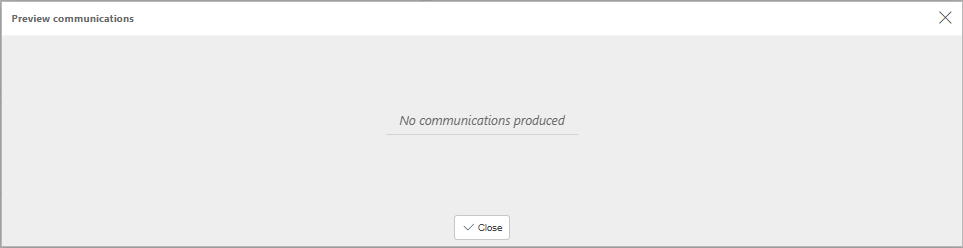
Check one: 'Receive statements' is not enabled on the customer record
The most common cause of a blank statement preview in the Sales Ledger is that the customer record is not set up to receive statements. iplicit will not produce a statement for a customer unless 'Receive statements' is active on their account – even if there is a balance outstanding.
To check and enable this setting:
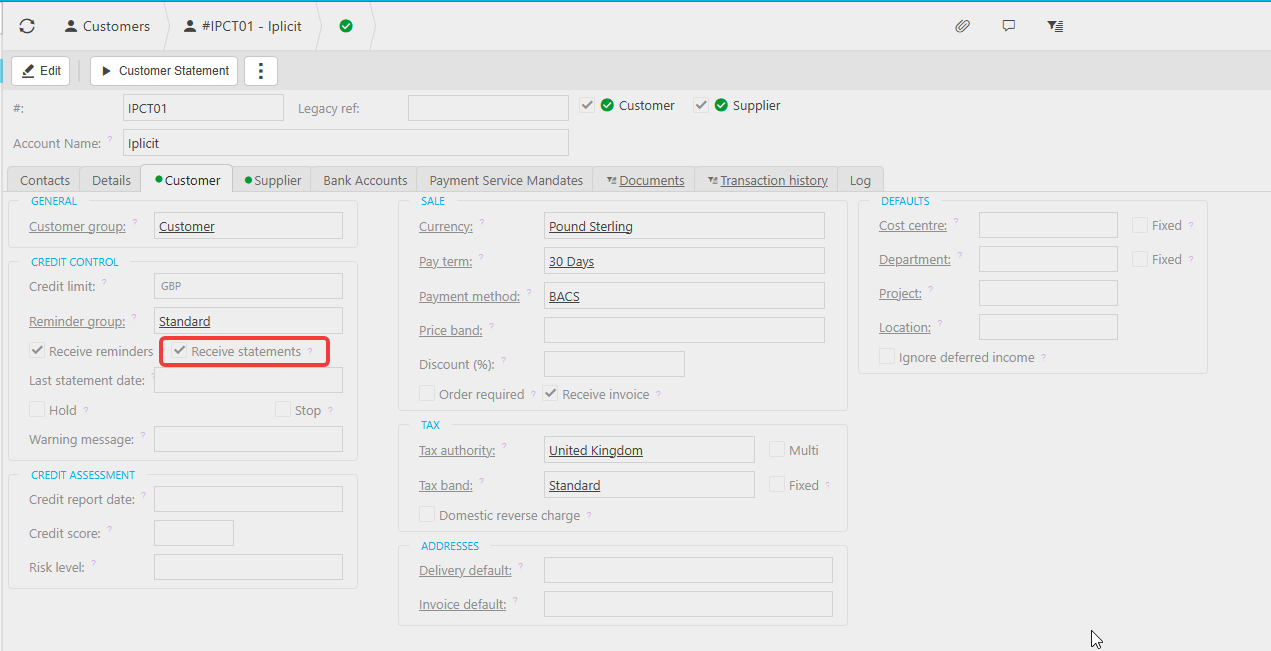
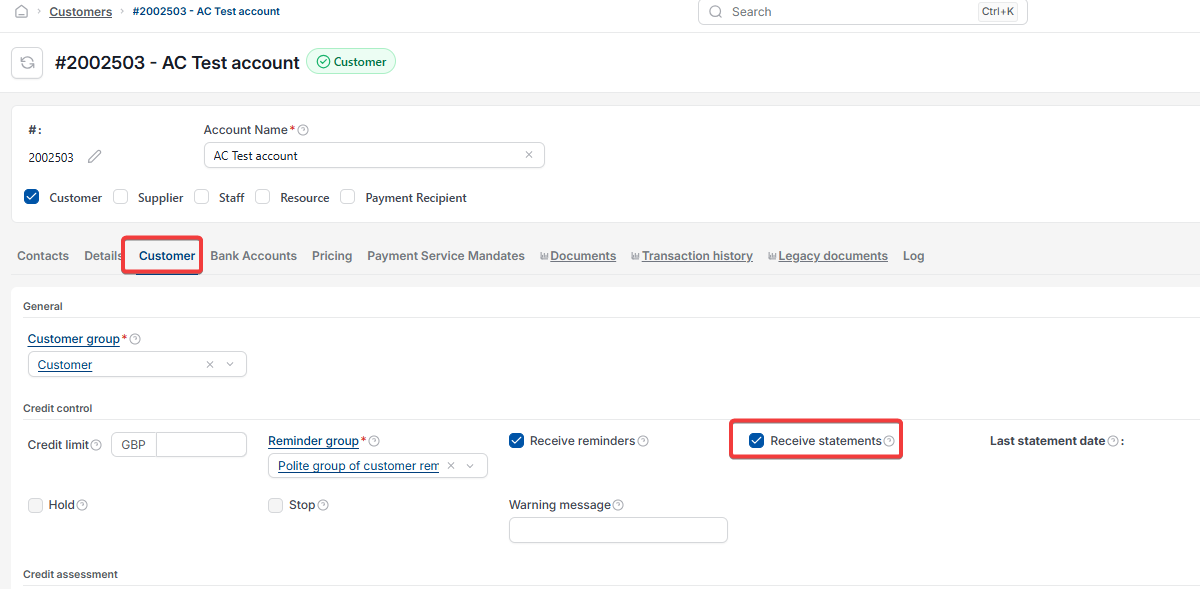
- Navigate to Sales Ledger > Customers and open the relevant customer record
- Select the 'Customer' tab
- Under the 'Credit Control' section, locate the 'Receive statements' checkbox
- Tick 'Receive statements'
- Save the record
- Re-run the statement preview
If the preview now generates correctly, no further action is needed.
Check two: the communication template has not been configured
If 'Receive statements' is already ticked and the preview still shows 'No communications produced', the communication report (stationery) used to produce statements may not be set up correctly for your organisation.
Communication templates in iplicit are configured by the iplicit analytics team. This is not something that can be resolved from within the customer record.
Raise a support ticket and the team will investigate the template configuration for you.
No communication produced
Customer statement not generating
Statement preview empty
Communication error