

This article covers linking an existing user account to an existing resource record within iplicit settings. A user account controls login and permissions. A resource record represents the person for HR, payroll, expenses, and workflow purposes. Linking the two connects the login to the person.
If you need to create a new resource at the same time as the user account, see the user guide links below.
If the user or the resource does not yet exist, create them first:
Before you start
Confirm both records exist:
- the user account
- the resource
You will need permission to edit user accounts.
How to link a user account to a resource
- Navigate to the User Accounts screen
- Open the user account you want to link
- Select 'Edit'. The editable fields on the user account turn white
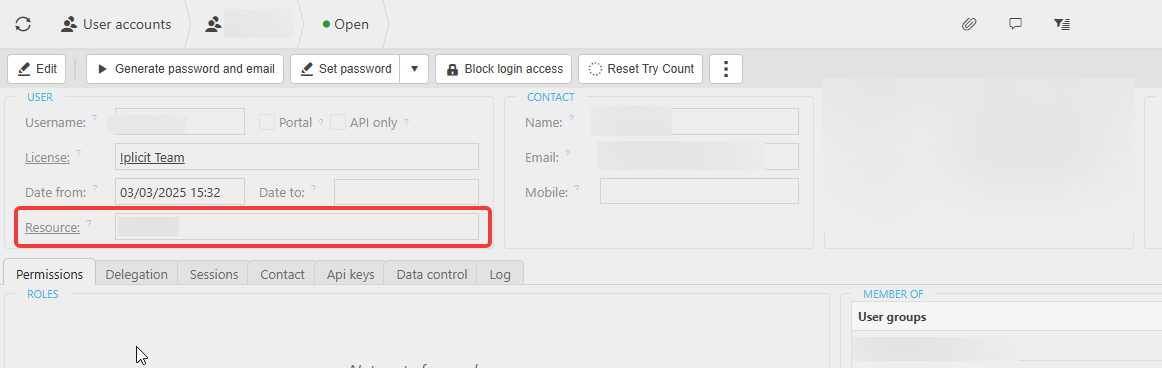
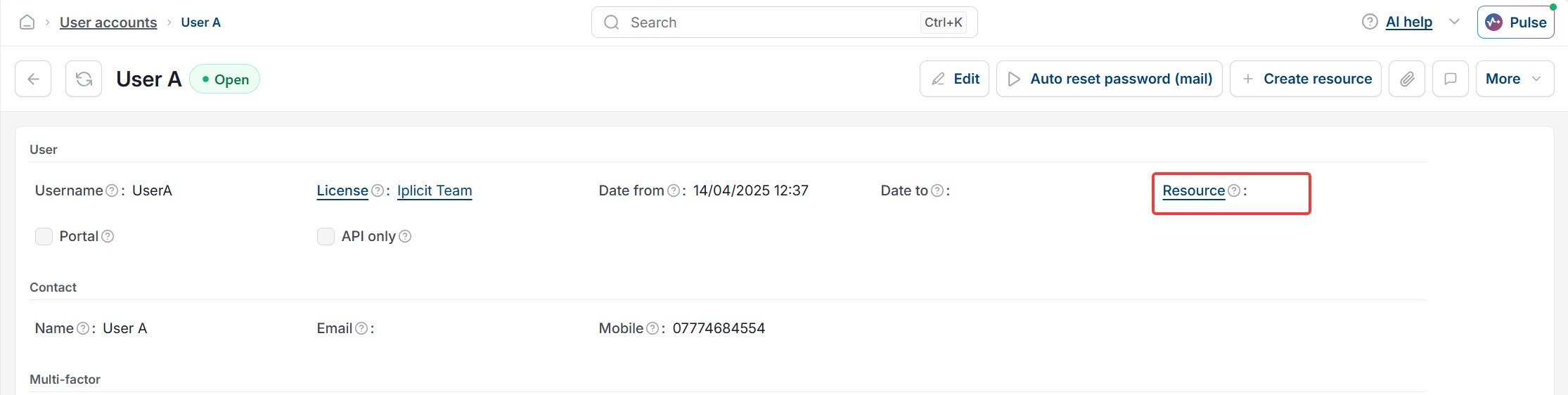
- In the 'User' section, find the 'Resource' field
- Start typing the resource name. Matching resources appear in the dropdown
- Select the correct resource from the dropdown
- Select 'Save'
The user account is now linked to that resource. The resource name appears in the 'Resource' field whenever the user account is opened.
How to check the link worked
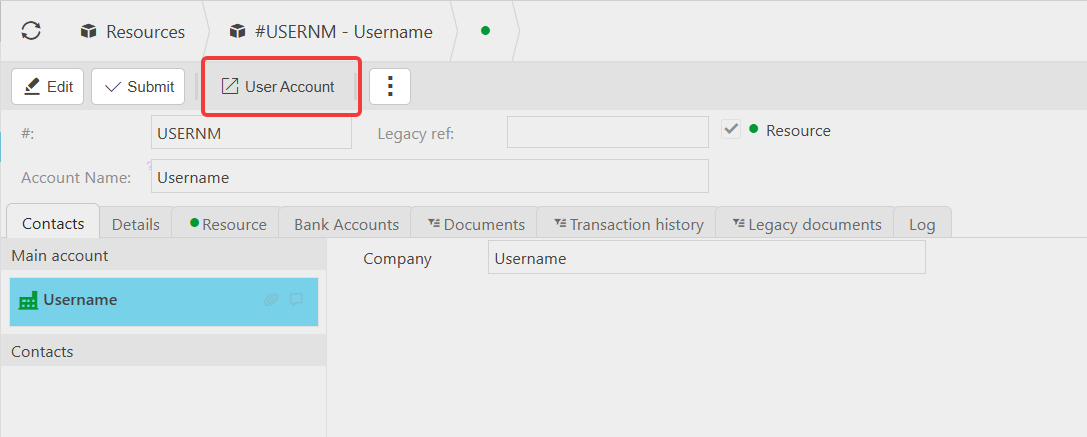
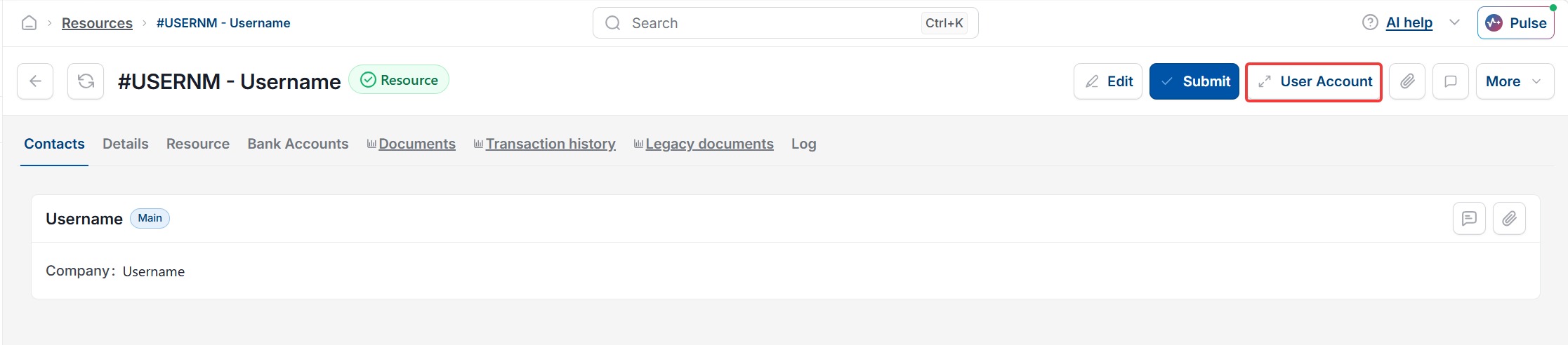
Open the resource record under HR, Resources. Select 'User Account' at the top of the record. This drills through to the linked user account. If it navigates to the correct account, the link is confirmed.
Why linking a user to a resource matters
The user account on its own only controls login and system permissions. Without a linked resource, the person cannot:
- submit or approve expenses and timesheets
- be assigned as the owner of workflow steps
- be selected as a manager, approver, or cost centre owner on other resources
Common issues
- The 'Resource' field is greyed out – you are not in edit mode. Select 'Edit' first
- The resource you expect is not in the dropdown – the resource may not exist yet, or may already be linked to a different user account. Check under HR, Resources
- The 'Save' button stays inactive – confirm the resource name is selected from the dropdown rather than left as free text
- The 'User Account' button is not visible on the resource record – no user account has been linked yet. Follow the steps above to link one
Link resource to user
Attach resource to user
User account with resource
Map user to employee record