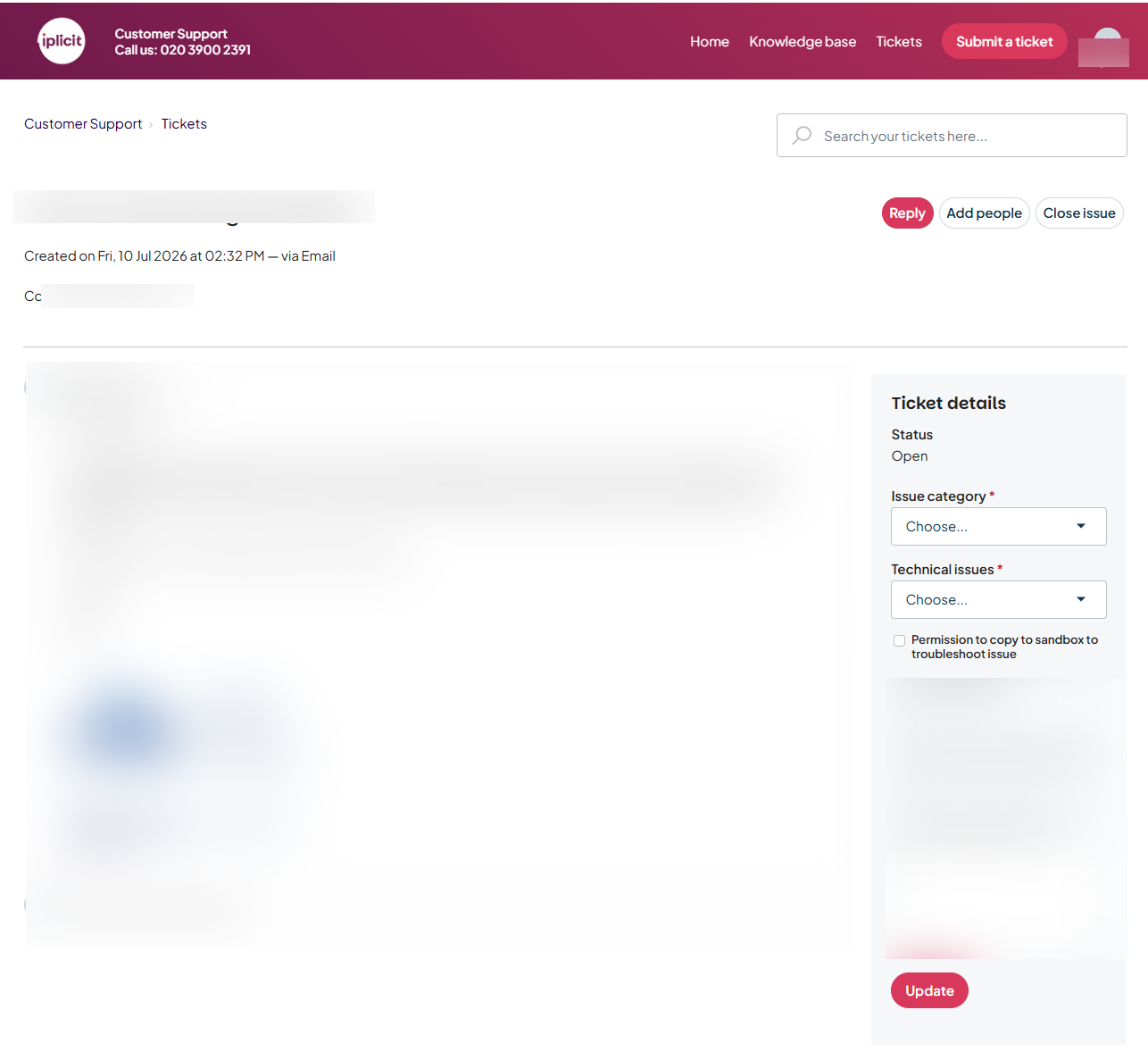
This article covers viewing and managing support tickets you've already submitted through the iplicit customer support portal. You must be logged in to view your tickets – see 'How to log in to the support portal and reset your password'.
Checking ticket status
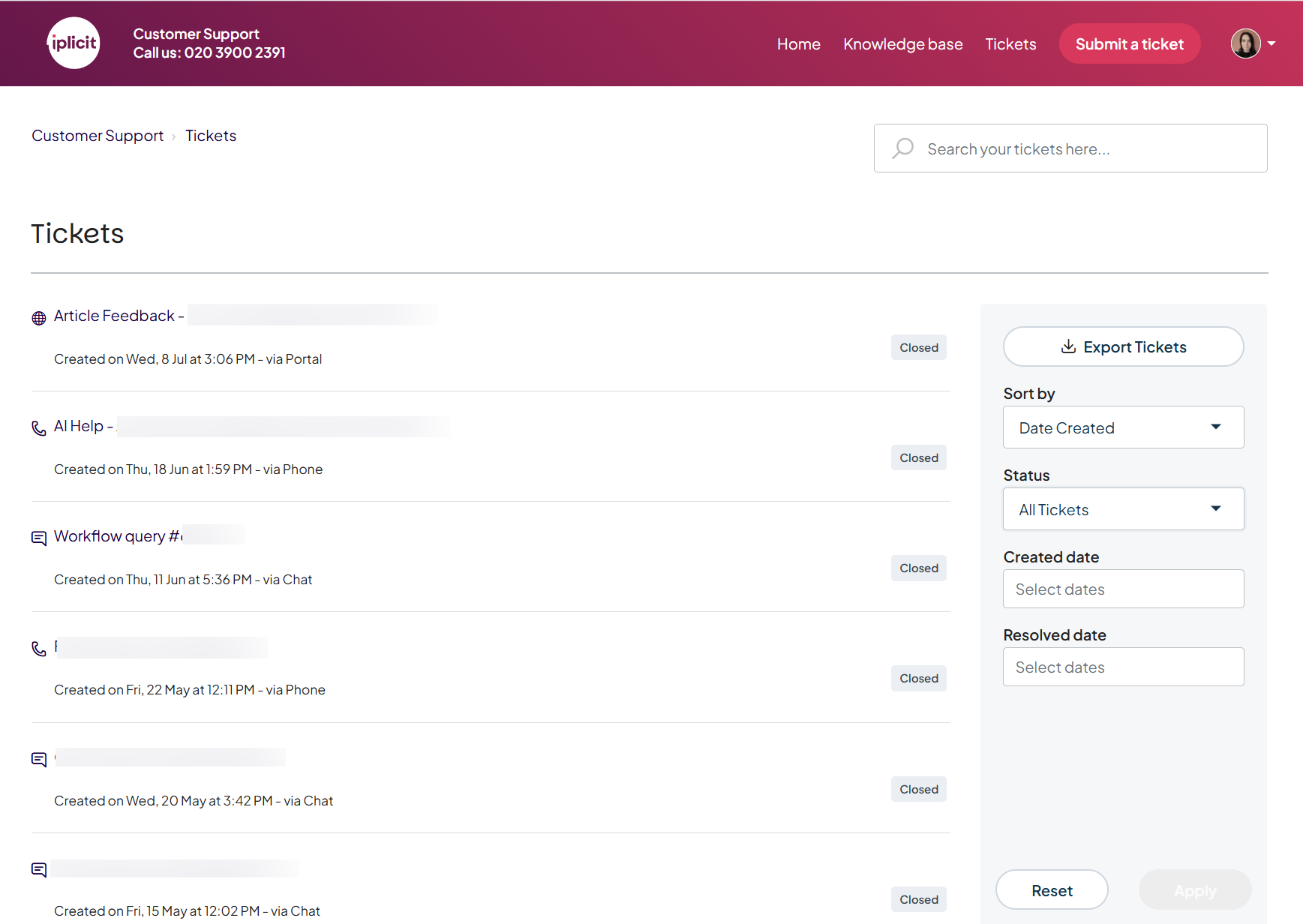
Once logged in to the support portal, you can check the status of tickets you've submitted. Use the filters on the tickets screen to sort by status or date.
Managing an individual ticket
Select any ticket to see its full conversation history. From here, you can:
- Reply directly to the iplicit support team to continue the conversation
- Upload additional files or screenshots
- Add people from your organisation to the ticket
- Close the ticket if the issue is resolved or no longer needed.