

This article covers the automation that generates the regular instalment invoices from a billing schedule sales order, within the Sales Ledger. This is separate from the deposit automation – see 'Setting up sales deposit automation to invoice a deposit against a billing schedule' for that.
Setting up the billing schedule automation
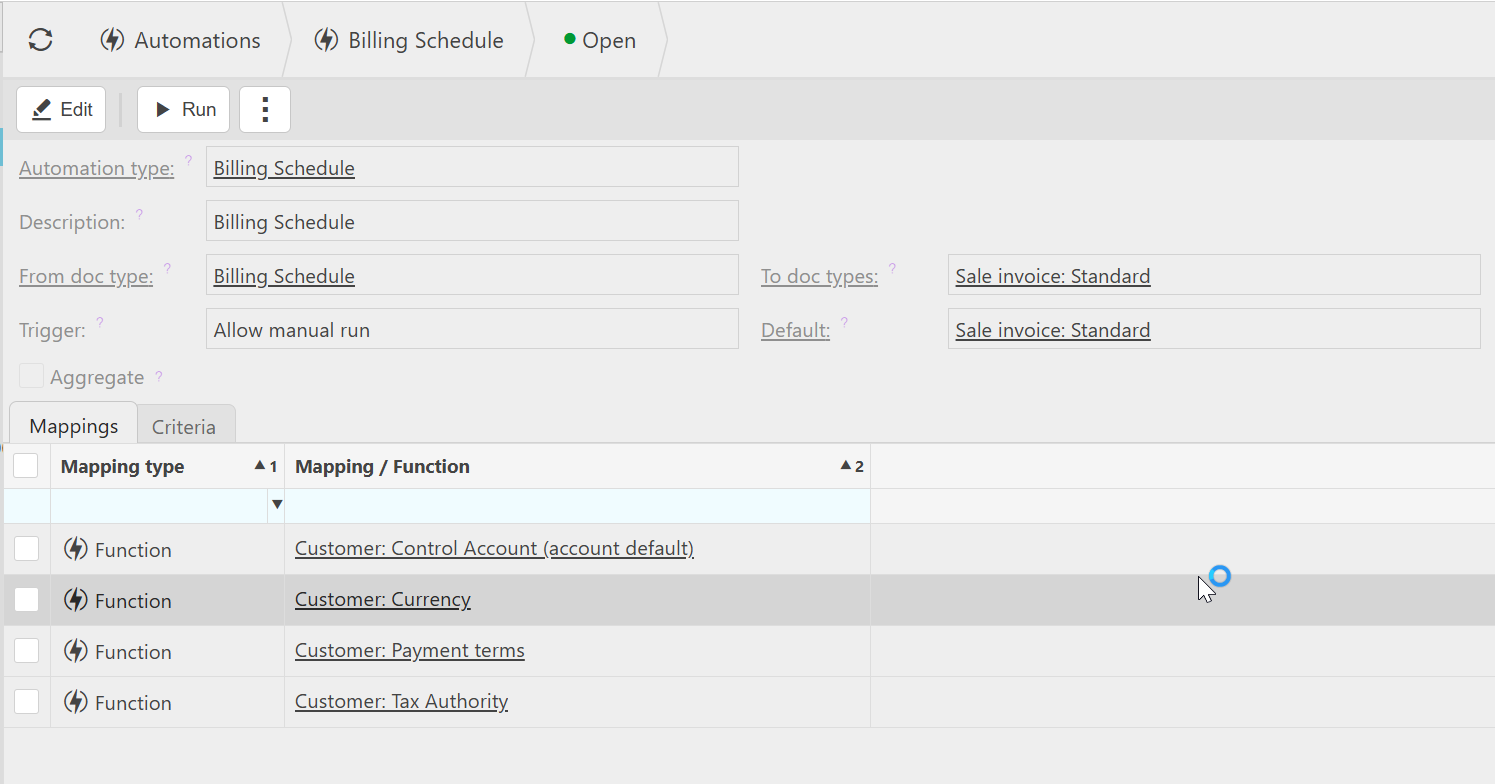
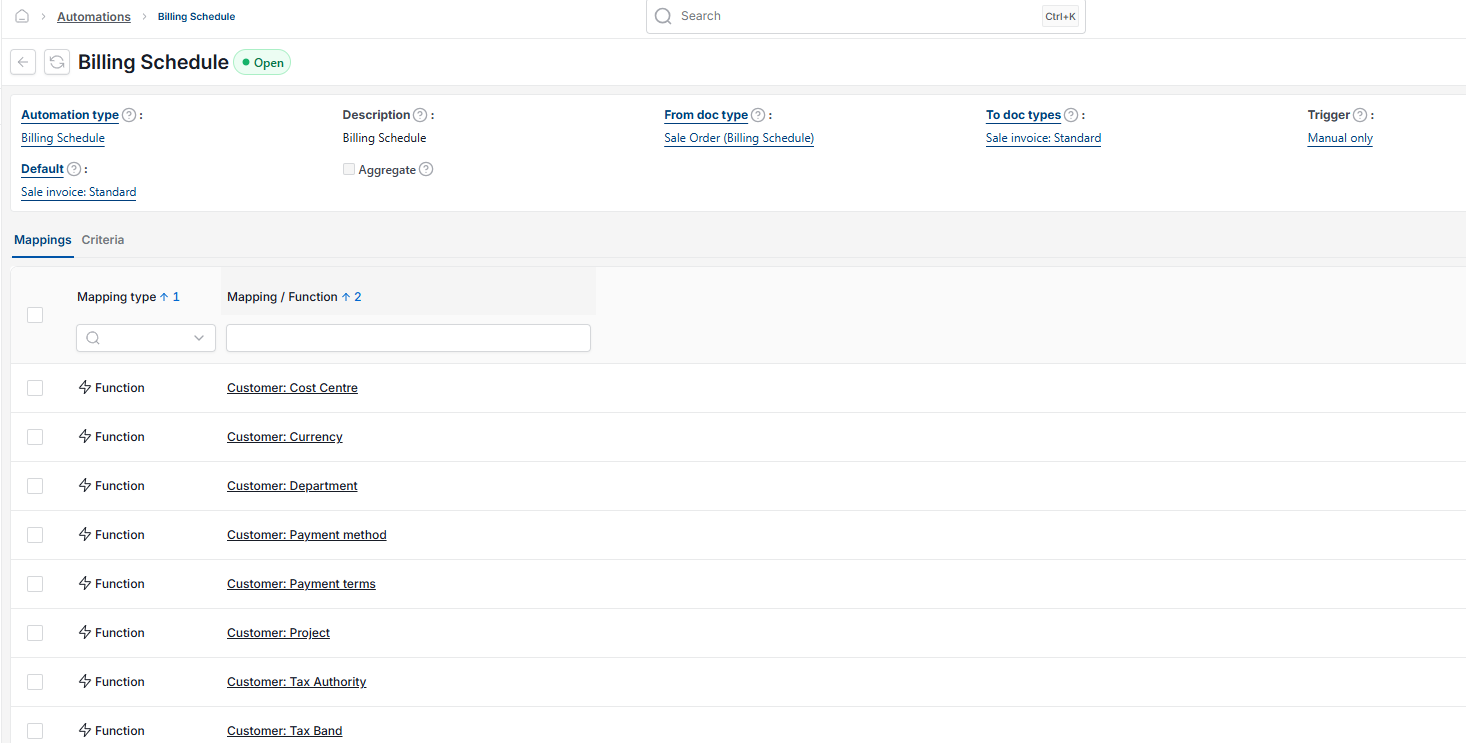
- Navigate to 'Automations' and select 'New'
- Set 'Automation type' to 'Billing Schedule'
- Set 'From doc type' to 'Billing Schedule'
- Set 'To doc types' and 'Default' to 'Sale invoice: Standard'
- Set 'Trigger' to 'Allow manual run'
- Save the automation.
Running the billing schedule automation manually
Unlike the deposit automation, this does not post automatically. You need to run it each time you want to release the next round of scheduled invoices.
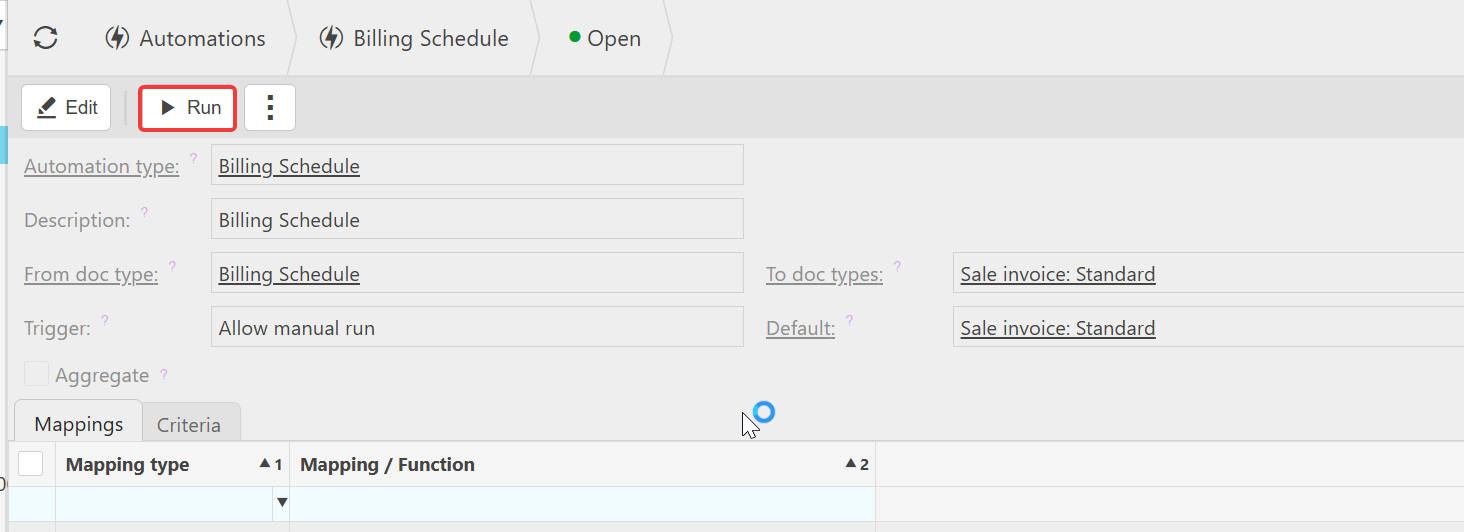
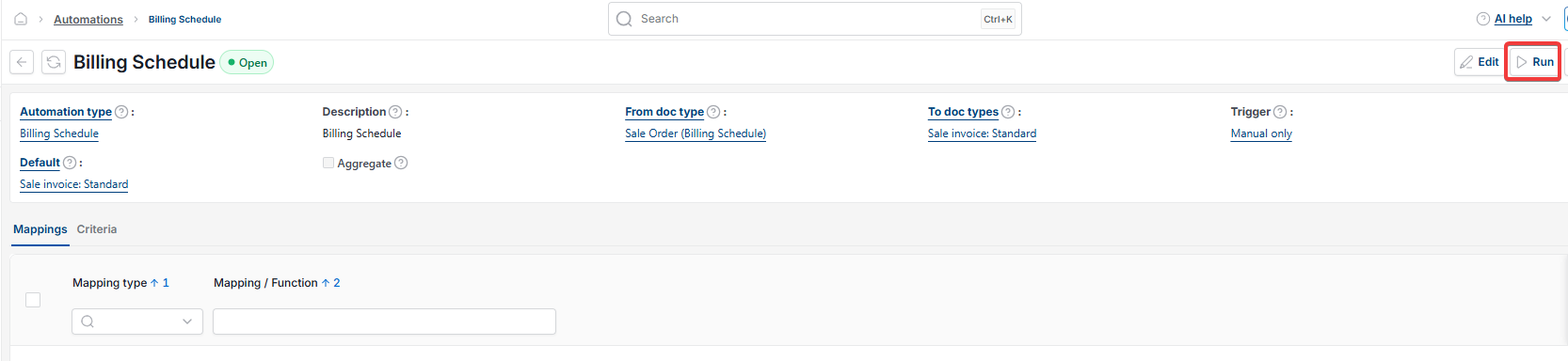
- Open the Billing Schedule automation
- Select 'Run'
- Enter the criteria for the invoices you want to release
- Confirm the run.
You will then see the released invoices against the billing schedule order on the 'Schedule' tab.
If you would rather this ran automatically on a set date each month instead of manually, see 'Automating the billing schedule run with the scheduler'.
Billing schedule automation
Generate scheduled invoices
Run billing schedule
Monthly invoice not raising
Release billing schedule invoice