

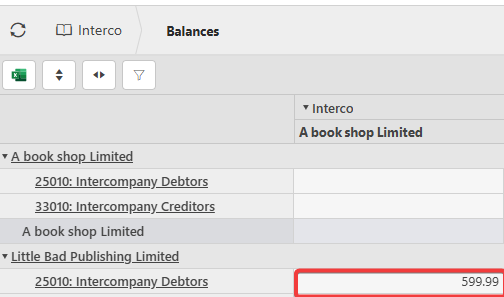
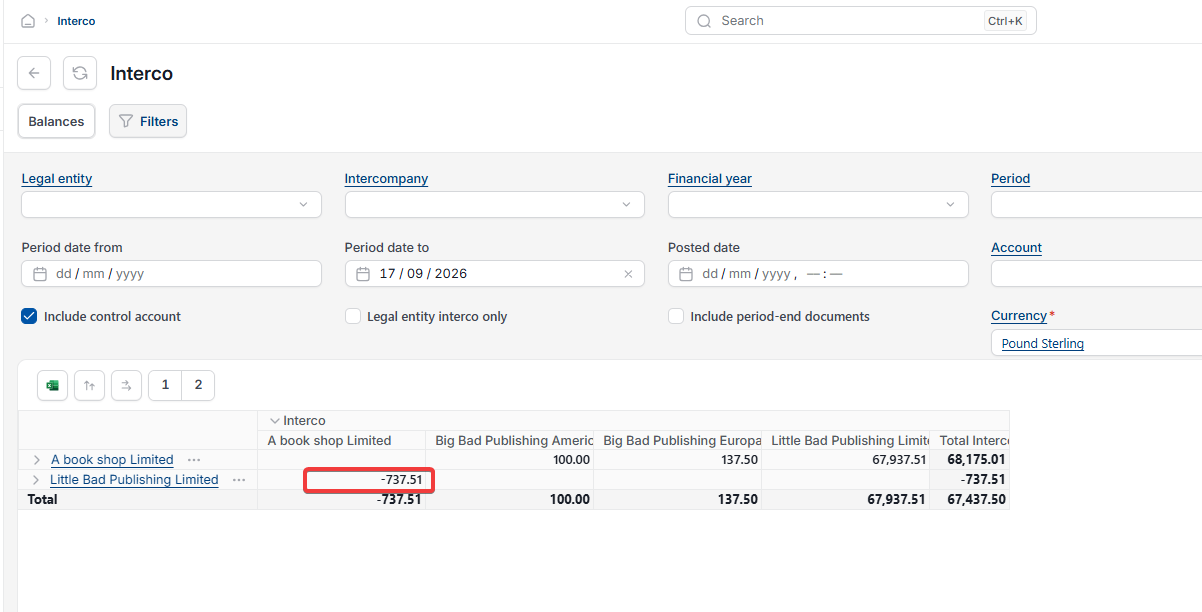
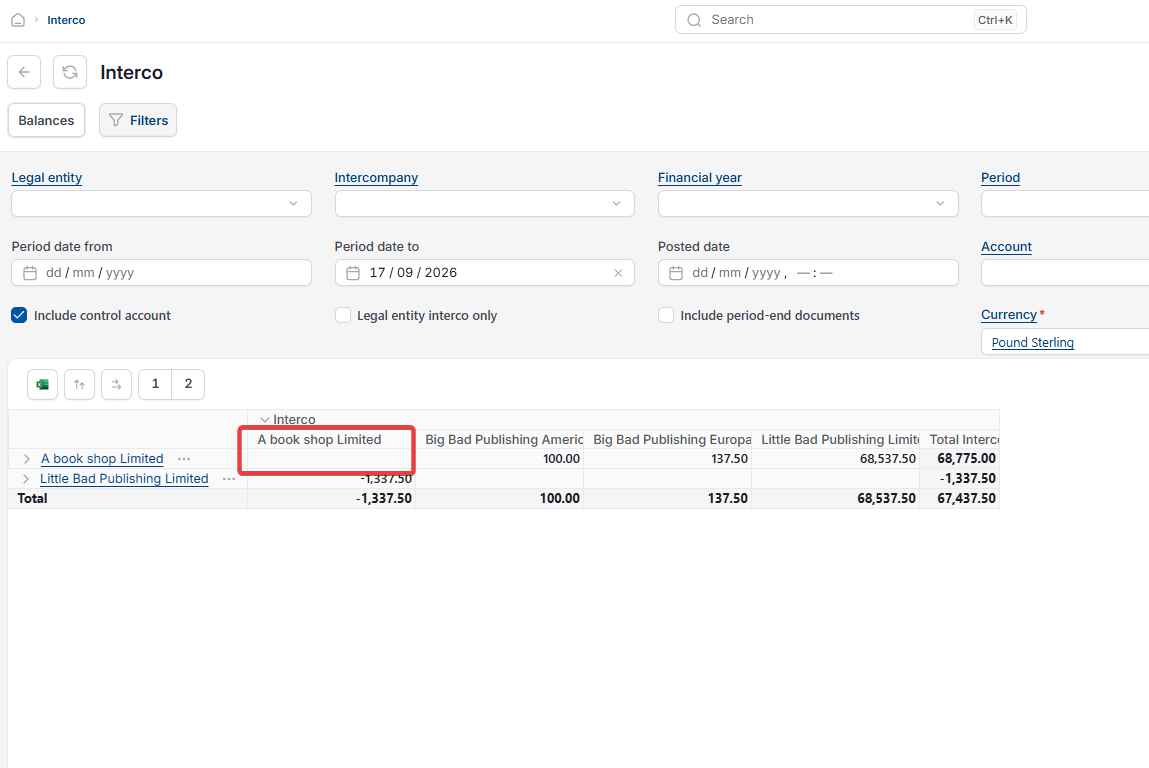
This article covers a discrepancy showing on the Interco balances screen between two intercompany legal entities. This usually means the transaction hasn't fully completed on the receiving entity's side.
Why an intercompany balance shows a discrepancy
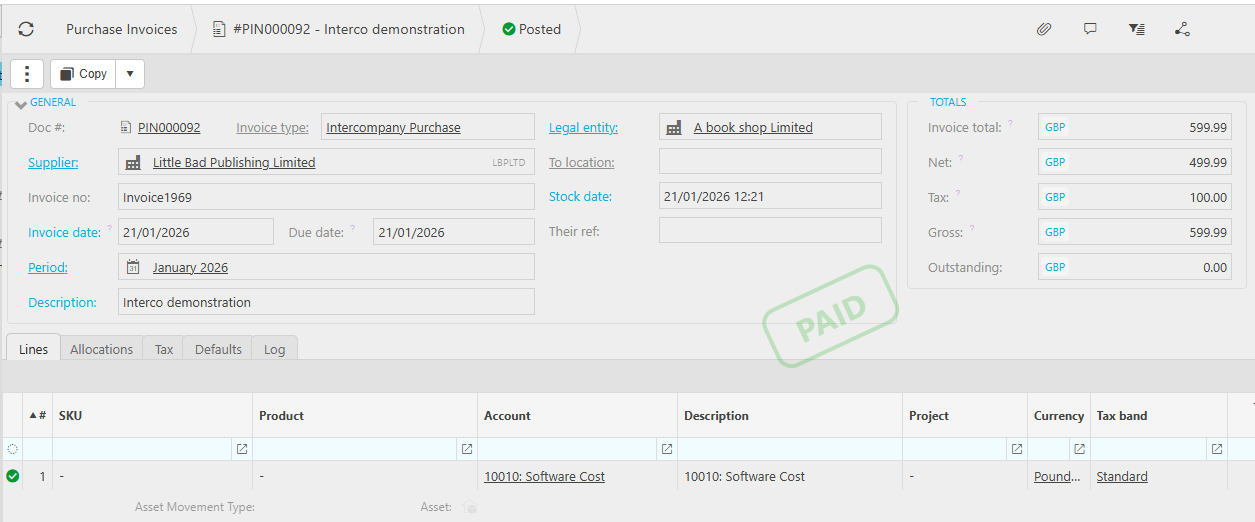
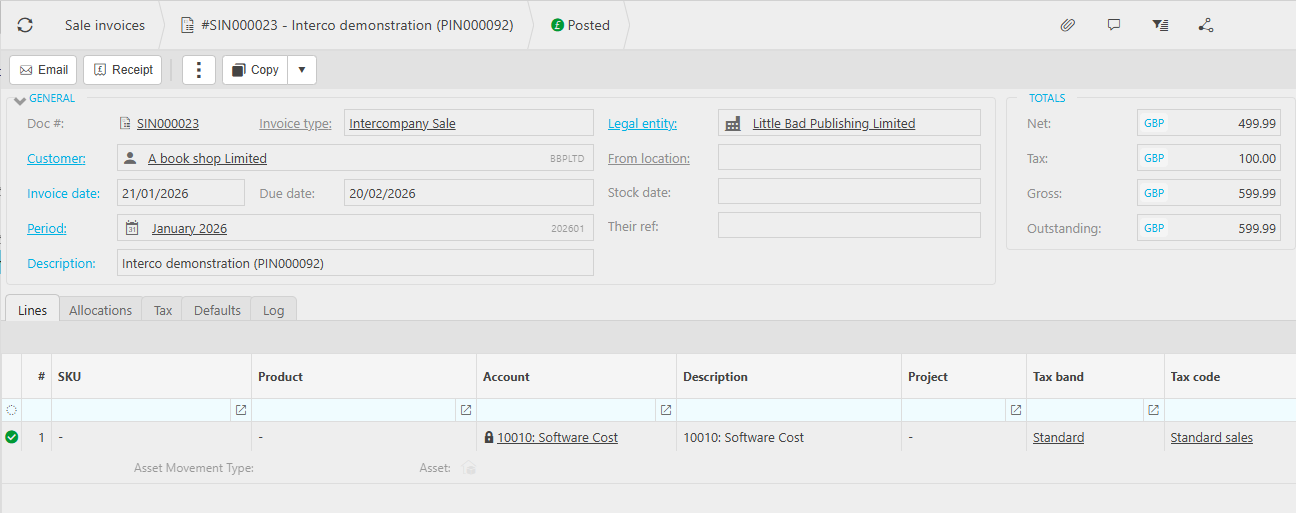
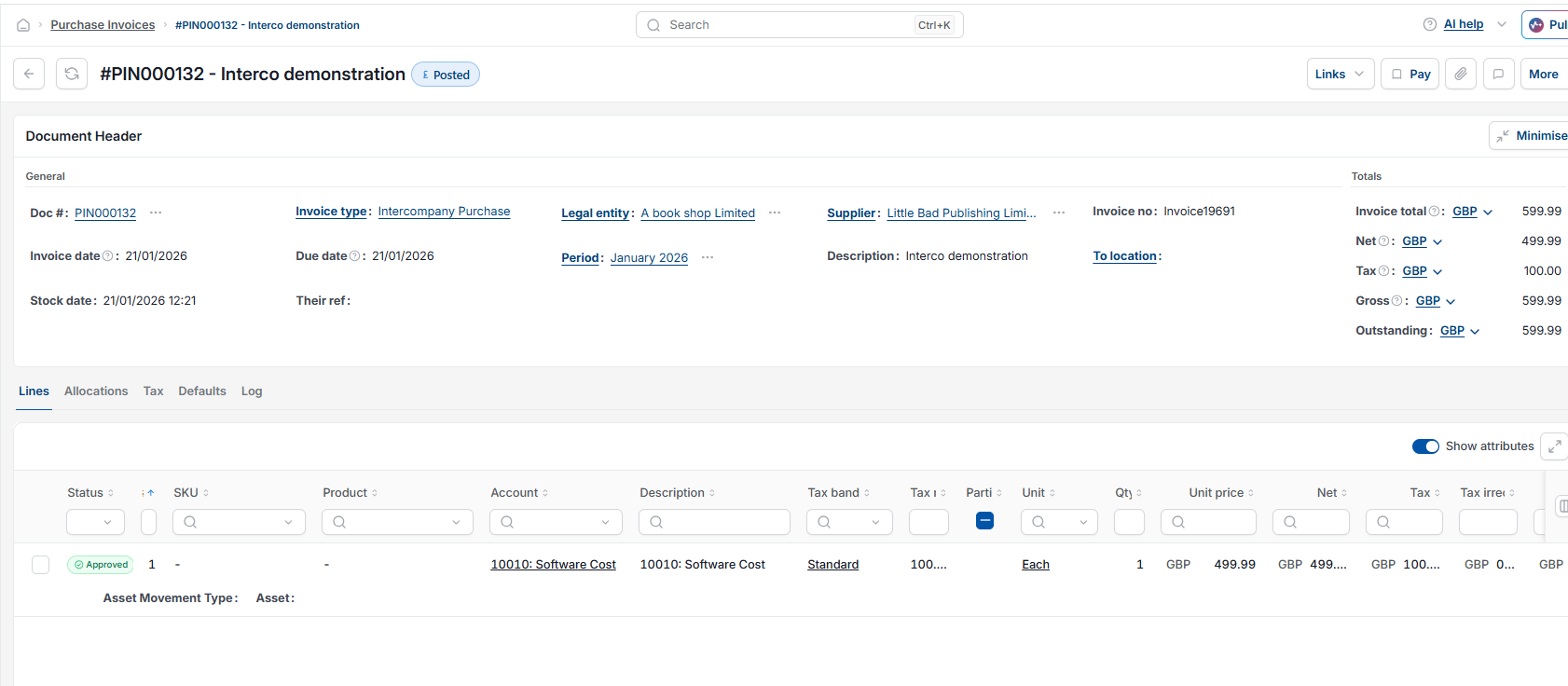
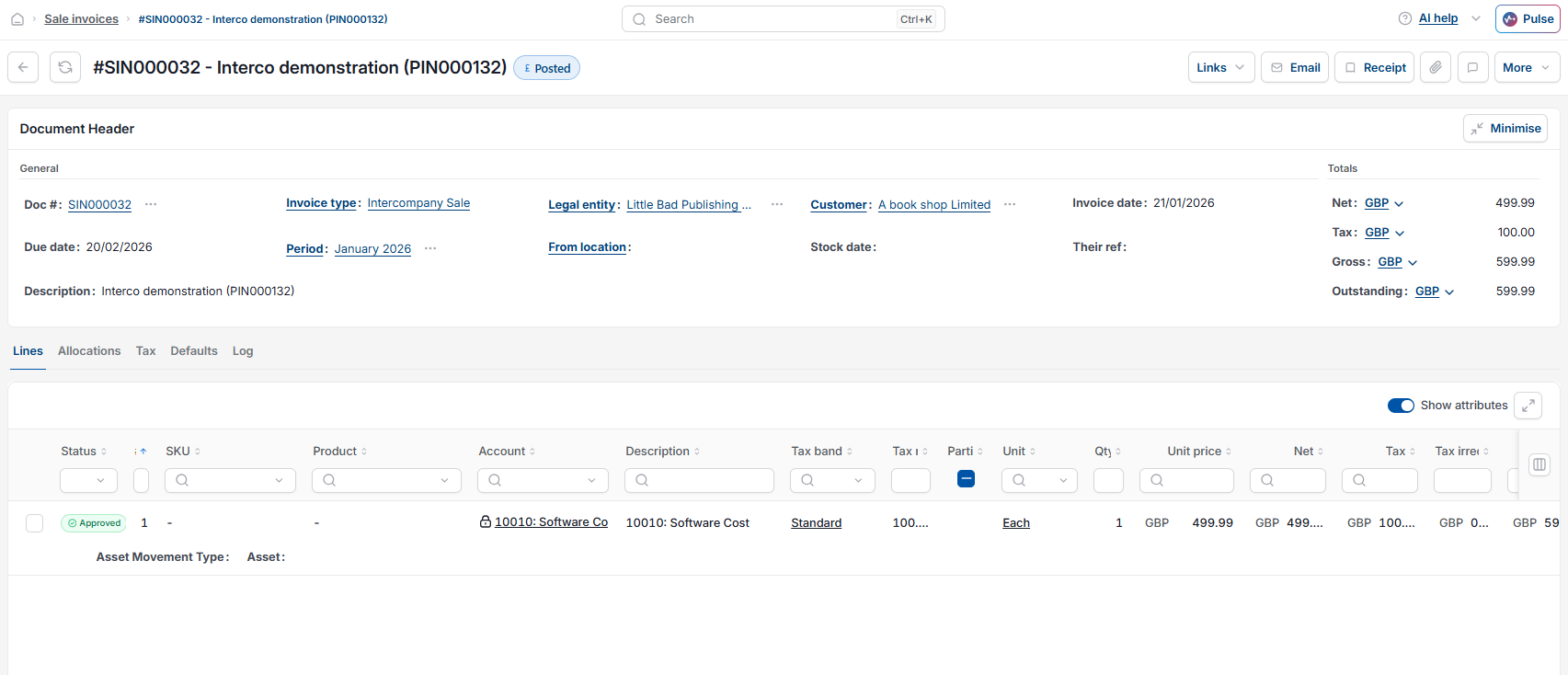
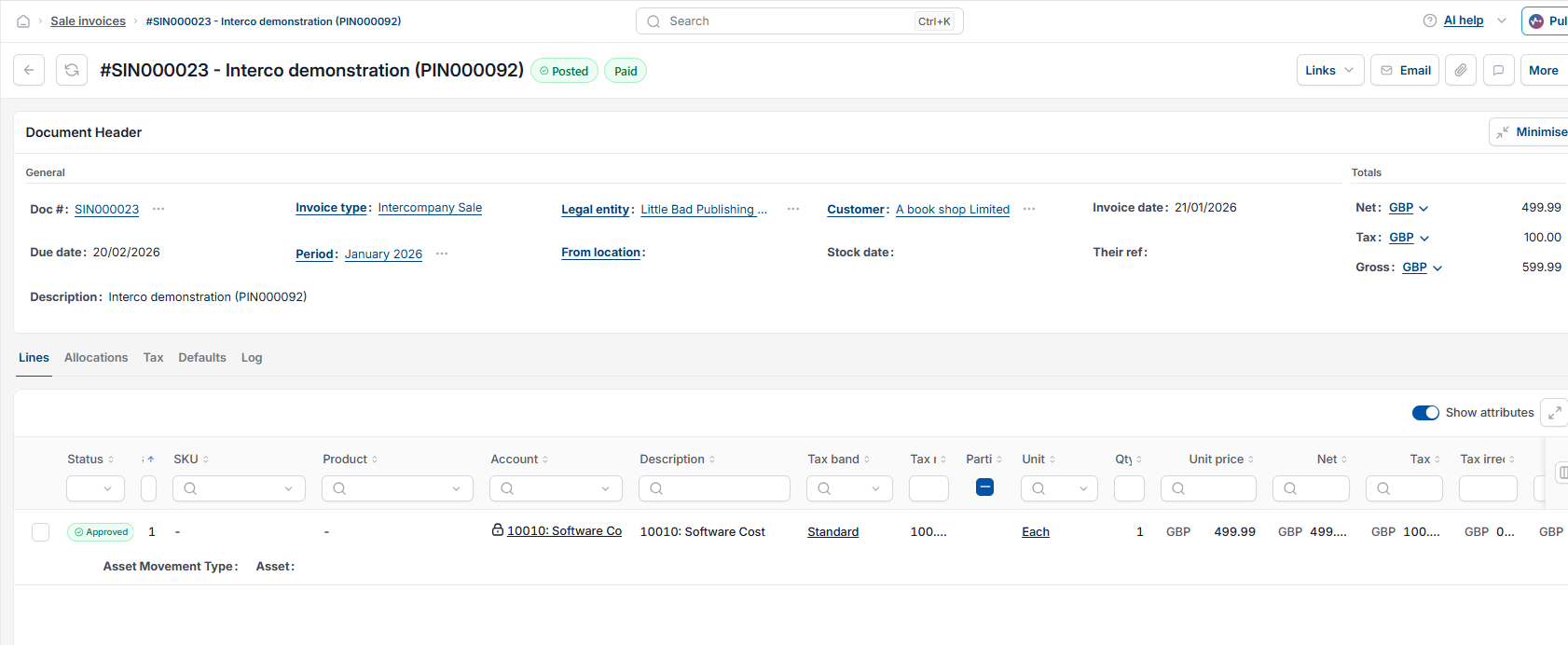
When one legal entity raises an intercompany purchase order or invoice, iplicit automatically creates the matching sales invoice on the receiving legal entity. iplicit doesn't automatically create the receipt for that sales invoice, so even once the purchase side is fully paid, the sales invoice can sit outstanding and keep the two entities out of balance.
Fixing an intercompany balance discrepancy
- Open the sales invoice that was automatically created on the receiving legal entity
- Create the receipt for it – if an intercompany document type was used, do this directly from the invoice screen; if a standard document type was used, create a bulk receipt instead
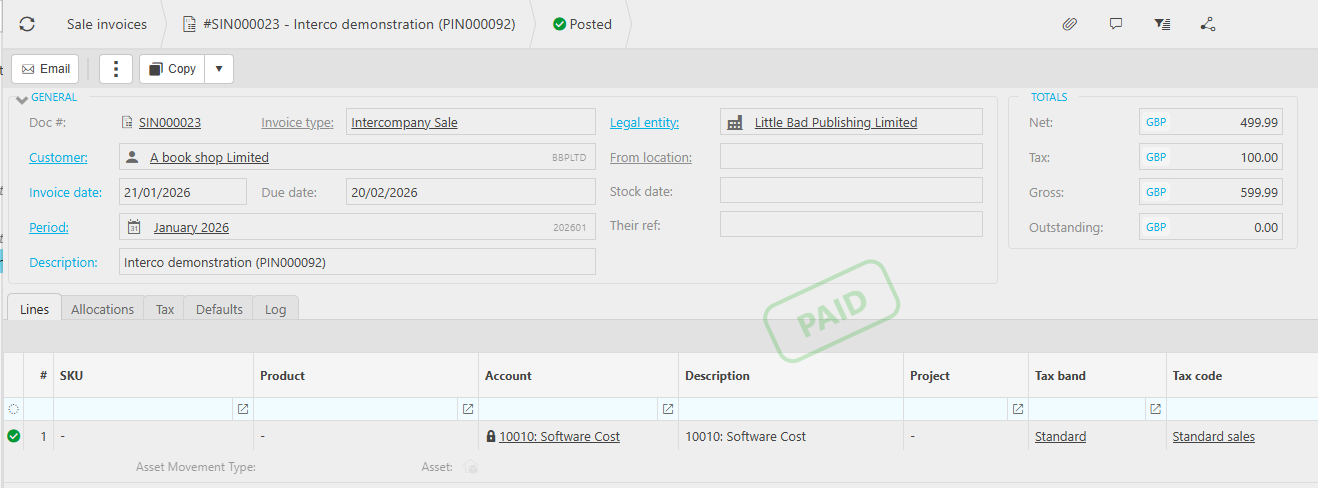
- Confirm the sales invoice now shows as paid.
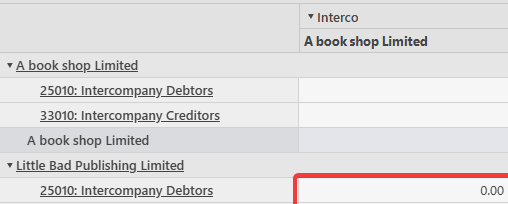
Once the sales invoice is marked as paid, the Interco balance between the two entities returns to nil.
Interco balance not correct
Imbalance on Interco report
Interco incorrect figures
Intercompany balance still showing outstanding
Sales invoice receipt not created interco