

This article covers adding a bank record within the Bank module. A bank record represents the banking institution itself – for example Barclays or HSBC – and is separate from a bank account, which belongs to your organisation. If the bank you need does not appear in the dropdown list, you can add it manually.
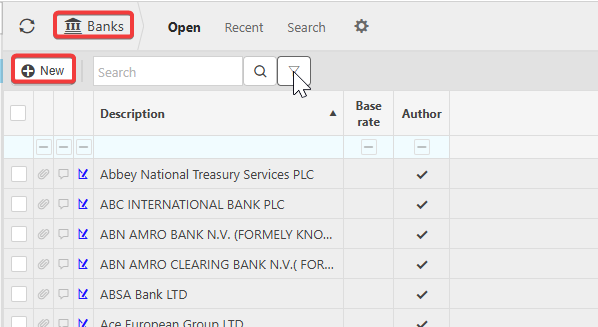
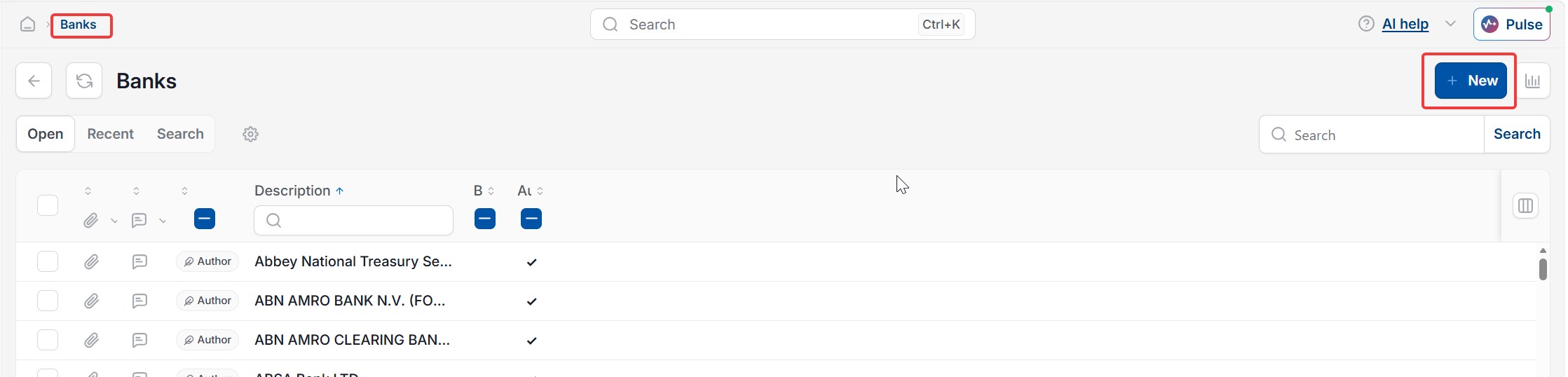
Adding a bank record from the Banks screen
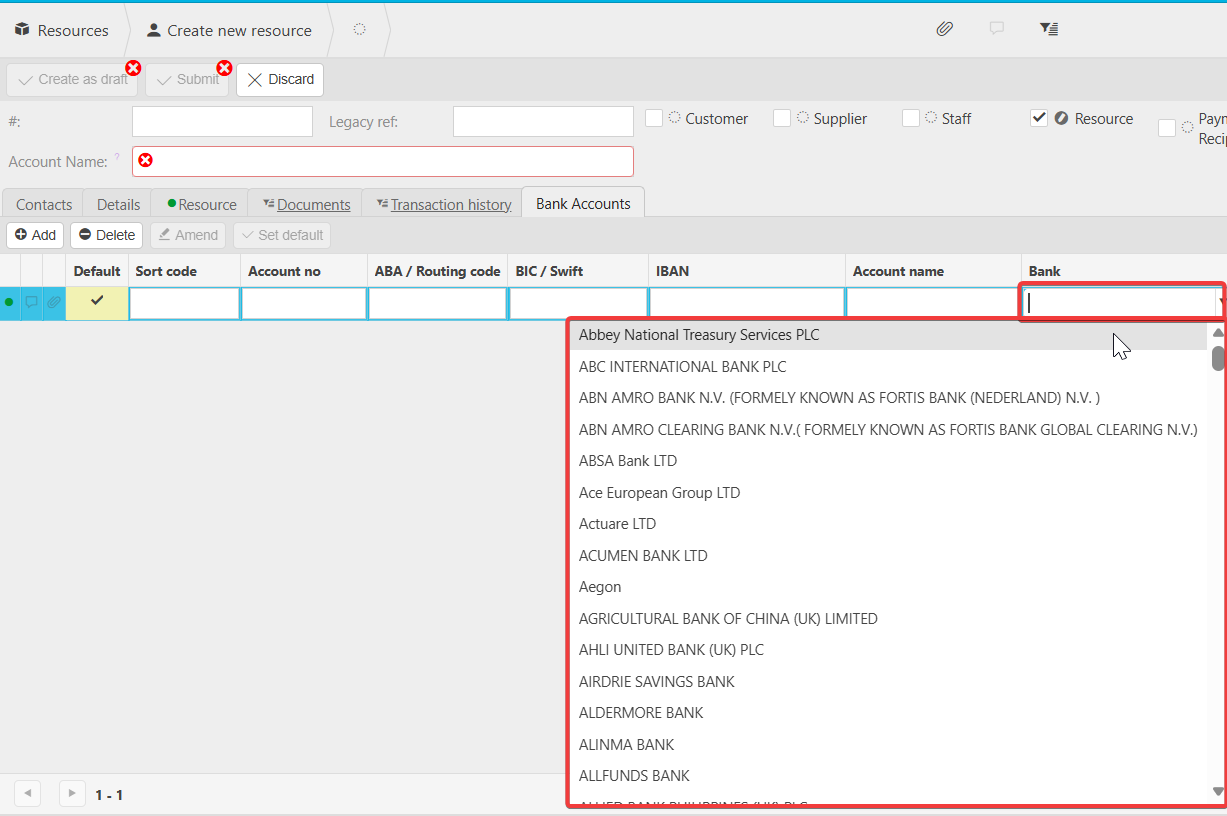
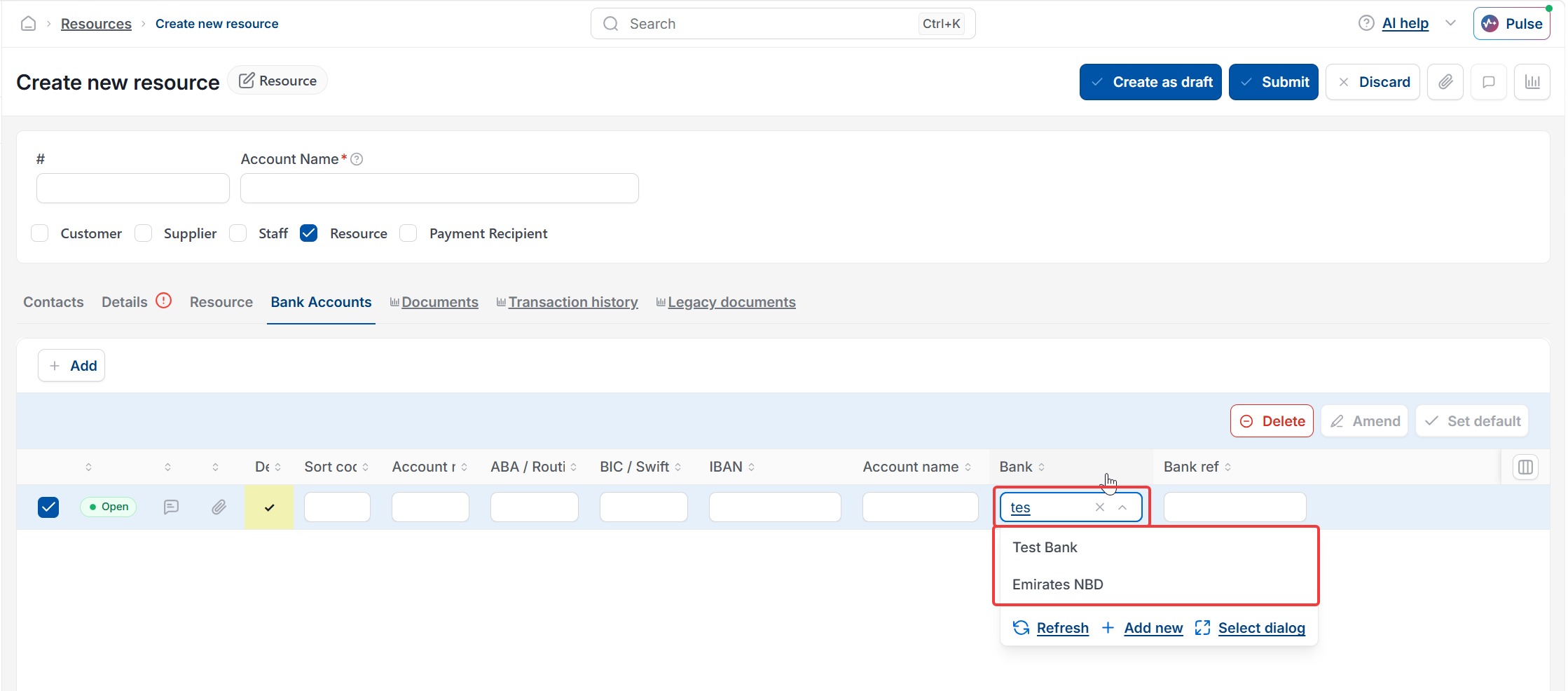
If your bank is missing from the dropdown list, add it as a new bank record.
- Go to the Banks screen
- Select 'New'
- Enter the bank name
- Select 'Create'.
Once you've added the bank record, it appears in the dropdown list so you can select it when setting up a bank account or resource.
Add a bank not in the list
Add a bank not in the dropdown
Bank missing from dropdown
Bank not found in the list
How to add a new bank record
Create a bank record
Bank record vs bank account
Add bank to Banks screen
Bank name not showing
Can't find my bank in the list