

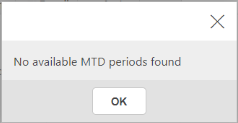
This article covers the 'No available MTD periods found' error in iplicit's MTD Registration screen, which stops you submitting a VAT return. It happens when the tax periods held in iplicit fall out of step with the periods HMRC has available, and it's fixed by resynchronising the two.
Why this happens
The 'No available MTD periods found' message in iplicit means the tax periods in iplicit and the periods held by HMRC have drifted out of sync. This is different from the 'client and/or agent is not authorised' error, which is an authorisation issue rather than a sync issue – see 'How do I fix the MTD VAT submission error 'The client and/or agent is not authorised'.
Resynchronising MTD periods
Follow these steps to resynchronise MTD tax periods and clear the error on your VAT return submission.
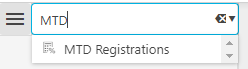
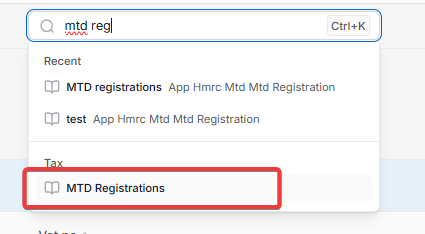
- Type 'MTD' into the iplicit search bar and select 'MTD Registration'
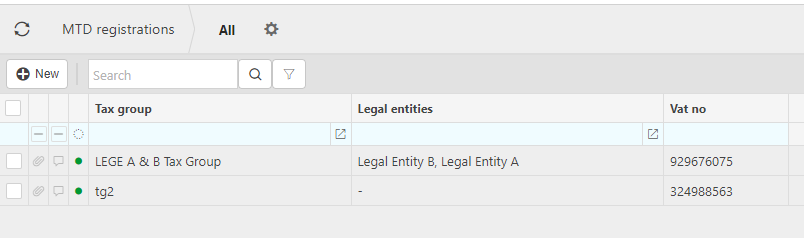
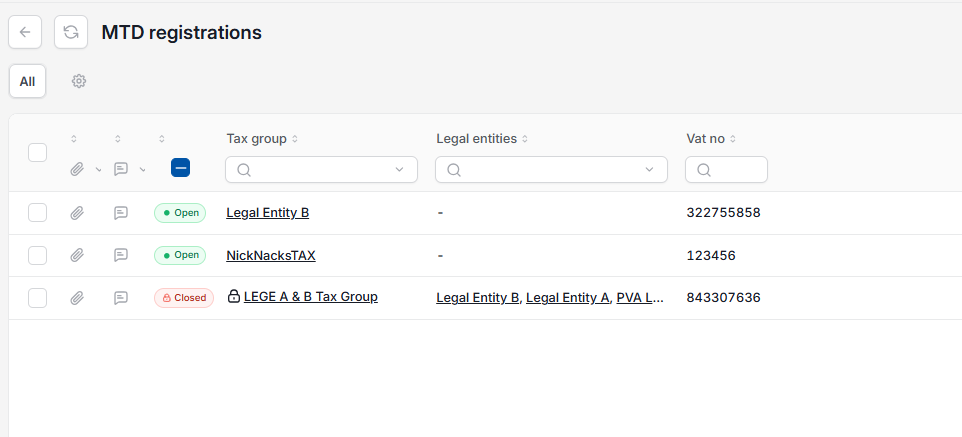
- On the MTD Registration screen, drill into the Tax group that matches the VAT return you're submitting
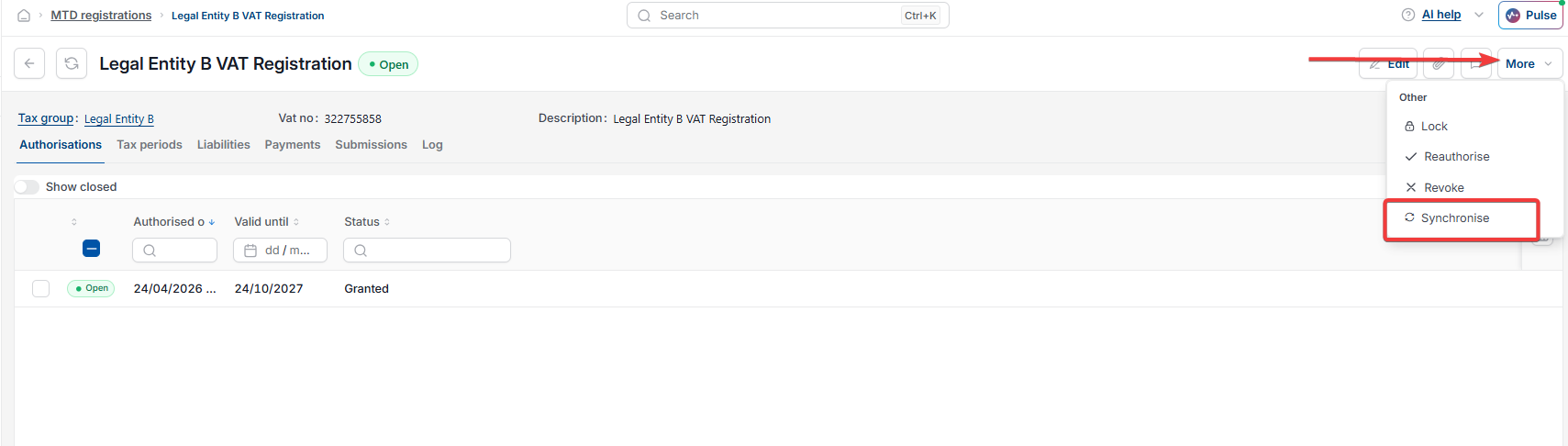
- Select the period relevant to your current submission
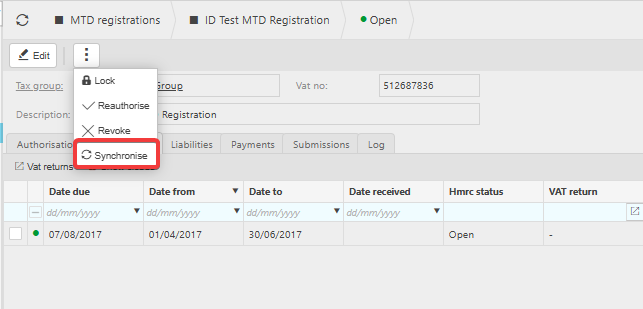
- Select the ellipsis or more button depending on your screen, then select 'Synchronise'
- Reload your iplicit session
- Resubmit the VAT return.
Once the MTD periods have synchronised, iplicit should show the correct period with the HMRC status as 'open' and let you continue with the submission.
Preventing this error from recurring
If this keeps happening, you can reduce recurrence by scheduling automatic synchronisation – see 'How to schedule automatic synchronisation of MTD tax periods'.
If the error still appears after synchronising
If you've synchronised the MTD periods and the 'No available MTD periods found' error still shows, this points to a different cause. See 'Why am I seeing a 'No MTD periods available' error even after synchronising' rather than repeating the steps above.
No available MTD
No MTD periods
MTD periods not showing
VAT return no MTD periods available
Tax periods out of sync
MTD registration sync
Cannot submit VAT return