

This article covers the warning that appears when you tick 'Revaluation' on a foreign currency bank account, and how to choose between the two available revaluation methods. It applies to bank accounts only.
Why the revaluation warning appears on a bank account
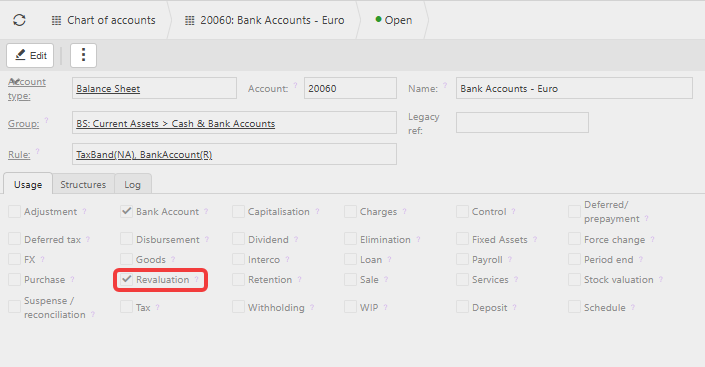
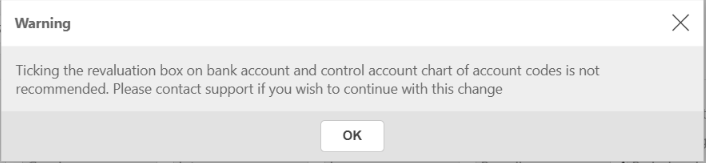
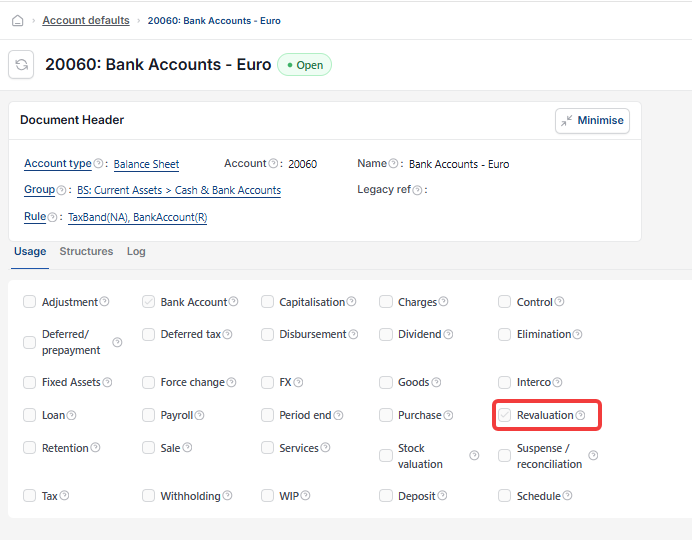
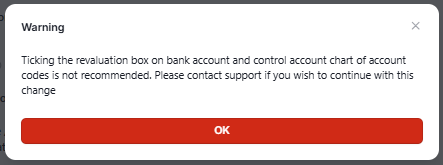
Bank accounts are normally revalued through Cashbook Revaluation, which runs in the background without anything ticked on the account itself. Ticking 'Revaluation' on a foreign currency bank account takes that account out of Cashbook Revaluation and puts it into Balance Sheet Revaluation instead. Because this changes how the account gets revalued going forward, iplicit shows a warning to confirm you mean to make that change. The warning does not block you – you can tick the box and continue – but once ticked, that account must be revalued using Balance Sheet Revaluation only. If you are unsure which method is right for your bank account, contact support before ticking the box.
The two revaluation methods for bank accounts
There are two ways to revalue a foreign currency bank account, and they work differently:
- Cashbook Revaluation – revalues any account flagged as a 'Bank Account'. It does not post directly to the bank account itself. Instead, it posts to a dedicated cashbook revaluation account default, revaluing every document (or transaction) within the cashbook where the exchange rate has changed, up to the period you choose, then reverses out in the following period
- Balance Sheet Revaluation – revalues the account's balance sheet position and posts the result as separate journals against the bank account's own nominal code. Transactions tied to a contact are grouped into a journal per contact account. Transactions with no contact attached are grouped into a separate journal with no contact account. It does not reverse out the next period.
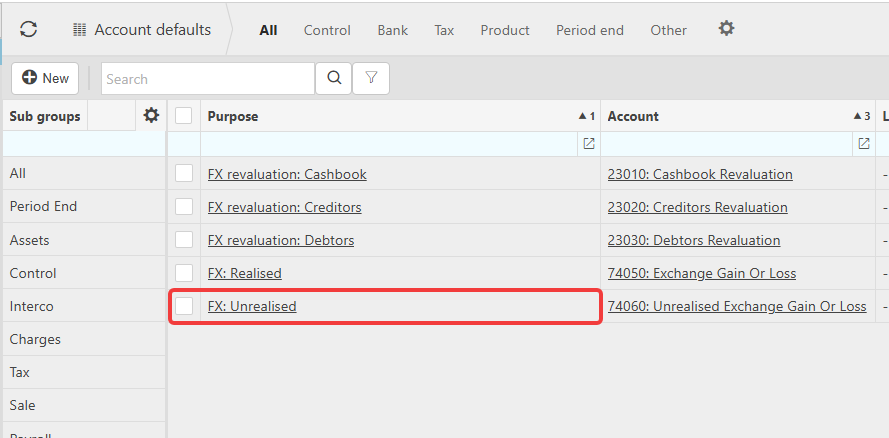
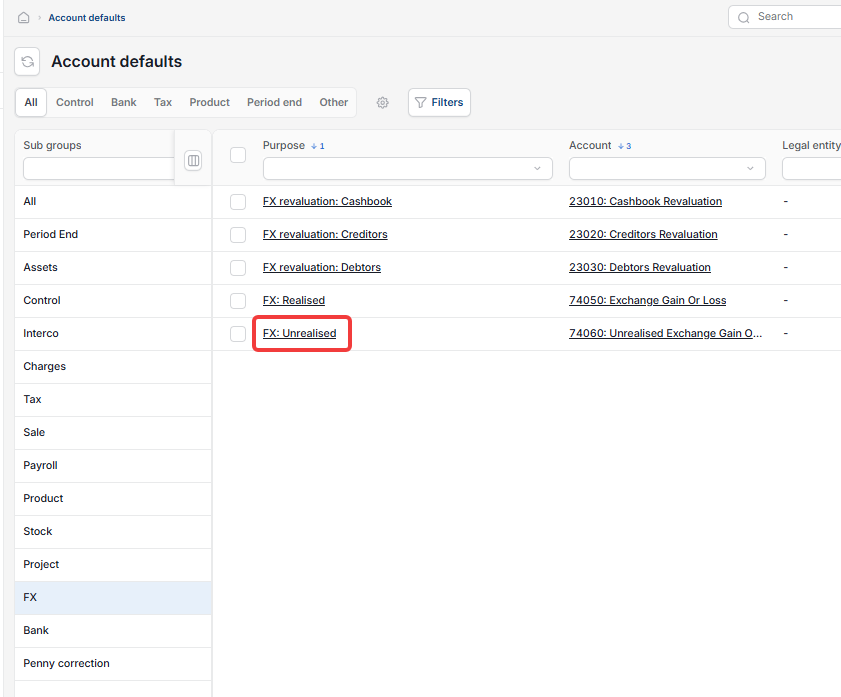
Both methods post the contra side of the entry to whichever account is set against the 'FX: Unrealised' purpose in your account defaults, so you know where the offsetting value ends up either way.
Choosing the right method for your bank account
The amount revalued is the same under both methods – the difference is what happens to the bank account itself. Cashbook Revaluation keeps the bank account's base currency value unchanged and posts the adjustment elsewhere, reversing it out the next period. Balance Sheet Revaluation adjusts the bank account's own nominal code directly, and that adjustment stays in place rather than reversing. Choose whichever method suits how your business manages foreign currency bank accounts, based on whether you want the revaluation to affect the bank account's base value or not, rather than on which method is more accurate.
Why you must use only one method per account
Never use both methods on the same bank account. Doing so revalues the account twice. If Cashbook Revaluation already covers your bank accounts, leave 'Revaluation' unticked. If you would prefer the adjustment to sit directly against the bank account itself, tick 'Revaluation' and use Balance Sheet Revaluation instead, which may produce several journals against that account rather than one, and stop using Cashbook Revaluation for that account.
Before running this on live data
Test the change in your sandbox environment first, to confirm you get the result you expect, before ticking 'Revaluation' or running a balance sheet revaluation in your live environment. If you're not sure which method suits your setup, contact support before making the change in your live environment.
Revalue bank account
Re-valuate bank account
Foreign currency bank account revaluation
Revaluation tick box warning
Balance sheet revaluation
Cashbook revaluation
GBP does not match foreign balance