

This article covers linking a new Legal Entity to Data Entry Control (DEC) in iplicit. DEC controls whether users can enter or post transactions for a Legal Entity – this is different from Data Access Control, which controls whether they can see it at all. See 'Data Entry Control - User Guide' for full set up. If you already have a DEC rule set up, skip to step five to add the new Legal Entity to it.
Setting up Data Entry Control for a new Legal Entity
- Search for 'Data Entry Control' and open the screen
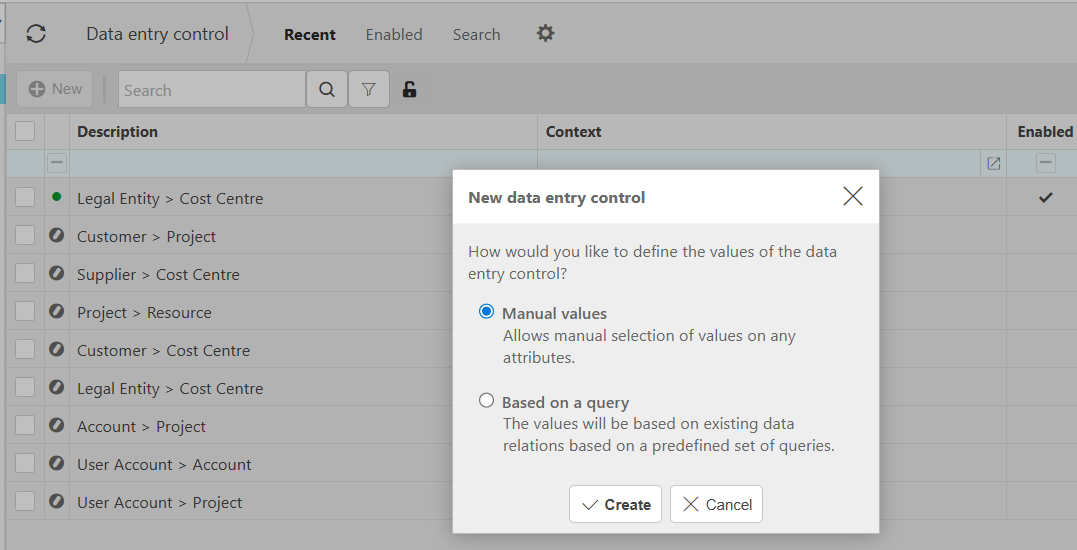
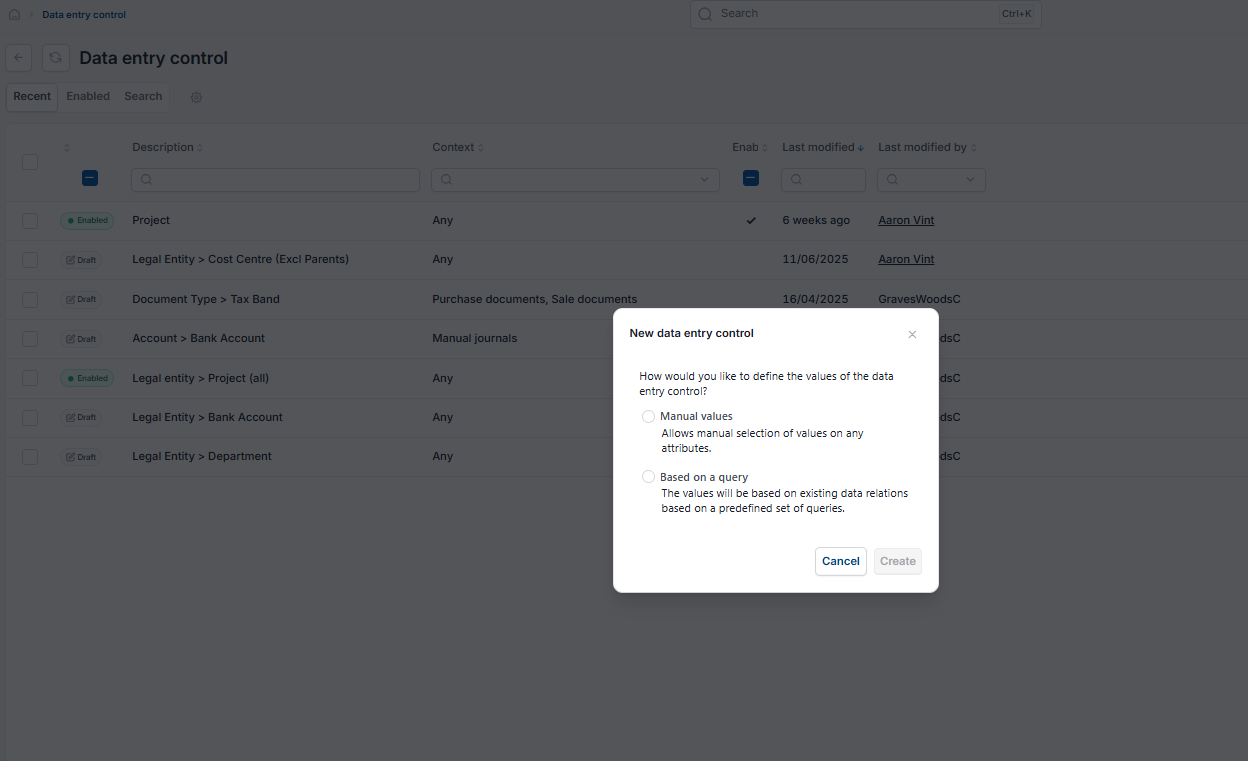
- Select 'New', then select 'Manual Value'
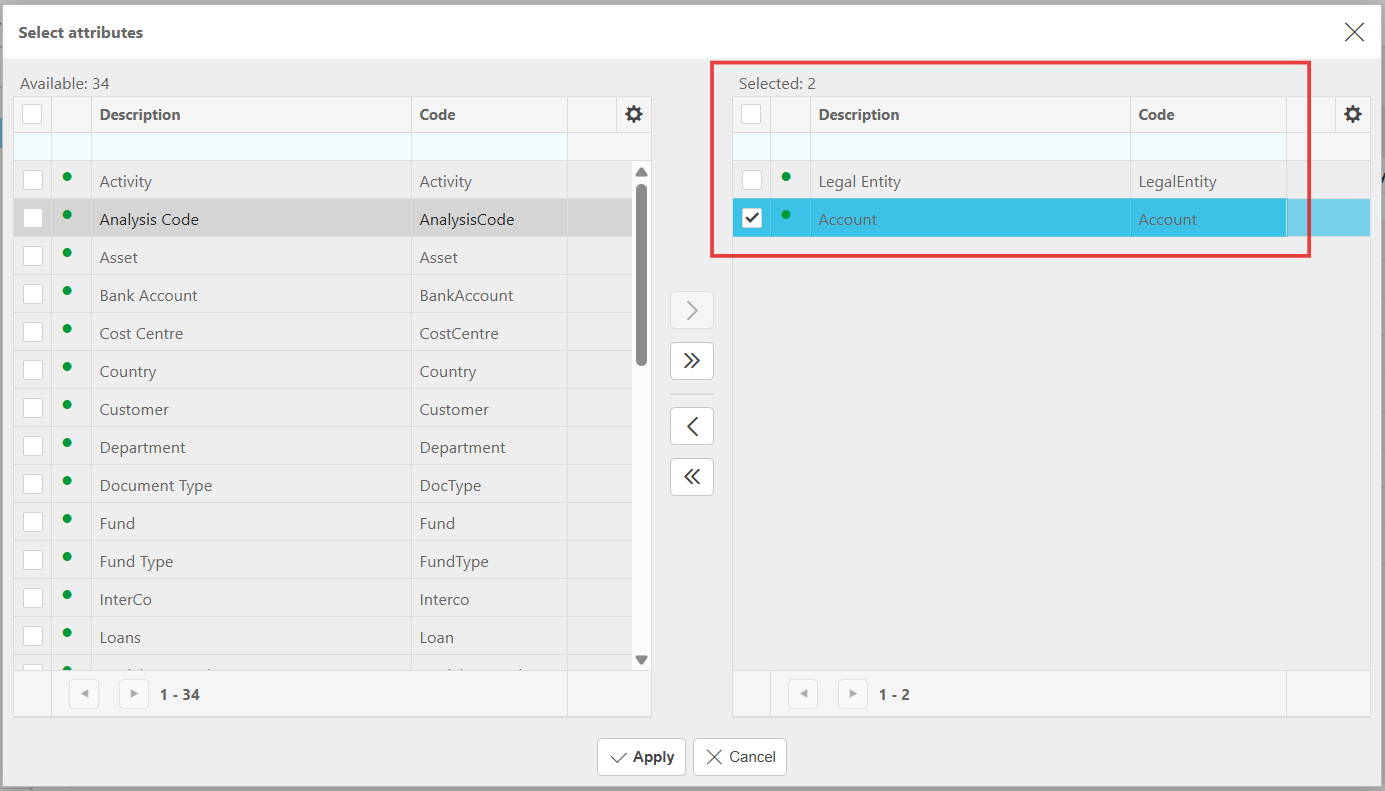
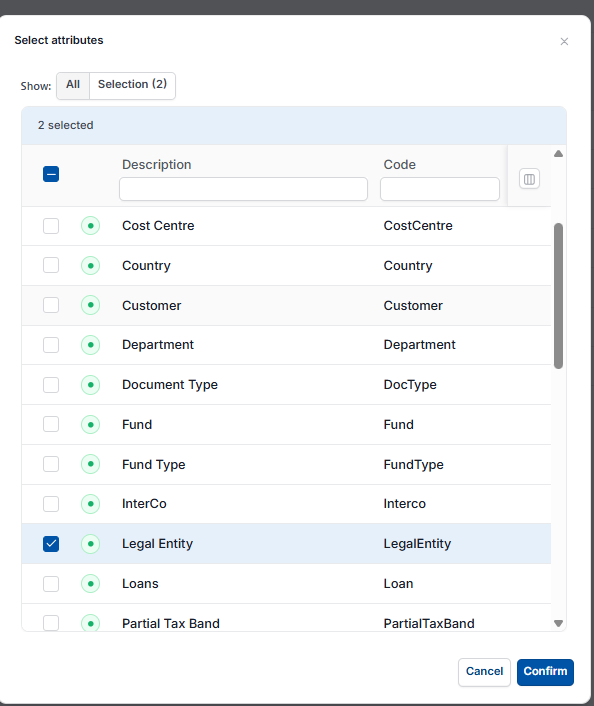
- Choose the attributes to link, for example Legal Entity and Chart of Accounts
- Select 'Apply', then select 'Create' before making any further selections
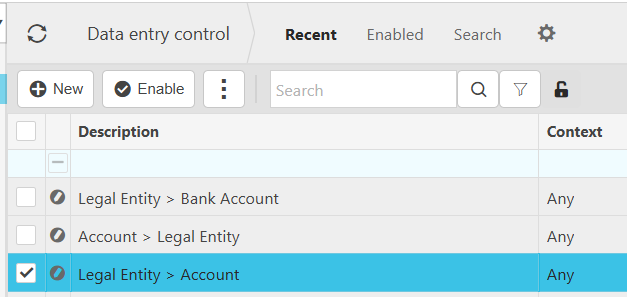
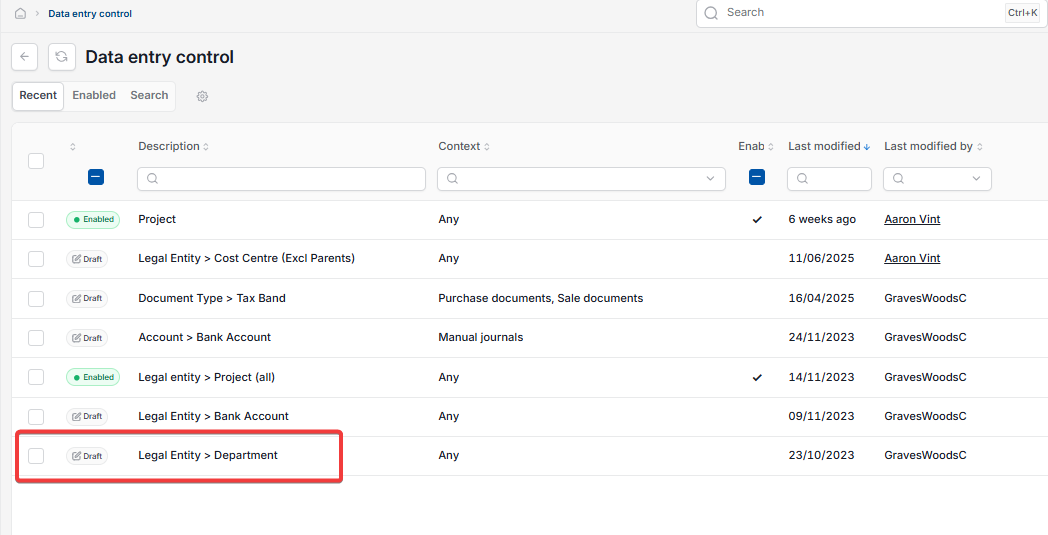
- Go back to the list and reopen the link you have just created
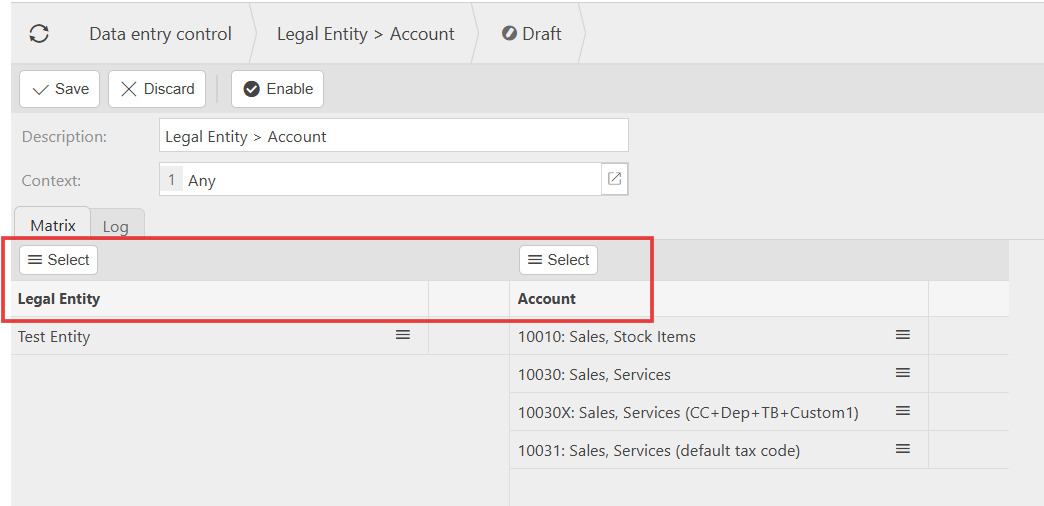
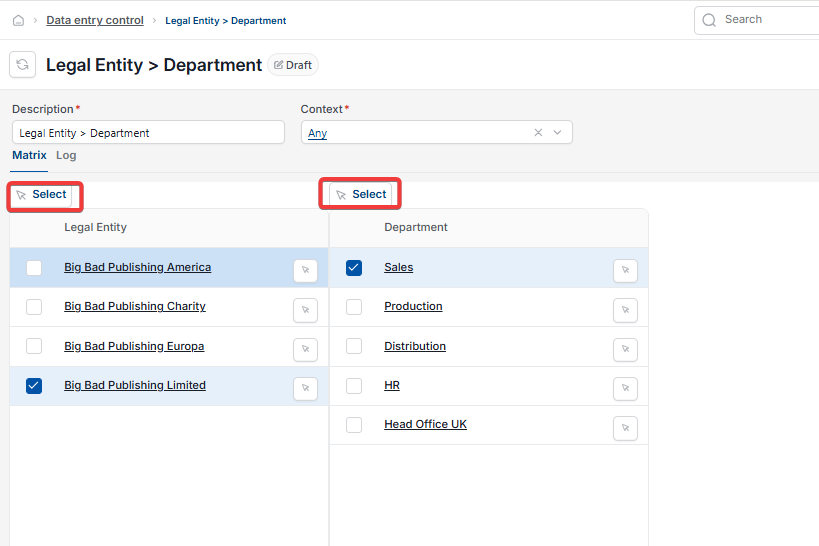
- Select the Legal Entities and map which accounts should be visible for each one.
Data Entry Control is all-or-nothing – every Legal Entity must be assigned, or the unassigned ones will have no access.
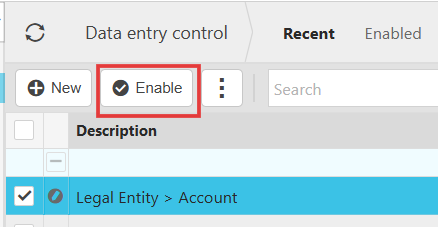
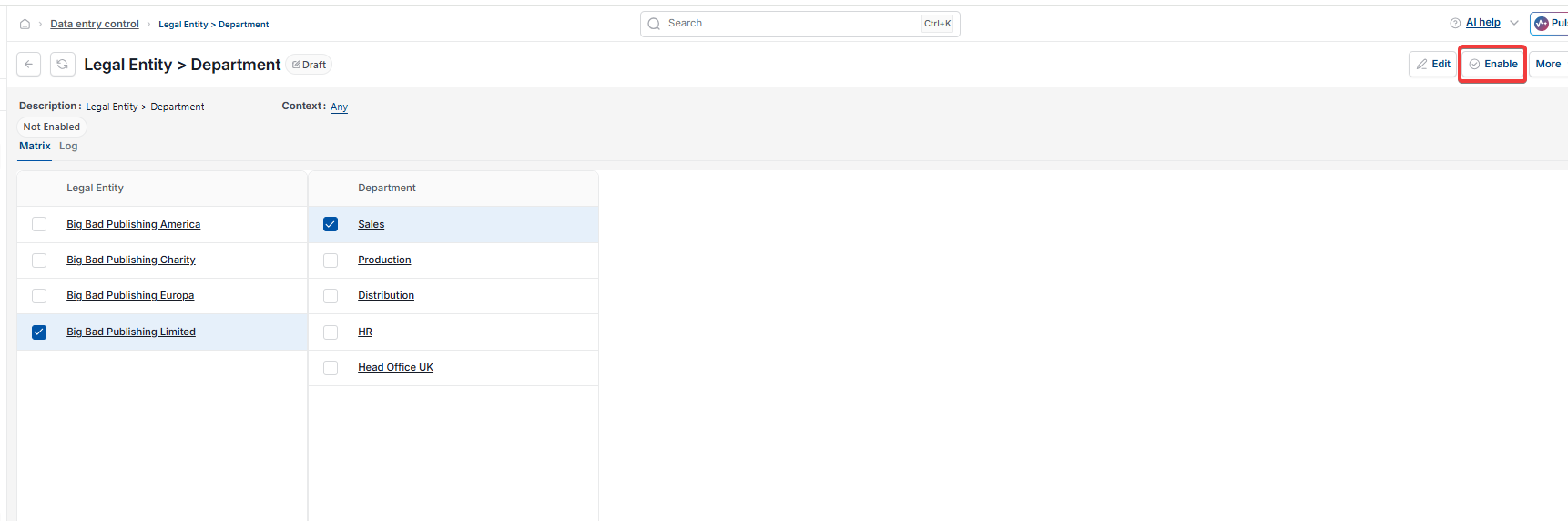
- Select 'Save', then select 'Enable'
- Reload iplicit to apply the change system-wide.
Screenshots for Legacy UI (before October 2026)
Screenshots for New UI (post October 2026)
Customer search terms
Data entry control legal entity
DEC setup
Can't post to legal entity
Legal entity accounts not showing
Map legal entity to chart of accounts