

This article covers financial year group setup for legal entities in iplicit, specifically what happens if you assign a legal entity to a financial year group that doesn't match its own financial year end. We don't recommend this, even if it feels like the simpler option when entities report on different cycles. Use consolidated periods instead if you need to report across entities with different year ends.
Why this comes up
Some groups run legal entities on different financial years – for example, most entities reporting January to December, while one entity reports April to March. Running reports and period end processes separately for each financial year can feel cumbersome, and it's tempting to put every entity in the same financial year group to make daily use simpler. Doing this causes more problems than it solves, for two reasons.
One: how a mismatched financial year group affects year end journals
Within a financial year group in iplicit, the brought forward journals are produced automatically when a financial year ends and the year end rollover completes. These journals are timed to the group's financial year end, not the individual legal entity's.
If a financial year group ends in December, its brought forward journals are produced for January. A legal entity whose own financial year actually ends in April would have its brought forward journals produced three months early, well before its real year end.
This timing problem doesn't stay contained to one journal. Foreign exchange (FX) revaluations and any other process that runs at period end or year end for that legal entity follow the same incorrect timing. The result is a set of journals that don't reflect the legal entity's true year end position.
Two: how a mismatched financial year group affects everyday reporting
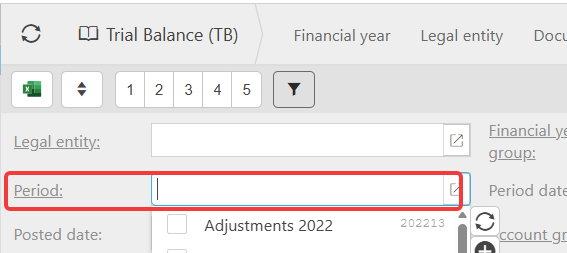
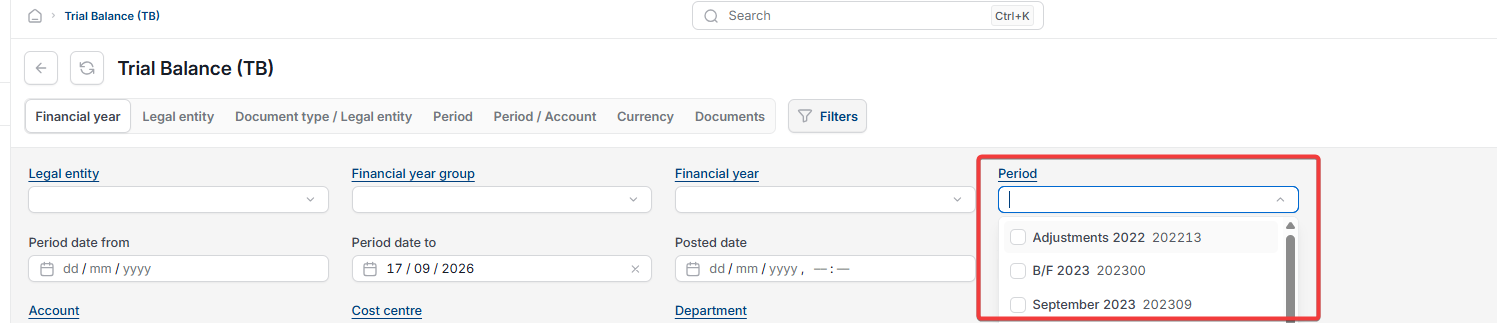
Beyond year end, a mismatched financial year group causes problems every time someone runs a report. Enquiries such as the trial balance (TB) filter by financial year group first, then by financial year, at the header level.
If a legal entity's own financial year runs on a different cycle to its group, a user wanting to view a full year for that entity can't do so in one view. The months they need fall outside the group's financial year filter, so they'd need to toggle between financial years to piece together the full period – the opposite of the simplicity this setup is meant to achieve.
Our recommendation
Do not include a legal entity in a financial year group that differs from its own financial year. The two issues above (incorrect year end journals and restricted reporting) are significant enough on their own to outweigh the convenience of grouping entities this way. There may be other complications beyond these two.
Recommended alternative: consolidated periods
If you need to report on legal entities with different financial year ends together, use consolidated periods instead of forcing an entity into the wrong financial year group.
Consolidated periods let you group periods across different financial year groups so they can be reported on together. Any legal entity using those periods appears in the enquiry or report as normal. You select which periods to consolidate at the reporting stage, and the user then sees all the periods they've selected in one view, without needing to toggle between financial year groups.
Legal entity different financial year
Financial year group mismatch
Running reports separately for legal entities
Combine legal entities different year end
Brought forward journals wrong period
Consolidated periods