

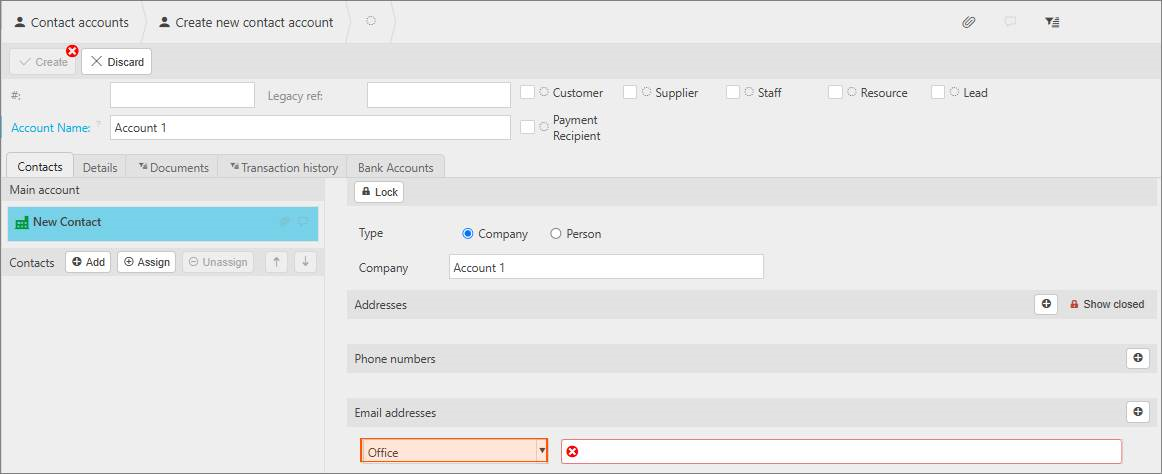
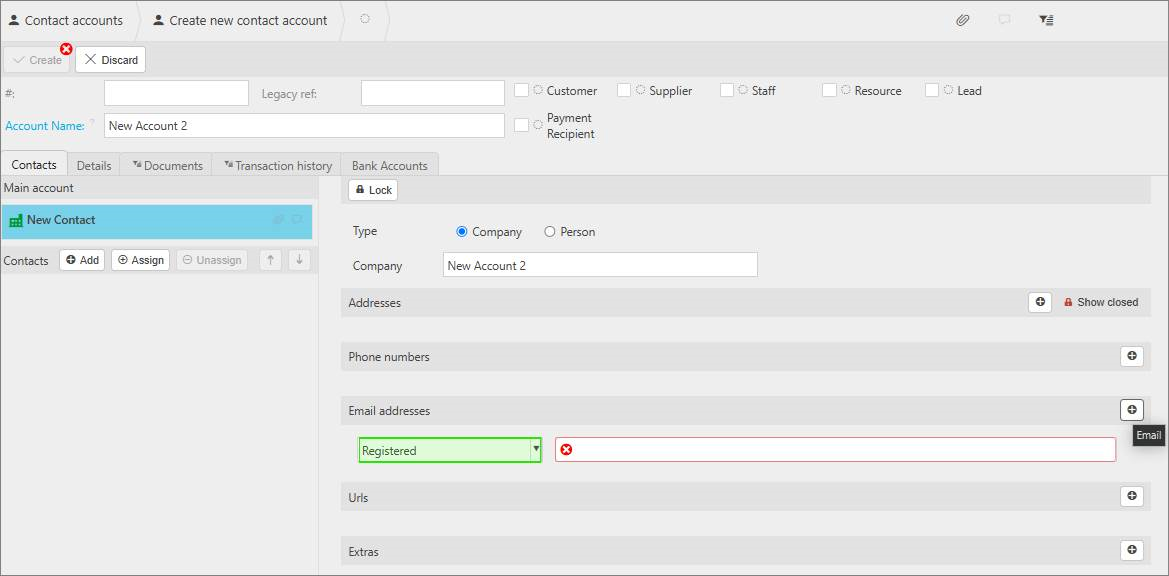
This article covers changing the default email address type used when creating a new contact account in iplicit. By default, a new contact account's email address is set to 'Office'. This can be changed to any other email type, for example 'Registered', in Environment Defaults.
Changing the default email type for new contacts
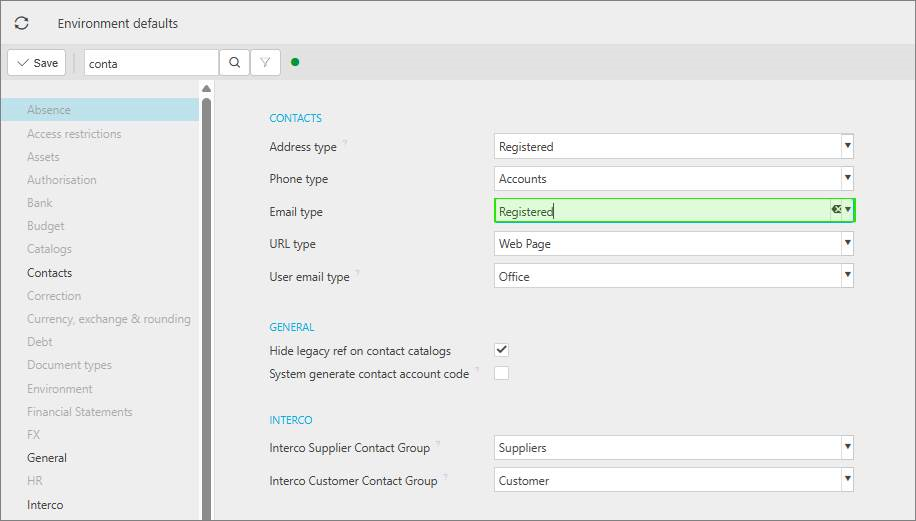
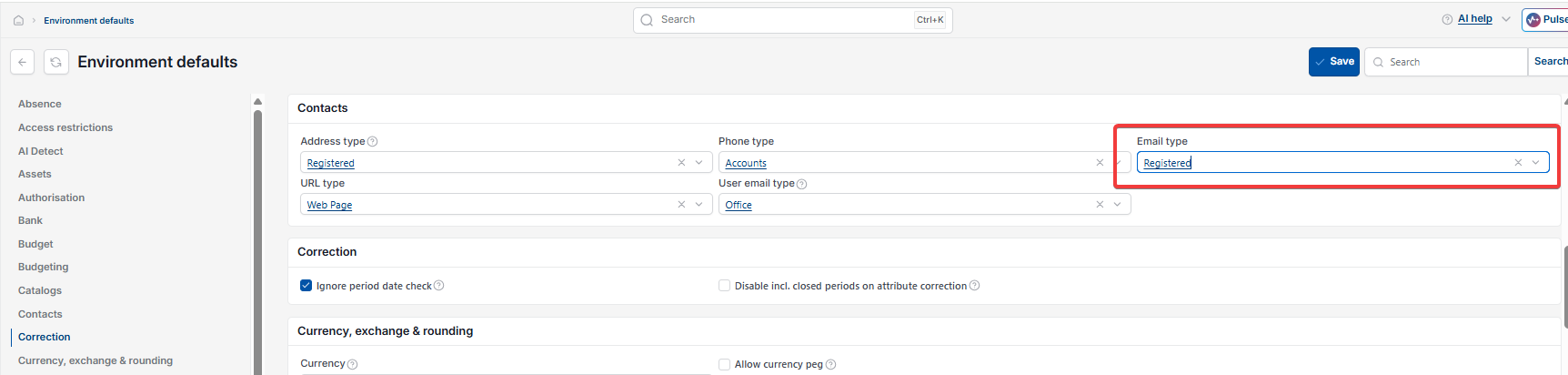
- Search for 'Environment Defaults'
- Select 'Contacts' from the list on the left
- Set 'Email type' to the type you want new contact accounts to default to, for example 'Registered'
- Select 'Save'.
Once saved, every new contact account created uses this email type by default, rather than 'Office'.
Screenshots for Legacy UI (before October 2026)
Screenshots for New UI (post October 2026)
Customer search terms
Default email type contacts
Change default email address type
Office email type contact
Registered email type
Environment defaults contacts email