

This article covers the 'Total check' setting on a document type. When enabled, it enforces that the total entered on a document matches the total calculated from its lines, and stops the document being saved if they don't. This setting is adjusted at document-type level, so it applies to every document created with that document type.
What the total check does
The total check validates the document's entered total (the 'Invoice total' field, for example) against the total iplicit calculates from the document's lines. This is commonly used to catch entry errors, such as a line being missed or a value mistyped, before the document is saved.
If the total check is enabled and the two totals don't match, iplicit will not let the document be saved until they do.
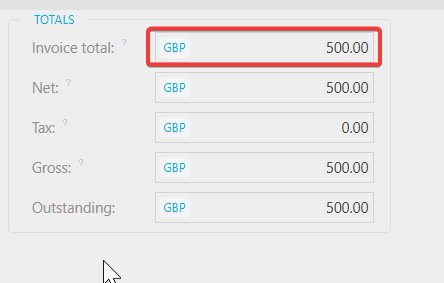
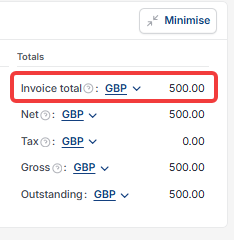
How to enable or remove the total check
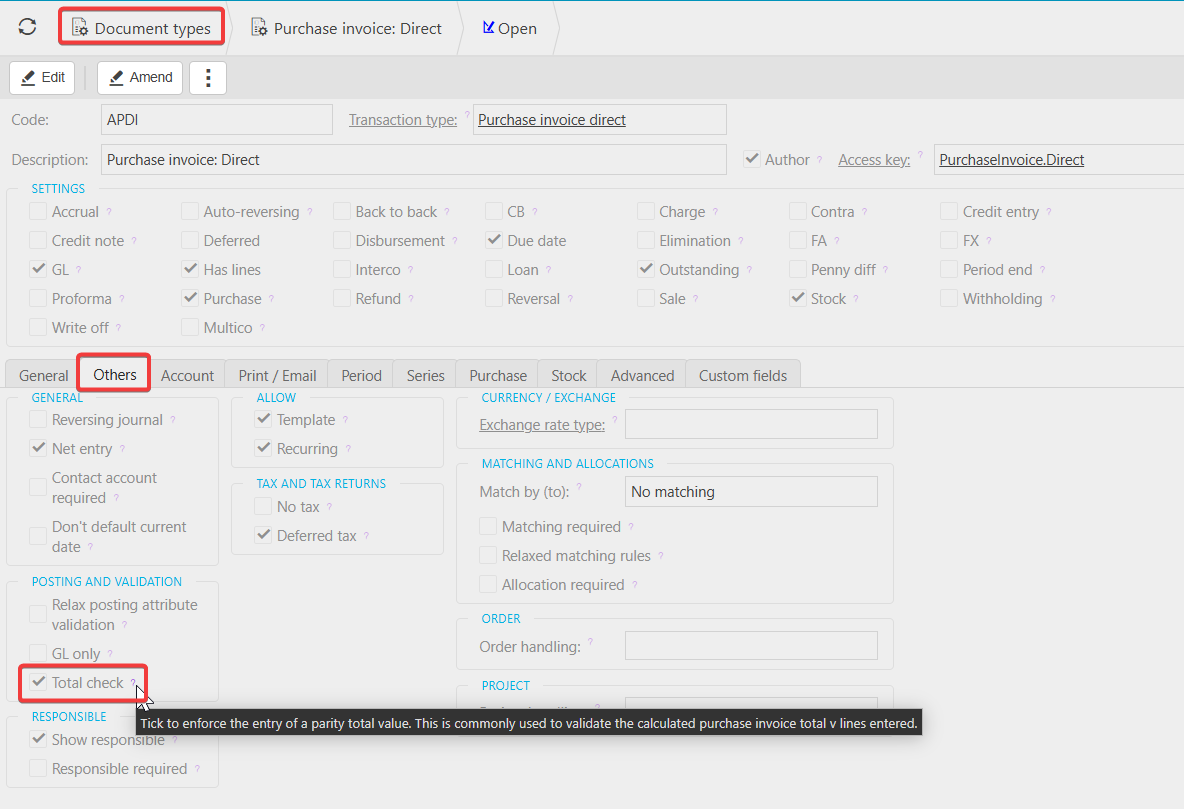
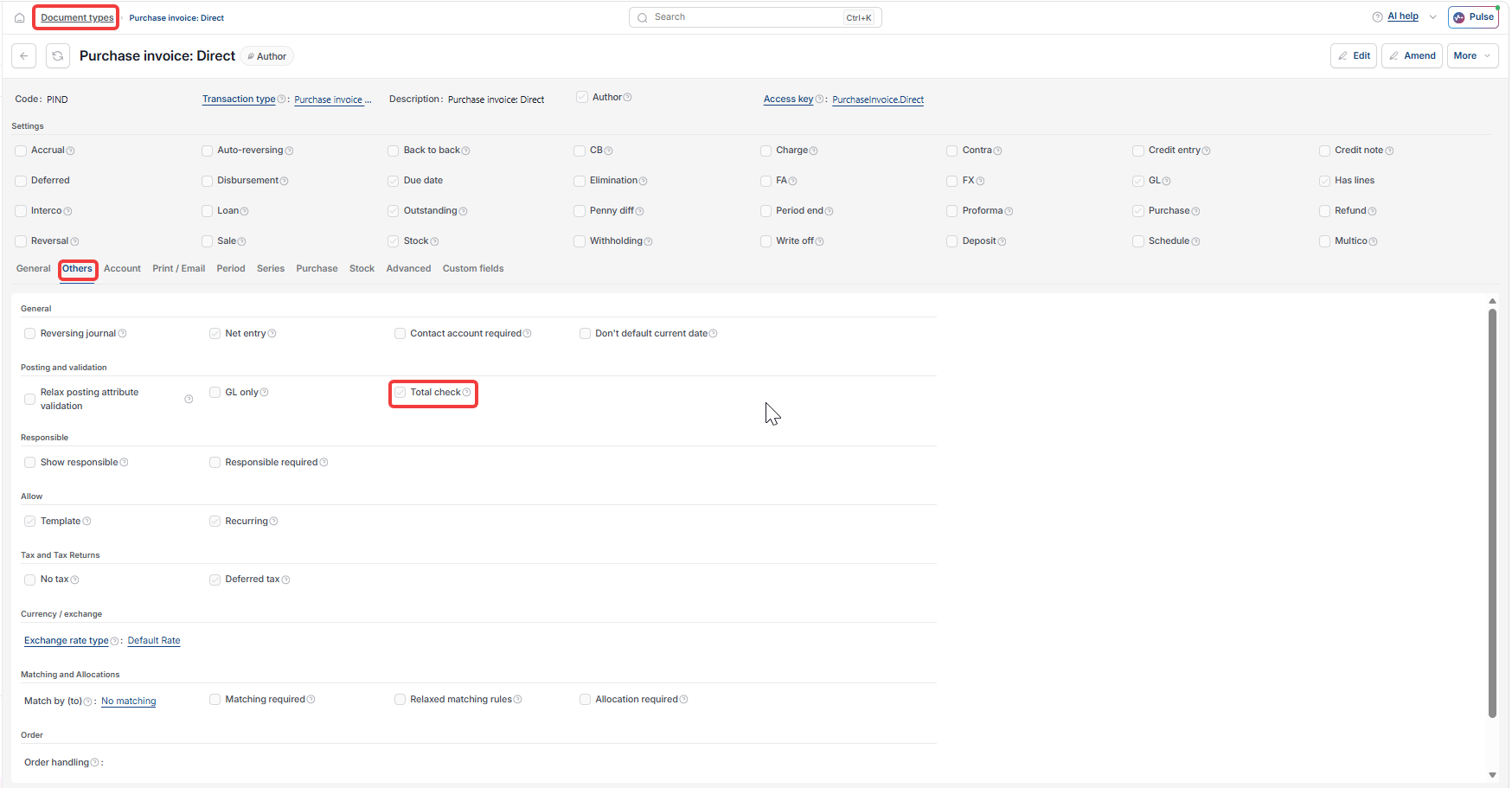
- Navigate to 'Document types'
- Open the document type you want to change, for example 'Purchase invoice: Direct'
- Select 'Edit'
- Select the 'Others' tab
- Under 'Posting and validation', tick 'Total check' to enable the check, or untick it to remove it
- Select 'Save'.
Documents created after this change use the new setting. Documents already saved under the old setting are not affected.
Total check on transaction
Total setting for documents
Invoice total does not match
Document type total check
Enforce total value