

This article covers the Summary tab within an individual Bank Reconciliation. If the Summary tab does not refresh to reflect the current transactions in the reconciliation, force it to recalculate using the steps below.
How to refresh the Bank Reconciliation summary
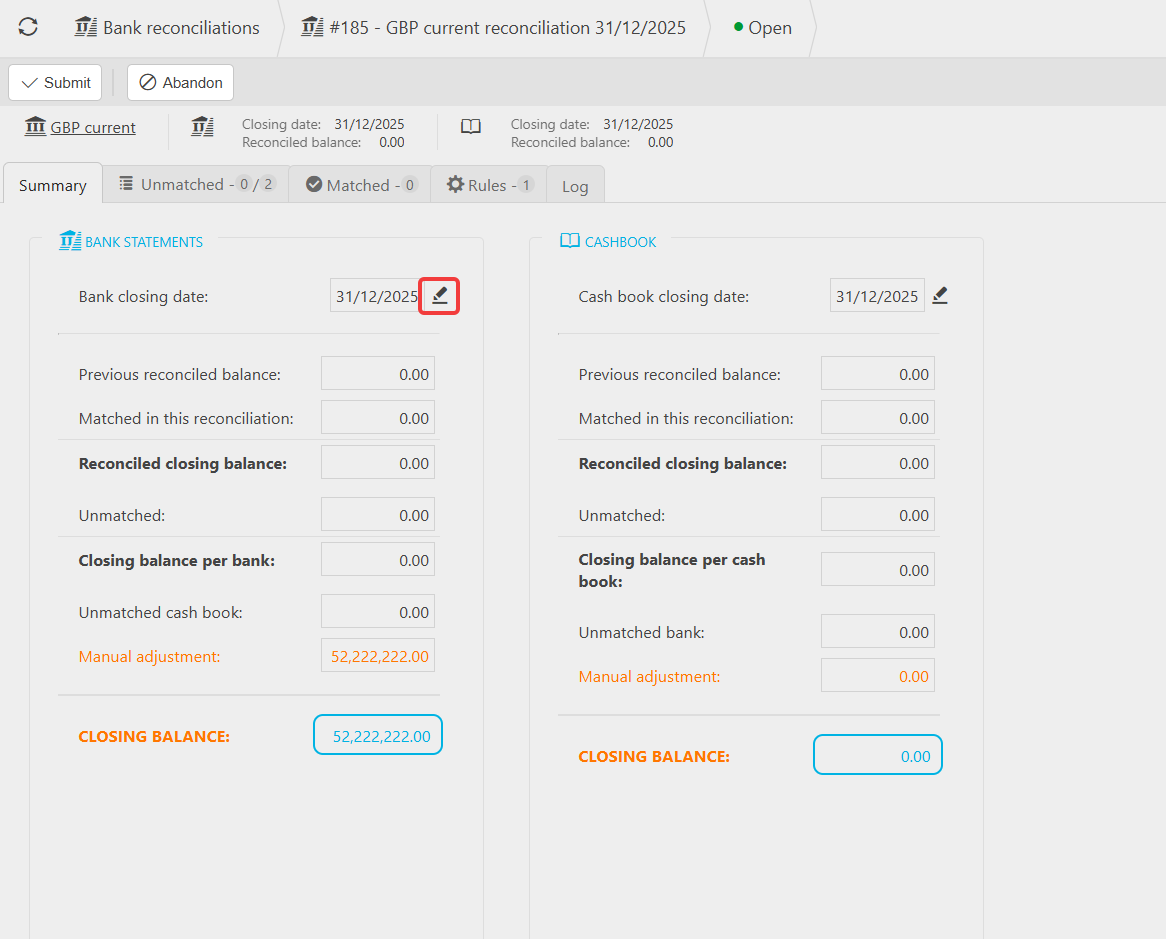
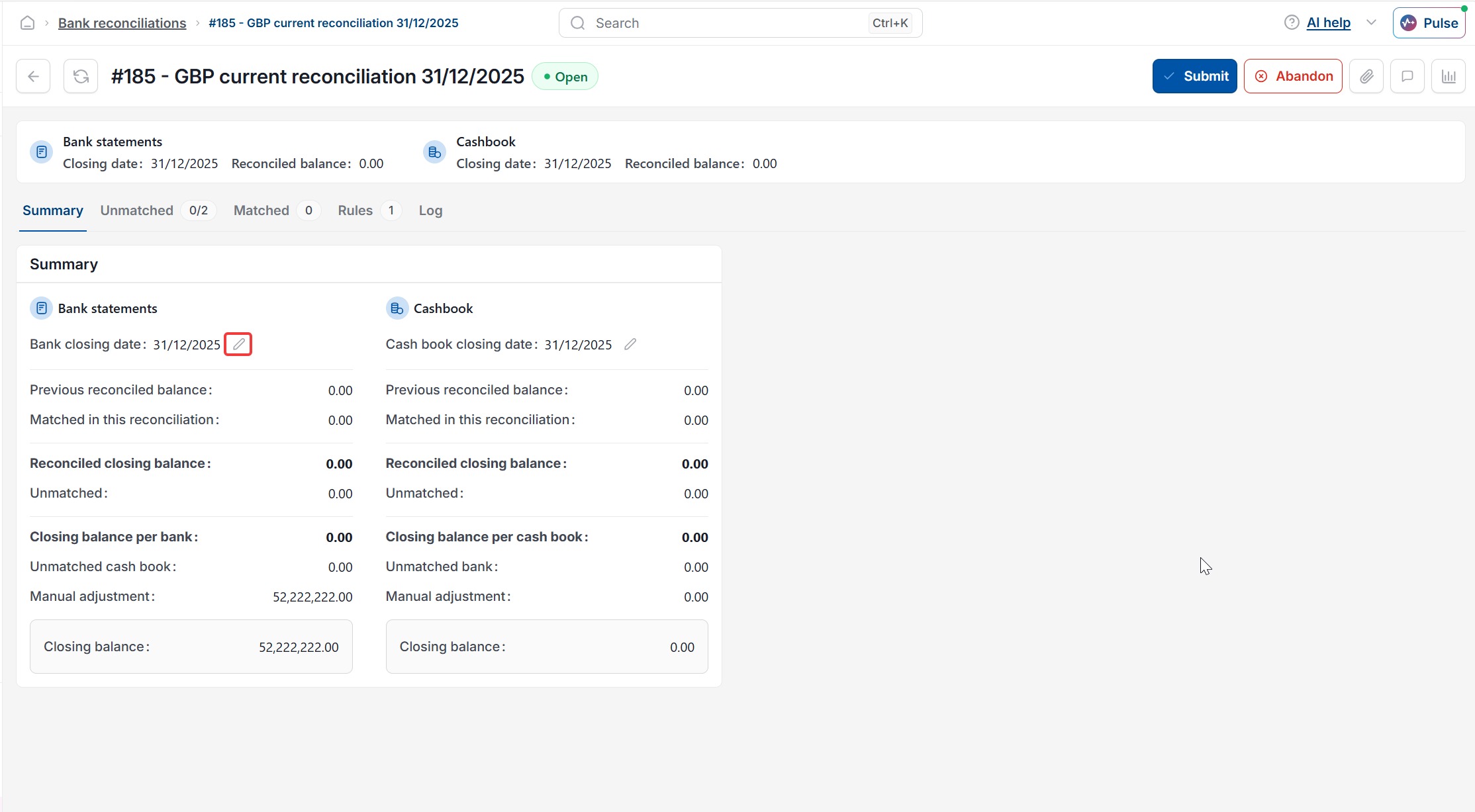
- On the Summary tab, select the bank closing date
- Change the date to a date in the future
- Save the change
- Change the date back to today's date
- Save the change again.
The Summary tab now reflects the current unmatched and matched transactions in the bank reconciliation.
Do not set the bank closing date to a date in the past.
This can unmatch transactions that were previously matched in this bank reconciliation.
If your reconciliation's date range does not yet cover the transactions you're expecting, refreshing will not bring them in – you need to widen the end date instead. See 'Why can't I see all my transactions for this month in a bank reconciliation'.
Bank reconciliation summary not updating
Summary page not refreshing bank rec
Force bank rec summary to recalculate
Bank reconciliation date incorrect
Date on bank reconciliation summary page is incorrect